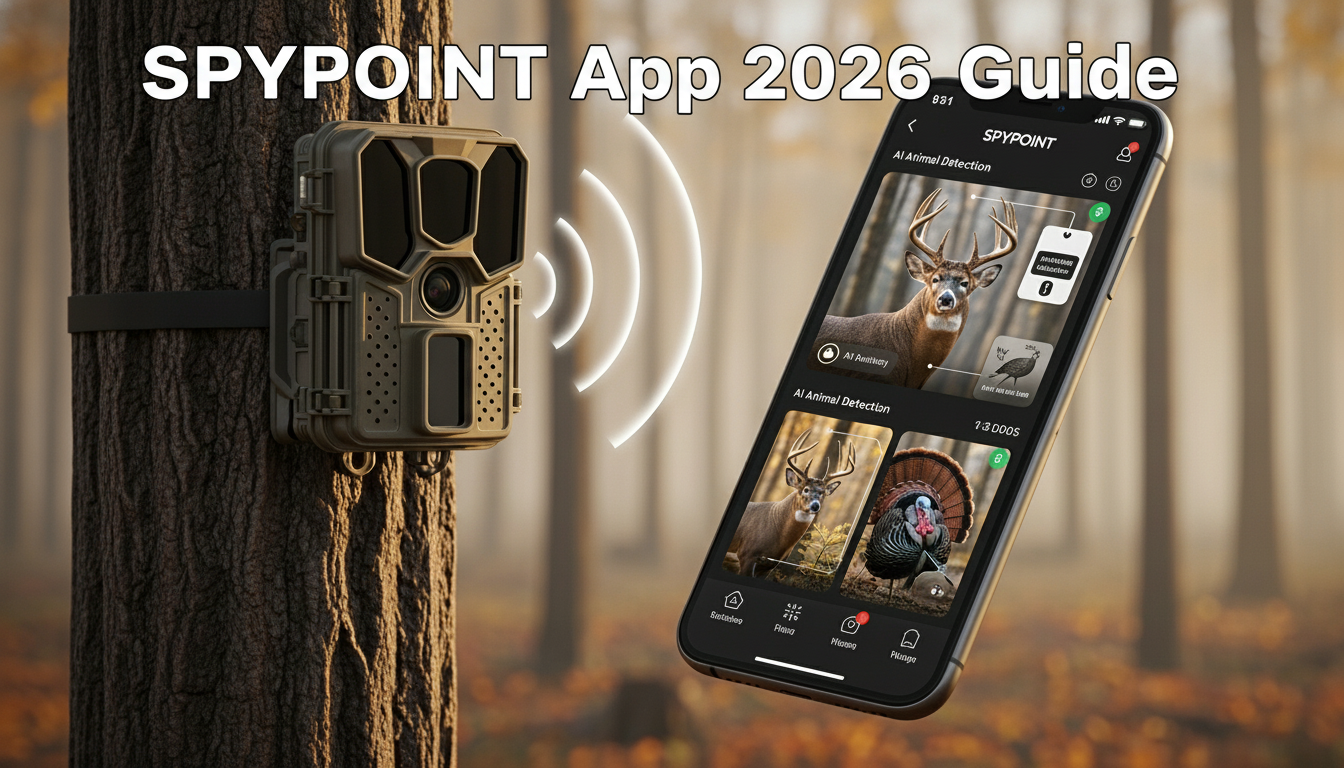
Hunting is much easier in 2026. You do not have to walk far into the woods anymore just to check your trail camera. The SPYPOINT app sends clear pictures straight to your phone over cell service. This saves you time and keeps the woods quiet so deer stay calm.
This guide is simple and clear. It explains everything about the SPYPOINT app and cameras in 2026. You will learn how to set them up, what features to use, which plans to pick, how to fix problems, and smart tips from experienced hunters. The guide uses real information from SPYPOINT’s official details.
Why SPYPOINT Cellular Cameras Make Hunting Better
In the old days, hunters had to visit cameras often. This left human smell and scared the deer. Now, SPYPOINT cameras send photos to your phone without you going there. You only walk in when you see a big buck worth hunting.
The SPYPOINT app is like a control center on your phone. It shows pictures, helps you manage cameras, checks the weather, and uses smart tools to sort photos. The 2026 version is fast and easy to use.
What Is the SPYPOINT App?
The SPYPOINT app is a free phone application for Apple and Android phones. It connects to your cellular trail cameras. The camera takes a picture and sends it to the app using cell signal.
You can see photos quickly, change camera settings, look at maps, check wind direction, and share cameras with friends. Smart AI helps find important animals so you do not waste time on empty pictures.
Many hunters say the app feels simple and helpful. Open it and see all your cameras in one place.
Easy Step-by-Step Setup
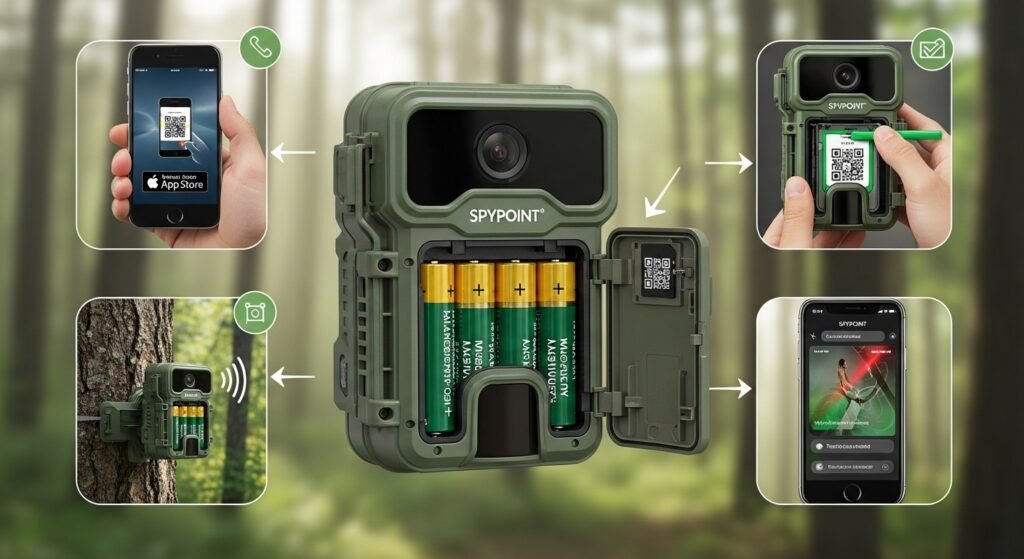
Setting up a SPYPOINT camera is quick. Most people finish in 10 to 15 minutes.
Step 1: Download the App
Go to the Apple App Store or Google Play Store. Search for “SPYPOINT” and download it. Open the app and create a free account with your email.
Step 2: Put in Batteries and Memory Card
Open the camera. Put in fresh batteries. Many people use lithium AA batteries because they last longer. Insert a good micro SD card. SPYPOINT recommends a Class 10 card. Format the card first so the camera works well.
Step 3: Activate the Camera
In the app, tap the button to add a new camera. Scan the QR code inside the battery door. If it does not scan, type the number shown there. The app will help you finish.
Step 4: Place the Camera and Test
Take the camera to your spot in the woods. Choose a place with good cell signal. Turn it on and wait. Check the app to see signal strength and battery level. Take a test photo and make sure it arrives on your phone.
Your camera is now ready!
Main Features of the SPYPOINT App in 2026
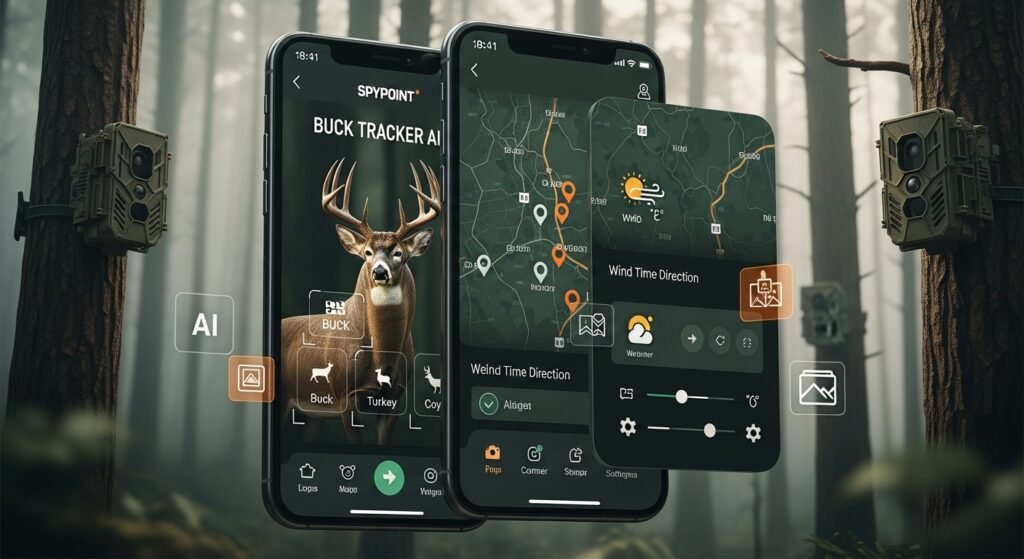
The app in 2026 has many useful tools that help hunters.
Smart AI Animal Finder
The app uses BUCK TRACKER AI. It looks at photos and finds animals like bucks, does, turkeys, coyotes, bears, or people. You can set it to show only pictures of big bucks. This saves a lot of time.
Maps and Weather
See your camera locations on a map. Check real weather and wind direction for that exact spot. This helps you pick good hunting days without guessing.
Share with Friends
Share selected cameras with hunting partners or family. Everyone sees the same pictures, but you control what they can view.
Change Settings from Phone
Adjust how often the camera takes pictures or how sensitive it is. You do this from your couch—no need to walk to the camera.
Save and Organize Photos
Mark favorite pictures and search old ones easily.
SPYPOINT Plans – How Much Do Photos Cost?
Every cellular camera needs a plan to send photos. SPYPOINT makes it easy and cheap.
- Free Plan: 100 photos every month, per camera. Great for quiet areas or testing.
- Basic Plan: More photos for normal use.
- Standard Plan: Good for busy trails.
- Premium Plan: Unlimited photos — best for busy spots or security.
You can pay month by month or for the whole year and save money. Change plans anytime in the app.
Insiders Club
Many hunters join the Insiders Club for $99 a year. You get:
- 250 free photos per month on every camera
- 20% off plans and accessories
- Extra HD photo requests
- Longer photo history
- Chance to win gear in giveaways
This club often pays for itself fast if you have several cameras.
How to Fix Common Problems
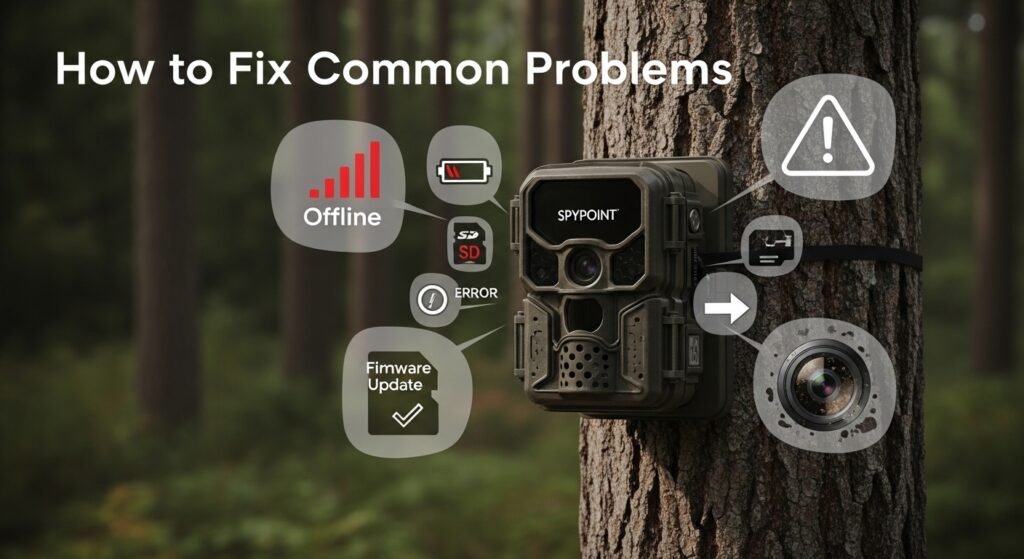
Sometimes small issues happen. Here are easy fixes.
Camera Shows “Offline”
Usually low batteries or weak signal. Move the camera higher on the tree or to a different spot. Check battery level in the app.
Photos Do Not Send
Check the SD card. Make sure it has space and is formatted correctly. Low batteries can also stop sending.
Need New Software (Firmware)
Check the Status tab in the app. If an update is available, download it from the SPYPOINT website, put it on the SD card, and insert it into the camera. Turn the camera on to update.
Bad Pictures or Too Many Empty Shots
Clean the lens. Aim the camera at the right height for deer. Change sensitivity settings in the app if wind or small animals trigger it too often.
If you still have trouble, contact SPYPOINT support through the app. They respond quickly.
Pro Hunting Tips for Better Results
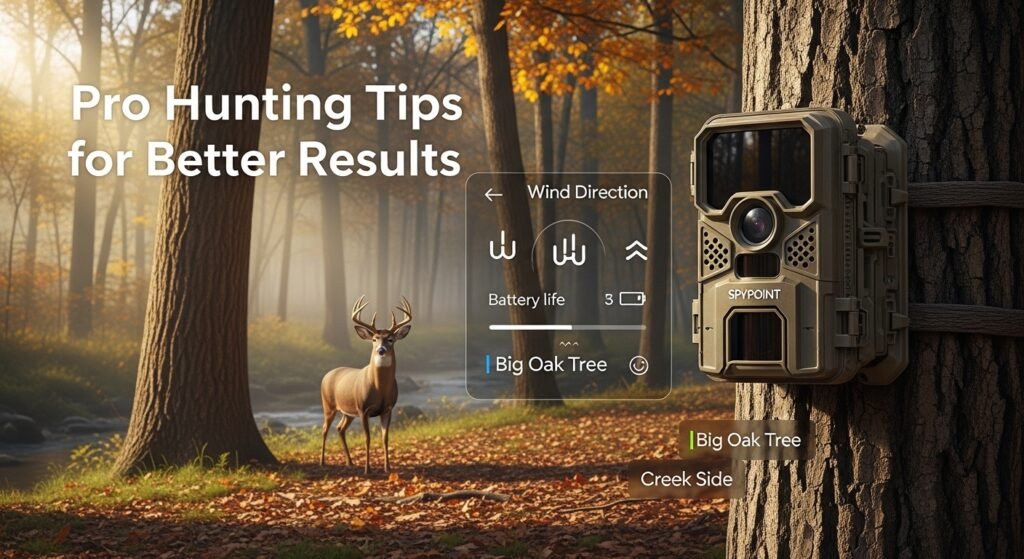
Use these ideas from experienced hunters to get more from your cameras.
Save Battery Life
Set the camera to send photos in batches (two or four times a day) instead of every single picture. You still get the information but batteries last longer.
Check Wind Direction
Before you hunt, look at the wind in the app for your camera spot. Hunt only on days when the wind blows from the deer toward you, not the other way.
Give Cameras Good Names
Name them “Big Oak Tree” or “Creek Side” instead of Camera 1. When a photo arrives, you know exactly where it was taken.
Place Cameras Smartly
Put them on trails, near water, or food sources. Aim slightly down for clear deer pictures. Use natural spots where deer like to walk.
Ask for Better Photos
See an interesting animal in a small photo? Request a clear HD version or short video through the app.
Watch Battery and Patterns
Check battery levels often. Look at old photos to find patterns — what time do deer come? Which days are busy?
Use for Property Security
Set AI to alert you about people. Many landowners watch their land this way.
More Advanced Ideas
Once you know the basics, try these:
- Mark bedding areas and feeding spots on the map.
- Share cameras with your hunting group.
- Use unlimited plan only on busy cameras and free plan on quiet ones.
- Correct AI tags so the system gets smarter.
Final Thoughts
The SPYPOINT app and cameras help you hunt smarter in 2026. You get real information without disturbing the woods. Less human smell means more deer activity and better chances to see big bucks.
Start with one or two cameras. Learn the app slowly. Add more when you feel ready. Keep batteries fresh and software updated. This system is like having a silent helper in the woods. It works all day and night, in rain or snow, and sends updates to your phone. Download the SPYPOINT app today and see the difference. Hunt smarter, stay safer, and enjoy your time in the woods more than ever.
Good luck this season! Stay safe and have fun hunting.
Disclaimer: This article is for information and education only. All images are used for reference purposes and may not show the exact latest SPYPOINT cameras or app screens. This is not a promotional article, not an affiliate post, and we have no connection with SPYPOINT company. We do not earn anything if you buy their products. All details are based on information available in 2026. Features, plans, and prices can change anytime. Please always check the official SPYPOINT website or app for the most accurate and up-to-date information. We are not responsible for any problems, losses, or results from using this guide.
Explore More:
YouFibre App (2026): Ultimate UK Broadband Account, Wi-Fi Control, Billing & Support Guide
About the Author