In 2026, fast internet is very important for most homes in the UK. But managing your broadband should not be hard. YouFibre is a popular full-fibre broadband provider. They have made a simple mobile app that helps you control everything from your phone.
This app is free and easy to use. It helps you from the first day you order until you have been a customer for many years. In this guide, you will learn everything in very simple wordings. You can track your installation, check bills, get help, and more.
What Is the YouFibre App?
The YouFibre App is a free app for Android phones and iPhones. It is your main place to manage your YouFibre broadband account. You do not need to call anyone for most things. Just open the app and do tasks with a few taps on your screen.
YouFibre uses the Netomnia full-fibre network. This gives fast and reliable internet. The app shows real-time details about your service. In 2026, the app is quick and simple. Many families and businesses use it every day.
You can track your new installation, view your bills, talk to support, change Wi-Fi settings, and earn rewards. The app is free for everyone, including business customers.
How to Download and Set Up the App
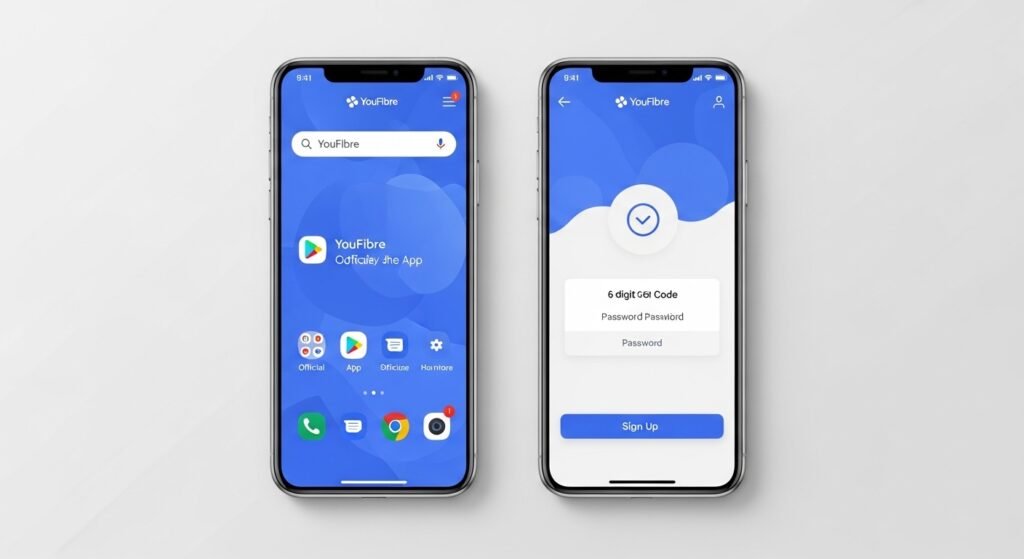
It is very easy to get the app. Open the Google Play Store on your Android phone or the Apple App Store on your iPhone. Search for “YouFibre”. Pick the official app made by Substantial Group Limited.
After you download it, open the app. If you are a new customer, tap Sign Up. Use the same email address you gave when you ordered YouFibre. The app will send a 6-digit code to your email. Enter the code and create a strong password.
Logging in is simple. You can use your email and password. If your phone has Face ID or fingerprint, you can set that up for faster login. Always update the app to get new features.
Tracking Your Installation
Waiting for new broadband can feel exciting but also slow. The YouFibre App has an Install Tracker that helps you. You can see a clear countdown to your engineer visit. It shows the exact date and time the engineer will come to your home.
The app also gives you simple tips to prepare. For example, it may tell you to clear space near the wall for the small box. If there is any delay, you get a message right away. You always know what is happening.
Many customers love this part. It stops worry and keeps you informed without phone calls.
Checking Your Bills and Making Payments
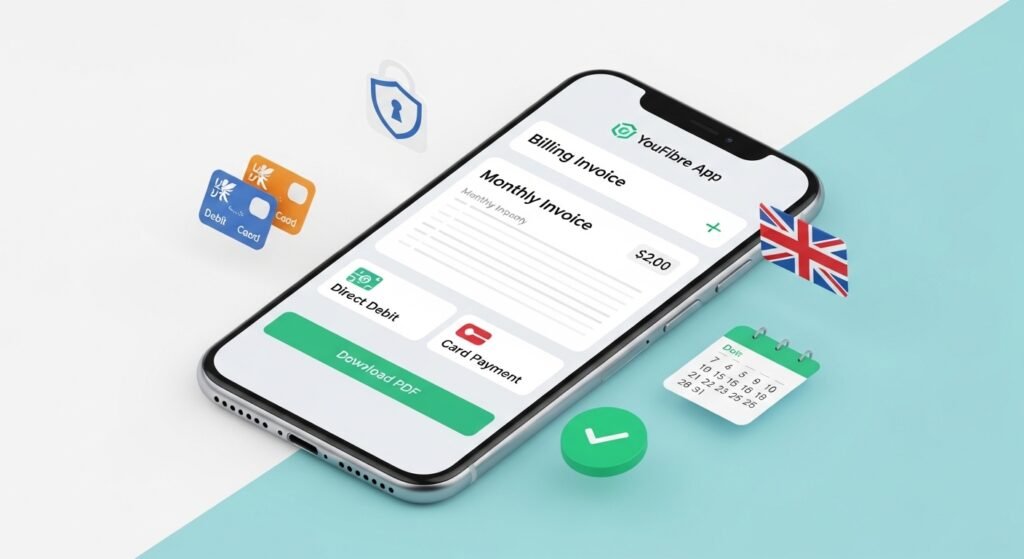
Bills should be easy to handle. In the YouFibre App, you can see all your past bills. Every month, your new bill appears clearly. You can download it as a PDF file if you need it for records.
Most people pay by Direct Debit. It is automatic and simple. But if you want to pay once, the app lets you do it with a UK debit or credit card. You can also ask to change your billing date if your payday moves. This helps you manage money better and avoid late fees.
Your payment information is safe with strong security. YouFibre follows UK rules to protect your details.
Getting Help and Support
Sometimes internet problems happen. The YouFibre App is the best place to start. It has a help section with simple questions. It asks about your router lights and gives clear steps to fix small issues, like restarting the box on the wall.
If you need more help, start a live chat in the app. Support is available 24 hours a day, 7 days a week. You do not have to watch your phone all the time. The app sends a notification when someone replies. This makes help fast and easy.
For serious problems, you can report a fault and book an engineer visit. You choose a time that works for you. Business customers get the same help plus extra tools.
Managing Your Wi-Fi and Internet
YouFibre offers very fast speeds. Some plans go up to 8,000 Mbps (8Gbps). The app helps you manage your home network. New tools are coming soon, like speed tests inside the app and ways to see connected devices.
You will be able to change your Wi-Fi name and password easily. This is useful for security or when guests visit. For bigger homes, YouFibre has mesh options to give strong signal in every room. The app will help you check and improve your setup.
For now, you can see your connection status and stay updated. You can also use the website at my.youfibre.com on a computer if you want.
Earning Rewards by Referring Friends
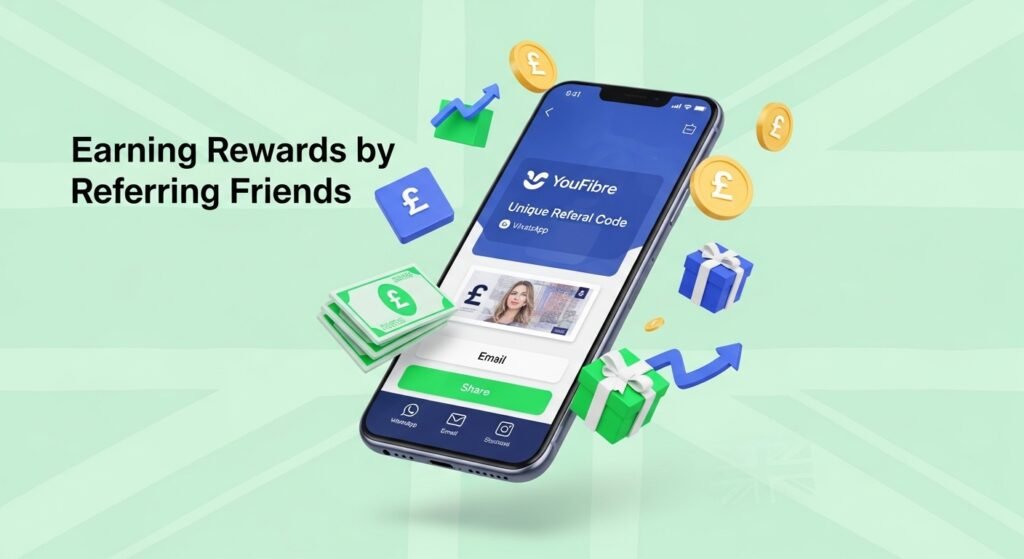
YouFibre grows when happy customers tell their friends. The app makes this rewarding. You get a unique referral code or link inside the app. Share it with friends on WhatsApp, email, or social media.
When your friend signs up with your code and gets connected, both of you get cash. The reward can be up to £100, depending on their plan. You can track all referrals and see when money is coming. The cash usually goes straight to your bank after their first bill.
This is a nice way to help others and save or earn money yourself.
Adding Another User and Privacy Settings
You can add a second person to your account, like your partner or housemate. They get their own login. They can check bills or talk to support without your password. This works well for families and shared homes.
In the settings, you can turn marketing emails on or off with one switch. Your personal information stays safe with good protection. YouFibre respects UK privacy rules.
Seeing Your Contract Details
The app shows clear information about your contract. You can see when it started and when any fixed price period ends. This helps you plan and avoid surprises.
If the app has any issue, use the website at my.youfibre.com. The app and website work together well. You also get updates about any work on the network in your area.
Why People Like the YouFibre App
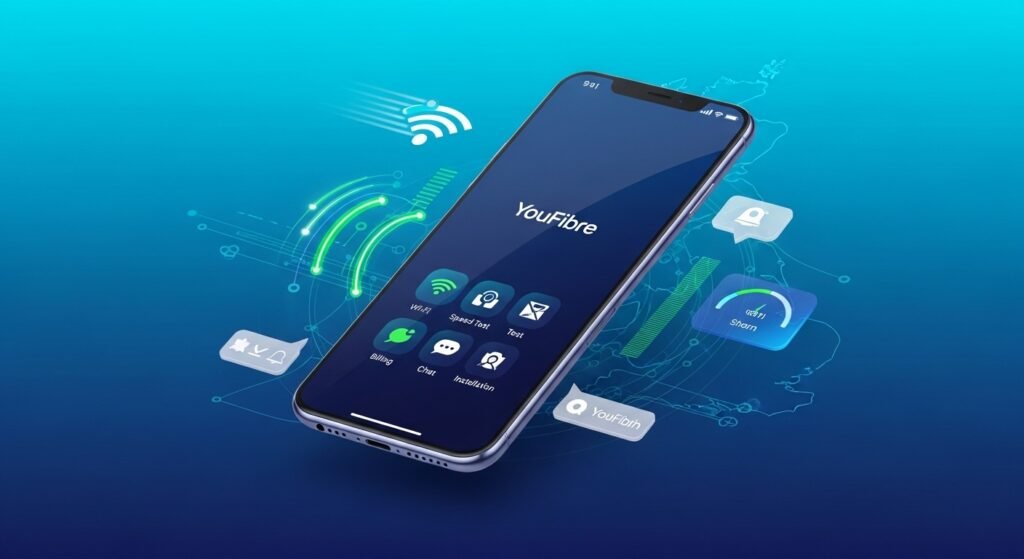
The YouFibre App is popular because it makes life simple. You can do almost everything from your phone. Customers like the clear design, quick chat support, and easy tracking.
As more homes get full-fibre internet, this app gives you real control. YouFibre adds new features based on what customers ask for. More tools like speed tests and device management are coming in 2026.
Common Questions
Is the app free?
Yes, it is completely free for all YouFibre customers.
Can business customers use it?
Yes. They get all the main features plus special tools.
What if the app does not work?
Update it first. If problems continue, try the website at my.youfibre.com.
Does it show contract dates?
Yes, you can see all your contract details clearly.
Final Thoughts
The YouFibre App makes broadband easy and stress-free. You can track your new service, handle bills, get fast help, and earn rewards. Everything is in one simple place on your phone.
In 2026, when we all need good internet, this app matches the fast service YouFibre promises. It is honest, quick, and made for real customers. If you have YouFibre already, download the app today. If you are thinking about joining, the app shows how simple your new broadband can be. Search for YouFibre in your app store and start in a few minutes.
Your internet life becomes much better with the right tools. The YouFibre App is one tool that truly helps you enjoy fast, fair, and simple broadband every day.
Disclaimer: This article is written only to help people understand the YouFibre App in a simple way. All information is based on public details available in April 2026. This is not a promotional article and it is not an affiliate article. The writer does not earn any money or commission from YouFibre. Images used in this article are only for reference and decoration – they do not show the actual app screens. For the latest and most accurate information, please always check directly inside the YouFibre App or on the official website. We are not responsible for any changes made by YouFibre or any issues you may face while using the app.
Explore More:
About the Author