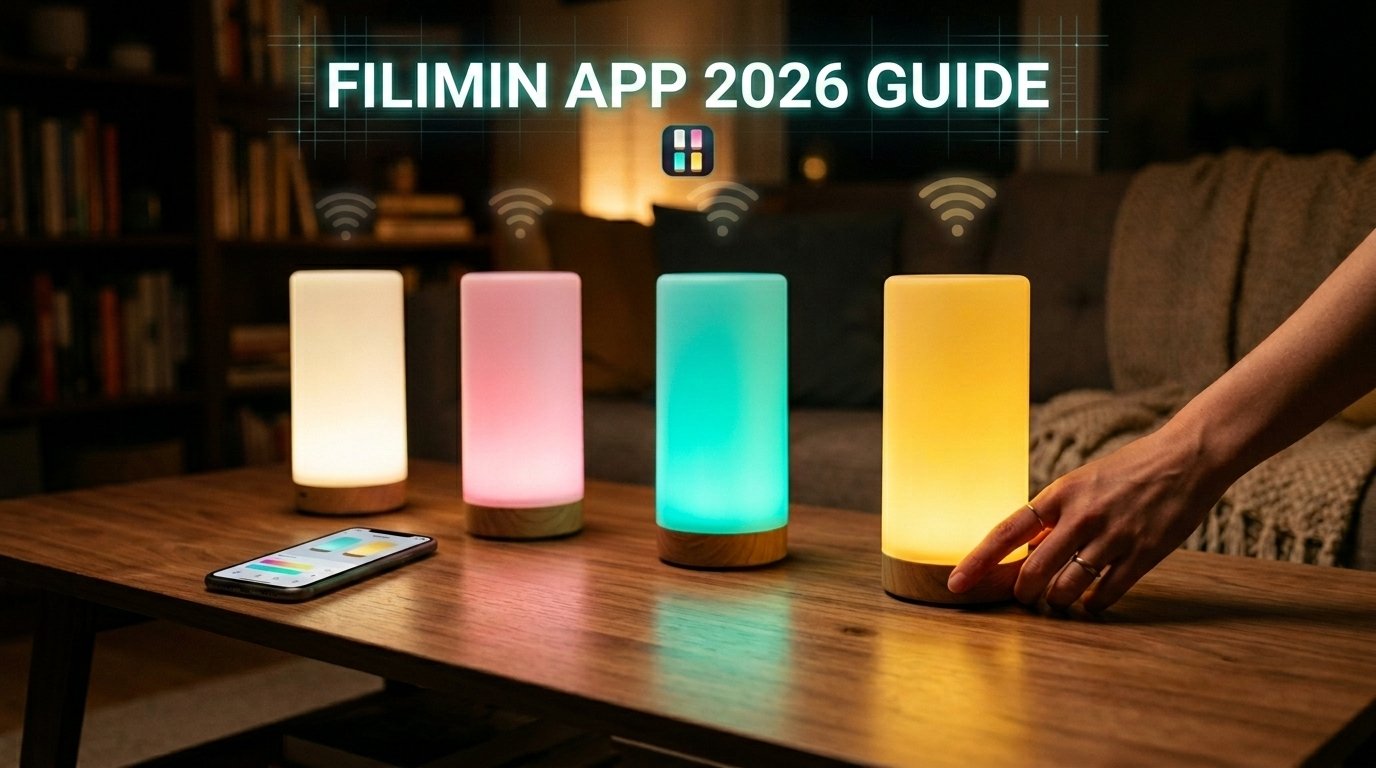
Friendship Lamps by Filimin bring a simple yet powerful way to stay connected with loved ones, no matter the distance. These matching lamps by Filimin let you send a gentle “thinking of you” message with just one touch. Your lamp lights up in a chosen color, and the same warm glow appears on your friend’s or family member’s lamp across the city or across the world.
In 2026, the Filimin App makes setup easier than ever. Whether you are new to these long-distance connection lamps or adding more to your circle, this guide walks you through every step in clear, simple wordings. You will learn how to connect to Wi-Fi, pick personal colors, create groups, and use helpful features like Remote Touch.
Why Friendship Lamps Remain Popular in 2026
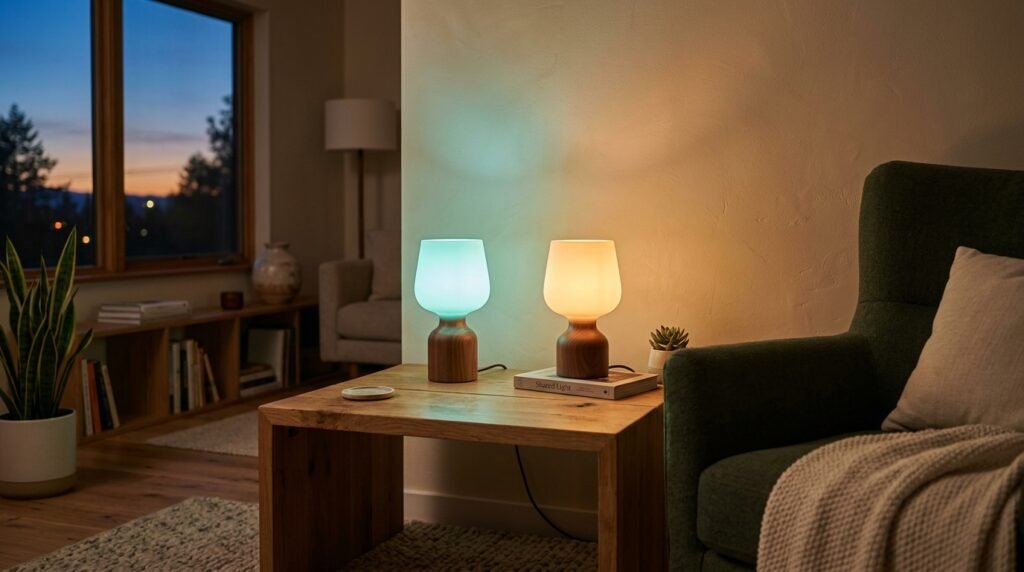
Life keeps people apart — work, school, or family moves. A quick phone call or text works, but it does not always feel the same as a quiet, personal reminder that someone cares. Friendship Lamps solve this beautifully. Tap the top of your lamp, and everyone in your group sees the same color glow. It feels warm, thoughtful, and instant.
Filimin created the original patented Friendship Lamp. Their lamps use high-quality materials that look like beautiful home decor even when turned off. The 2026 app updates bring smoother Wi-Fi setup, better group tools, and reliable Remote Touch. Thousands of people use these matching lamps by Filimin to keep family bonds strong and friendships close.
What You Need Before You Start
Good preparation makes setup fast and stress-free. Here is what to gather:
- A stable 2.4 GHz Wi-Fi network (most routers have this; check your router settings if needed).
- Your smartphone with the latest software.
- The Friendship Lamps App (free on Apple App Store or Google Play).
- Your lamp’s 12-digit Device ID (found on a sticker on the bottom of the lamp).
Place the lamp near your router during setup for the strongest signal. Keep your phone close to the lamp too.
Step-by-Step Guide to Connect Your Friendship Lamp to Wi-Fi
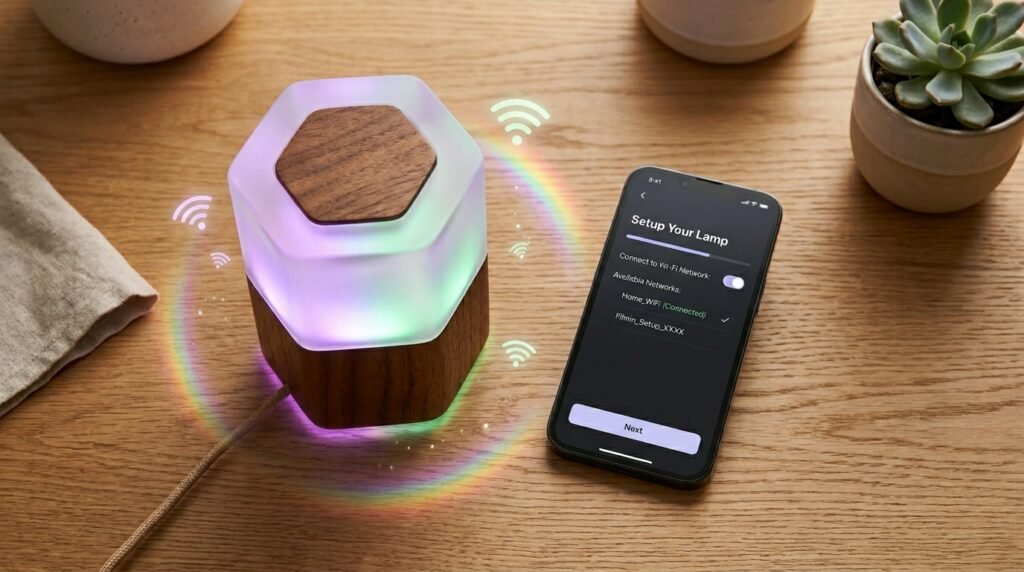
The app guides you clearly, but knowing the steps ahead helps.
Step 1: Download and Open the App
Search for “Friendship Lamps” in your app store or scan the QR code from the lamp box. Install it and open the app. Create a free account if you do not have one.
Step 2: Start the Wi-Fi Setup
Tap “Wi-Fi Setup” in the app. Choose “Setup My Lamp” for your own device. The lamp should start pulsing green or purple when plugged in — this means it is ready.
Step 3: Enter the Device ID
Type in the 12-digit code from the bottom of your lamp or scan the barcode. The app will recognize it quickly.
Step 4: Connect to the Lamp’s Temporary Network
Your phone may ask you to join a network like “Filimin_xxxxxx”. Go to your phone’s Wi-Fi settings, select that network, and enter the password “I love you” (capital I, with spaces). Return to the app once connected.
Step 5: Choose Your Home Wi-Fi
The app shows available networks. Pick your 2.4 GHz home network and enter the correct password. Double-check for extra spaces or typing mistakes — these cause most problems.
Step 6: Wait for Confirmation
The lamp cycles through colors, often ending with a rainbow animation before going dark or steady. This means success! Your lamp is now online.
The whole process usually takes less than 10 minutes.
How to Register and Give Your Lamp a Name
After Wi-Fi connection, register the lamp to your account. Open the app menu (three lines), tap “Claim Lamp,” enter the Device ID again if asked, and give it a friendly nickname like “Mom’s Lamp” or “Living Room.” Tap the top of the lamp a few times when the app asks. This links everything securely.
You can also register through the website at manager.filimin.com if you prefer a computer.
Choosing Signature Colors and Personalizing Your Lamp
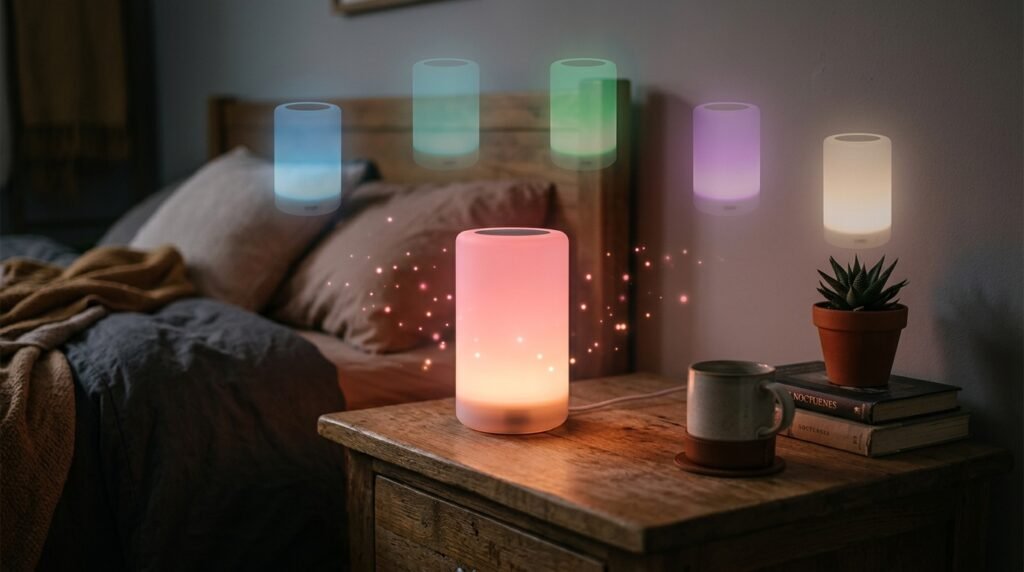
One of the most fun parts of matching lamps by Filimin is making them your own. Each person in the group can pick a unique signature color. When you touch your lamp, others see your color and know exactly who sent the message.
In the app, go to your lamp’s settings. Browse the color options — there are many shades. Pick one that feels like you. You can change it anytime.
Fade Time controls how long the light stays on after a touch. Options usually range from 30 minutes to 24 hours.
Sleep Time lets you set quiet hours, like nighttime, so the lamp does not wake anyone.
These small touches make the lamps fit perfectly into daily life.
Creating and Managing Groups for Family and Friends
Friendship Lamps work best in groups. Everyone in the same group sees touches from each other.
To start a group:
- In the app or at manager.filimin.com, look for group settings.
- Create a new group and give it a name, such as “Family Circle” or “Best Friends.”
- The app gives you an invite code or link.
- Share that link with loved ones. They enter it when setting up their own lamps.
Each physical lamp can only stay active in one group at a time. This keeps things clear. However, you can own multiple lamps and switch them between groups easily in the app. Many people keep one lamp for family and another for close friends.
When someone touches their lamp, all online lamps in the group light up together in that person’s color. It creates a lovely shared moment.
Using Remote Touch When You Are Away
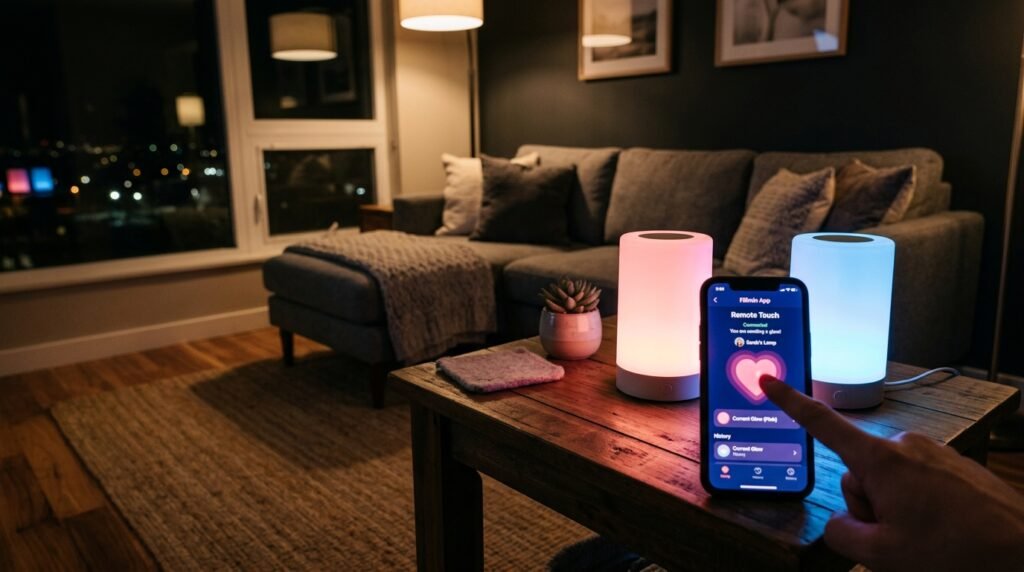
What if you want to send love while traveling or at work? Remote Touch is perfect for this.
Some lamps, like the FriendLi model, need a subscription for full Remote Touch. Others may have it included or as an add-on. Check your app for options.
Once enabled:
- Open the Filimin App.
- Find the Remote Touch area (often shown with a heart or hand icon).
- Tap to send.
- Your chosen color lights up the lamps back home.
This feature helps students, travelers, and busy parents stay connected without being near their physical lamp. It feels like sending a warm hug from anywhere.
Troubleshooting Common Setup Problems
Most people set up without issues, but here are solutions for typical hiccups.
Lamp blinks red or will not connect
This often means a Wi-Fi or internet problem. Restart your router, unplug the lamp for 10–20 seconds, then try again. Move the lamp closer to the router during setup.
Orange blinking or password error
Double-check your home Wi-Fi password. Make sure you are on the 2.4 GHz band. Turn off mobile data on your phone during setup to avoid confusion.
Cannot join the temporary Filimin network
Ensure you typed “I love you” exactly right. Restart your phone’s Wi-Fi and try again.
Lamp shows offline after setup
Confirm the lamp is plugged in and your internet works. Check the app for status lights. Sometimes a simple power cycle fixes it.
The official support site at support.filimin.com has clear articles and color code explanations if you need more help. Their team responds quickly too.
Extra Tips for the Best Experience in 2026
- Keep lamps on a stable surface so touches register well.
- Update the app regularly for new features and security.
- Mix different lamp styles — all Filimin models work together in the same group.
- For large families, create one main group and use Remote Touch for personal messages.
- Place lamps where you see them often — on a desk, bedside table, or kitchen counter — so you remember to send touches.
Who Benefits Most from Matching Lamps by Filimin?
These lamps help many types of relationships:
- Long-distance couples who want a daily good-morning or good-night glow.
- Parents and adult children separated by college or jobs.
- Grandparents and grandchildren who may not text often but love seeing a colorful hello.
- Close friends who want to celebrate small wins or offer quiet support.
- Military families or anyone living abroad.
The gentle light feels more personal than a notification on a phone. It brings warmth into the home.
Final Thoughts: Light Up Your Connections
Setting up your Friendship Lamps with the 2026 Filimin App takes just a short time, but the rewards last for years. From smooth Wi-Fi connection and beautiful color choices to flexible groups and helpful Remote Touch, everything works to keep your most important people close in heart.
Whether you buy a single lamp to start or a full set of matching lamps by Filimin, you give more than a product — you give a daily reminder of love and presence. Distance loses its power when a simple touch can light up someone’s day.
Ready to begin? Download the app, plug in your lamp, and start connecting today. Your loved ones will smile every time their lamp glows.
Disclaimer: This article is written only for informational and educational purposes. All setup steps are based on Filimin’s official guides available in 2026. Images used are for reference only and may not represent the exact current product. This is not a promotional, sponsored, or affiliate article. We have no relationship with Filimin company. Please always check the official Filimin App and support website for the latest instructions, as features can change. We are not responsible for any issues during setup or use of the lamps.
Explore More:
HiAnime App Guide: Real App, Fake APKs or Website Shortcut? Ultimate 2026 Safety & Best Alternatives
About the Author