Social media can feel scary for parents these days. Apps like TikTok and Instagram are full of fun videos, but they also have problems. Kids can see things that are not good for them. They might face mean comments or messages from strangers. That is why many families in 2026 are choosing safer apps made just for children.
One popular choice is Coverstar. It is like a safe version of TikTok. This simple guide will explain everything in easy words. You will learn what Coverstar is, what it can do, how safe it is, what people think about it, how to get it, and if it is better than TikTok.
What Is the Coverstar App?
Coverstar is a social media app created for kids and young teens. It is best for children aged 9 to 15. The company that made it is called Norae Inc. They built the app to let kids create fun videos in a kind and safe place.
The app looks a bit like TikTok. You can scroll through short videos, make your own clips, and join fun activities. But Coverstar is different. It does not focus on getting famous or spending hours just watching. Instead, it helps kids make things, play, and feel happy.
Many parents call it the “safe TikTok” because it puts safety and positive fun first. It is great for Generation Alpha and younger Gen Z kids who want to dance, sing, or share ideas without worry.
Why Families Love Coverstar in 2026
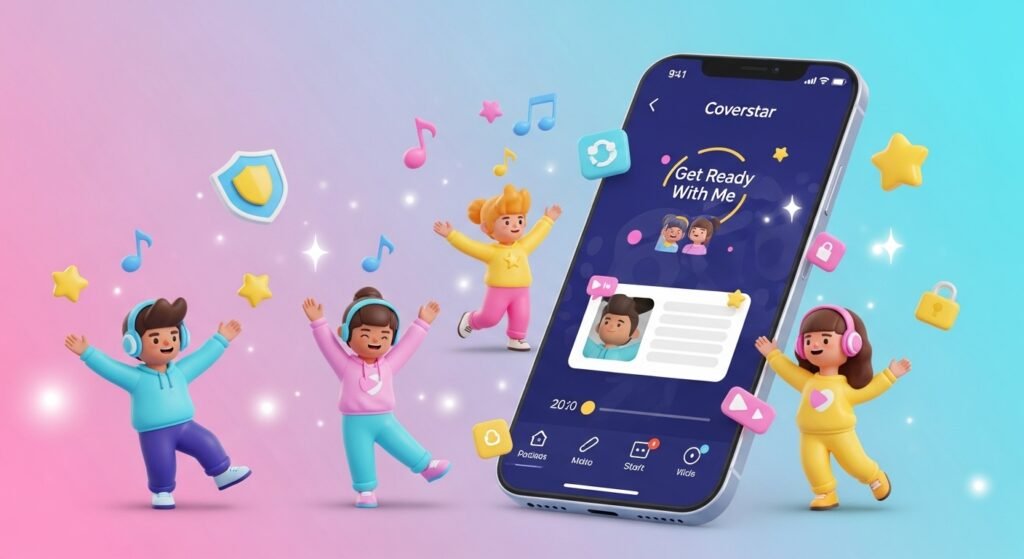
In 2026, kids still want to make videos and connect with friends online. But parents want to protect them. Coverstar gives both what they need.
Kids enjoy making dance videos, “Get Ready With Me” clips, funny challenges, and short vlogs. The app gives them easy tools to edit videos with music and nice effects. Everything is checked to make sure it is okay for young users.
Parents like it because they do not have to worry so much. The app has strong rules to keep bad things out. This makes Coverstar a good middle choice – fun like big apps but much safer.
Main Features That Make Coverstar Special
Coverstar has many simple and fun tools. Here are the main ones:
Easy Video Making Tools
You can record short videos right away. The app has music, filters, and cool effects that are safe for kids. There are daily challenges that give fresh ideas. This helps kids stay creative instead of just watching all day.
Avatar Twin – Your Digital Character
One of the best parts is the Avatar Twin. Kids create a cartoon version of themselves. You can change the hair, clothes, and look. Your avatar can appear in videos and even play games inside the app. This means kids do not always have to show their real face. It adds privacy and makes things more playful.
Creative Challenges and Rewards
Every day, the app gives new challenges. Kids can join with friends and win small prizes or get featured. This keeps the app exciting and focused on good things.
Live Streaming with Safety Limits
You can watch live videos from other kids. But it is not open to everyone. You often need many followers or special permission to start your own live. Real people and smart computer systems watch to keep everything safe.
Scrolling Breaks
The app sometimes shows gentle reminders to stop scrolling and go make something. This helps stop too much screen time and makes kids more active.
These features work together to make Coverstar fun and different from other apps.
How Coverstar Keeps Kids Really Safe
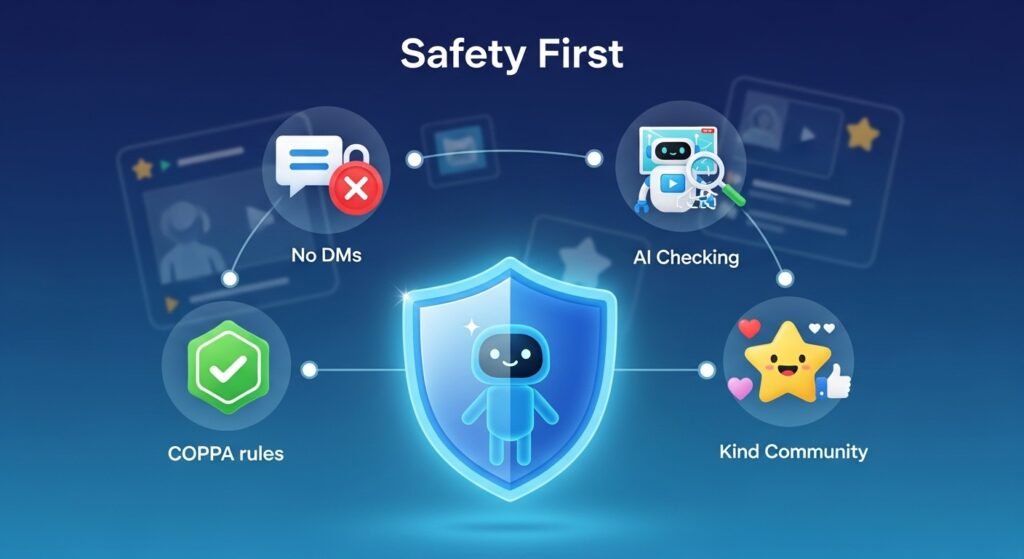
Safety is the biggest reason parents pick Coverstar. The app has strong protections built in from the start.
No Private Messages (No DMs)
This is very important. There are no direct messages between users. Strangers cannot send secret texts or photos. This stops bullies and bad people from contacting kids privately. Many experts say this is one of the safest choices.
Strong Checking System
Every video, comment, and post is checked. Smart AI looks for problems first. Then real human moderators check anything that needs more attention. The app has zero tolerance for mean comments, bad words, or wrong clothing. Bad content gets removed fast.
Follows COPPA Rules
For kids under 13, parents must give permission. This follows important children’s privacy laws. Parents often do a quick check with video or card to prove they are adults. Parents can also control many settings.
Kind Community Rules
The app only allows positive and age-appropriate content. Bullying is not allowed at all. Feeds show mostly good and fun videos.
Safety experts like Bark have said Coverstar is one of the safer apps for kids because of these rules.
Is Coverstar Better Than TikTok?
This is a common question. Let’s compare them in a fair way.
TikTok has a huge number of users and songs. It is easy to become very famous there. But it also has more risks – private messages, mature videos, and sometimes mean comments.
Coverstar is smaller, so it may take longer to get lots of followers. Some extra items cost “Starcoins” that you can buy. But it is much safer. No secret messages, better content control, and reminders to create instead of just watch.
For kids under 13 or young teens, most parents and experts say Coverstar is better. It gives the joy of making videos without so many dangers. Older teens who want a very big audience might still like TikTok more. But for family peace of mind, Coverstar wins for younger kids.
What Real Kids and Parents Say in 2026
Coverstar gets very good ratings. It often has around 4.7 stars in app stores with many reviews.
Kids say things like:
“I love this app because everyone is nice.”
“I can make videos and not worry about mean people.”
“It feels fun and safe.”
Parents share:
“No DMs means I do not have to worry about secret messages.”
“My child is happy and creative here.”
“It is like TikTok but without the bad parts.”
Of course, some people want more features or fewer ads. But most reviews are positive, especially from families who tried it after avoiding other apps.
How to Download and Start Using Coverstar
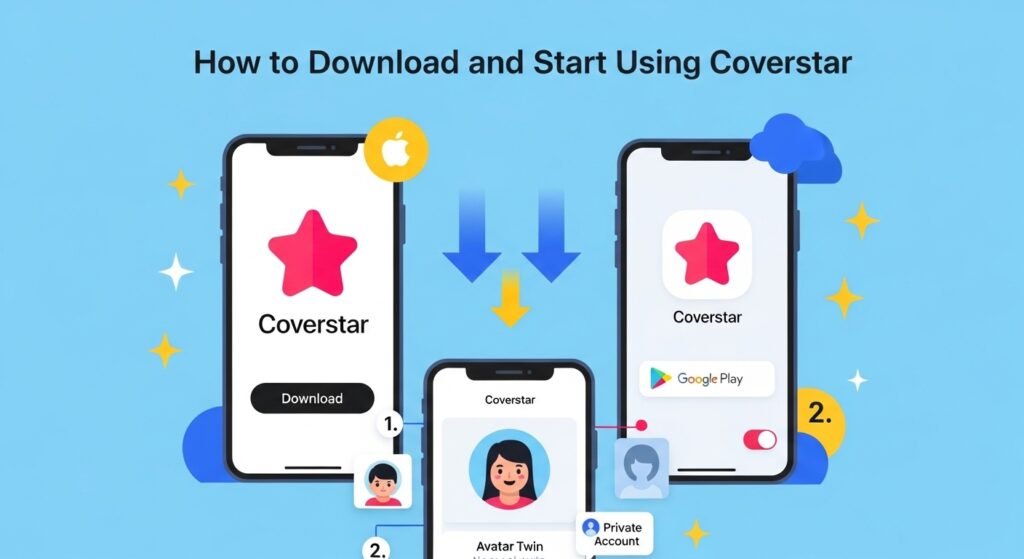
It is easy to get the app.
On iPhone or iPad:
Go to the Apple App Store. Search for “Coverstar – Positive Social”. Look for the bright star logo. You need iOS 16.4 or newer. Tap to download.
On Android Phone:
Open Google Play Store. Search for Coverstar. Download the one from Norae Inc.
After installing, the app asks your age. If under 13, a parent helps with the safety check. Then create your profile and Avatar Twin. Start with private settings if you want only friends to see videos. Turn off in-app buying to avoid extra costs.
Tips to Stay Safe and Have Fun
Even a safe app needs some care. Here are easy tips:
- Keep the account private at first.
- Parents should check the app sometimes.
- Talk to your kids about what they post.
- Use the reporting button if you see anything wrong.
- Set time limits so it stays balanced with real life.
These small steps help everyone enjoy Coverstar safely.
Final Thoughts – Should Your Family Try Coverstar?
In 2026, Coverstar is a smart choice for many families. It lets kids enjoy short videos, challenges, and creativity in a place that feels kind and protected. By removing private messages and checking everything carefully, it creates a better space for young creators. It may not be perfect for every older teen who wants to go super viral. But for children aged 9 to 15, it often feels like the right balance. Parents get peace of mind while kids get to dance, create, and connect happily.
The online world does not have to be scary. Apps like Coverstar show that fun and safety can go together. Download it with your child, explore together, and see if it fits your family. Many parents say it has been a great choice. Give Coverstar a try today. It might become your new favorite safe place for creative fun online.
Disclaimer: This article is for information purposes only. It is not a promotional, sponsored, or affiliate article. We do not earn any money if you download or use the Coverstar app. All details are based on publicly available information as of 2026 and may change over time. Please check the official app on the App Store or Google Play for the latest updates. Images used in this article are for reference and illustration only. Always do your own research and make the best decision for your family. Stay safe online!
Explore More:
YouFibre App (2026): Ultimate UK Broadband Account, Wi-Fi Control, Billing & Support Guide
About the Author