Moving house or dealing with legal work in the UK can feel hard. In the old days, you had to print lots of papers, post them, or email your passport and bank details. These old ways took a long time and could put your private information at risk.
In 2026, the Thirdfort app has become a popular and trusted tool. Many law firms, estate agents, and other professionals use it to check who you are and where your money comes from. They do this in a simple, safe, and fast way.
If your solicitor or estate agent asks you to download the Thirdfort app, you may have questions. Is it safe? How does it work? What do other people say about it?
This guide explains everything in very simple words. You will learn what the app is, how it works, its main features, how safe it is, how to set it up, and what real users think. The facts come from the official Thirdfort website, government records, and user reviews.
What Is the Thirdfort App?
The Thirdfort app is a free phone app that makes identity checks and money checks easy and safe. These checks are called Know Your Customer (KYC) and Anti-Money Laundering (AML). UK law says these checks must happen when you buy a house or work with certain professionals.
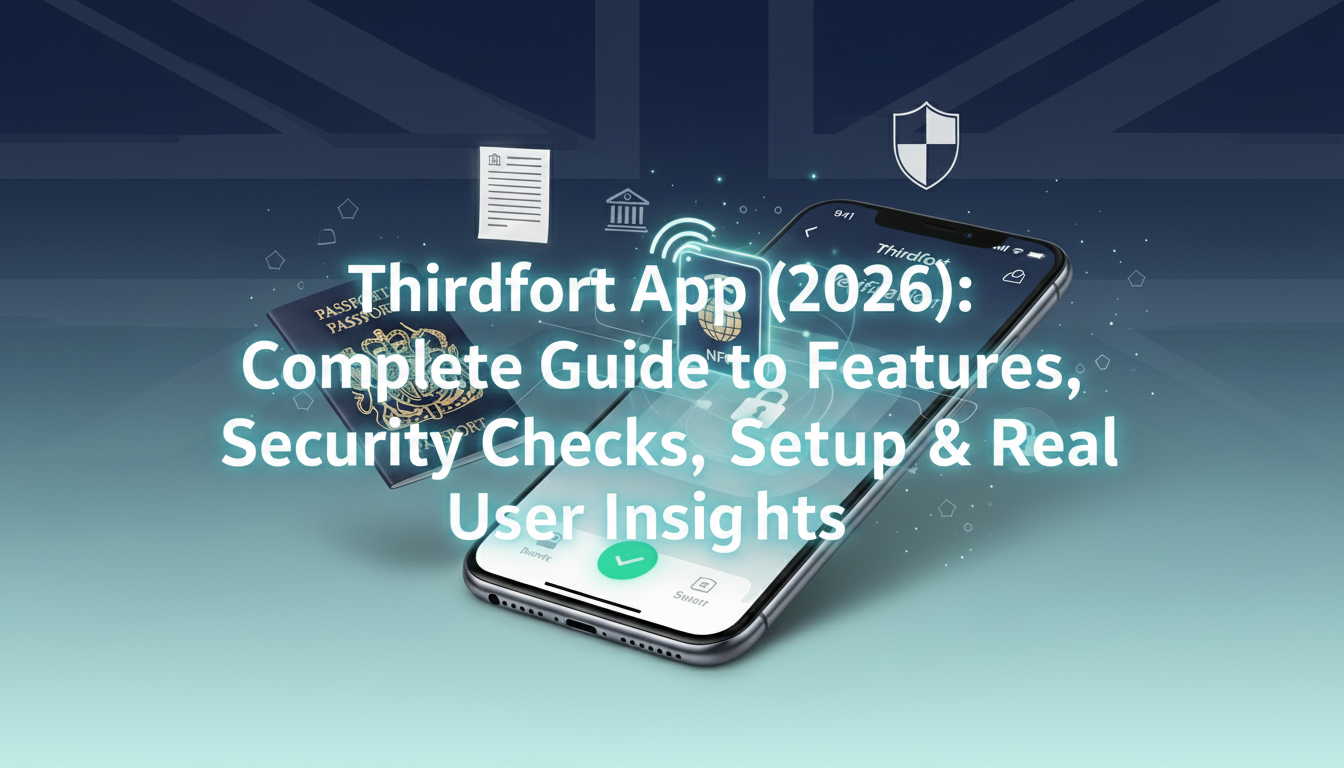
Instead of sending paper copies of your passport or bank statements by post or email, you use the app on your phone. You scan your ID and do a quick face check. The app then sends the verified information safely to only the professional who asked you, like your lawyer or estate agent.
Thirdfort is mostly used for property and legal work in the UK. It checks your identity and looks at where your money comes from. By 2026, more than 3 million people have used the app, and over 1,500 regulated firms rely on it.
The app is free for you to download and use. Your law firm or estate agent pays Thirdfort for the check. They may add this small cost to their bill.
Why Do Professionals Ask You to Use Thirdfort?
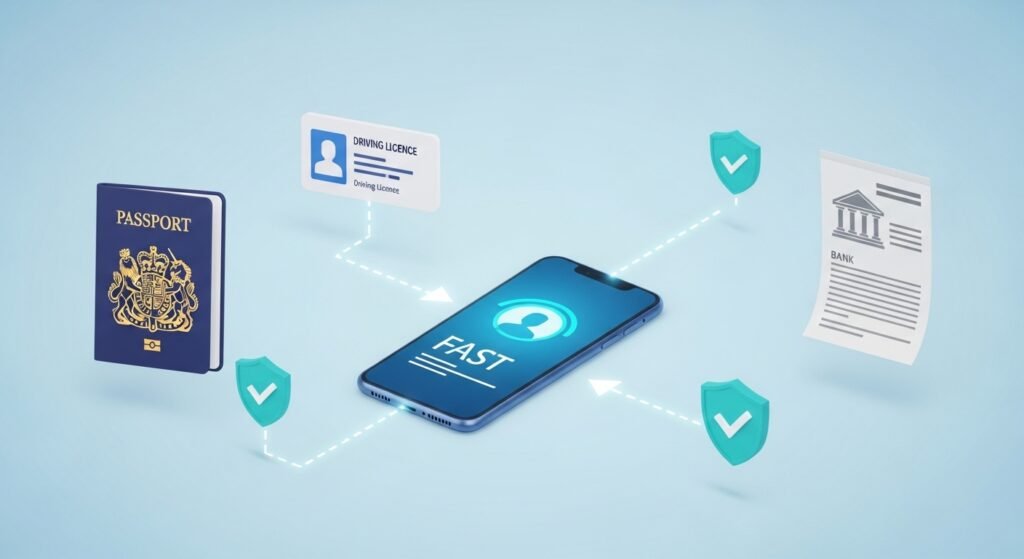
UK rules to stop money laundering are strict. Professionals must prove they know who you are and that your money comes from a legal place. Doing these checks with paper or email can be slow and sometimes risky.
The Thirdfort app makes everything digital, quick, and more reliable. It helps speed up house buying and gives professionals clear reports. For you, it means you can finish your part from home, often in less than 15 minutes, without leaving the house or posting anything.
The app works with common IDs like passports, driving licences, and residence permits. It also checks your bank activity to make sure things look normal.
How Does the Thirdfort App Work?
You cannot start the app by yourself. A professional must send you an invitation. This usually comes as a text message with a safe link.
Here is the simple step-by-step process:
Click the link and download the app from the Apple App Store or Google Play Store. Open the app and follow the easy instructions on the screen.
First, you do identity verification. Scan your ID. If you have a passport with a chip, the app uses NFC technology. Hold your phone near the passport. The app reads the secure data straight from the chip, including your photo.
Next, you do a short liveness check. The app asks for a quick selfie video. You may need to move your head a little or say a few numbers on the screen. This proves you are a real person right now and that your face matches your ID photo. It helps stop fake photos or videos.
If you are buying a property, the app may ask about the source of your funds. You can connect your bank account through Open Banking. This is a safe, government-backed system. It creates a read-only link. The app looks at your transactions for the last six months. You log in on your own bank’s safe page, so Thirdfort never sees your password.
If you do not want Open Banking, you can upload PDF bank statements instead. Open Banking is often quicker for the professional.
You may also need to show proof of address. You can upload a recent utility bill or bank statement with your phone camera.
When you finish all steps, the app sends a clear report safely to your solicitor or estate agent. Most people finish the whole thing quickly.
Key Features of Thirdfort in 2026
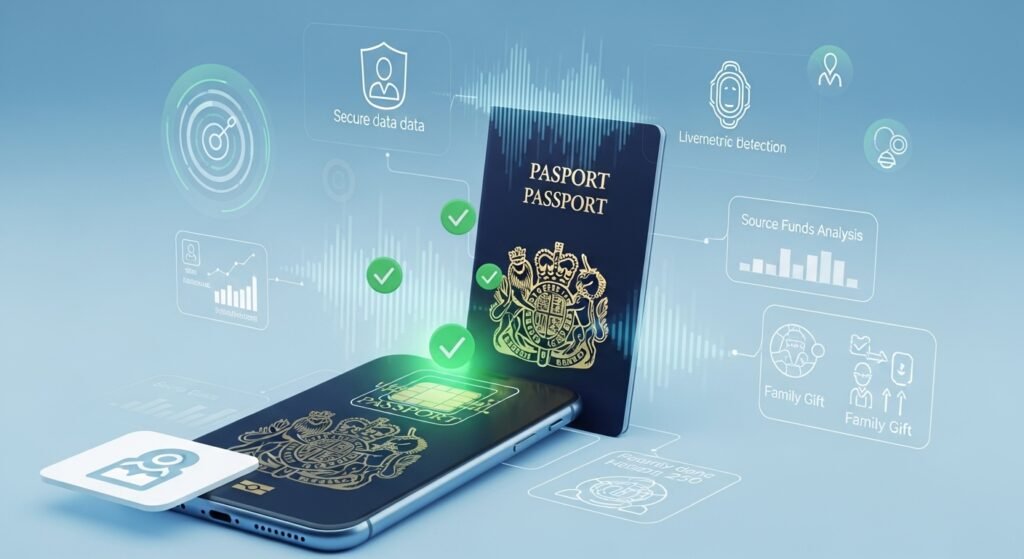
Thirdfort keeps getting better with new technology to follow UK rules and help users. Here are some important features:
- NFC passport reading pulls accurate data from the official chip and checks with government systems. This makes fake IDs very hard to use.
- Advanced liveness detection confirms you are a real, live person.
- Source of funds analysis automatically shows possible issues, like big unexplained deposits or differences between what you say about your savings and what the bank shows. Studies of many checks found that savings mismatches are a common issue.
- Special support for family gifts. If someone gives you money for a house deposit, they can do their own checks separately.
- Safe sharing of information with other professionals in the same deal, so you do not repeat the work.
- It works well on most new iOS and Android phones when the software is up to date.
These features make Thirdfort a top choice for digital checks in the UK.
Is Thirdfort Safe? Understanding the Security
Many people worry about sharing personal and bank details. Thirdfort takes safety very seriously and follows high UK standards.
Thirdfort Limited is authorised and regulated by the Financial Conduct Authority (FCA) with reference number 806236. It is registered with the Information Commissioner’s Office (ICO) under number ZA292762 for data protection. The company follows UK GDPR and the Data Protection Act 2018.
The app uses strong encryption like big banks. Your information is protected when it travels, and the app does not keep extra details.
With Open Banking, you never give your bank password to Thirdfort. The app takes you to your bank’s own safe login page. You log in there, and Thirdfort gets only the limited information you allow. It is read-only, so no one can move your money.
Your data goes only to the professional who invited you. Thirdfort does not sell your information. After the check, sensitive data is handled by legal rules and removed when no longer needed.
The app is much safer than emailing your passport. Emails can be intercepted or shared by mistake. Thirdfort creates a protected path to the right person.
These steps, plus government-backed security like Cyber Essentials Plus, help you feel safe.
Who Pays for the Thirdfort Check?
The Thirdfort app is free for you to download and use. You pay nothing inside the app.
Your law firm, estate agent, or professional pays Thirdfort for the check. Many firms add this as a small fee in their bill to you. The cost is usually modest.
Ask your solicitor clearly about any costs for identity or money checks before you start. They should explain it as part of their service.
Setup Guide: How to Prepare and Use the App Smoothly
Getting ready for your Thirdfort check is easy with these simple tips.
Make sure you have a strong internet connection. Wi-Fi is best, but good mobile data works too.
Have your main ID ready and check it is not expired. For passports, keep the chip area clean.
Find a place with bright but even light. Avoid strong sunlight that causes glare on your face or document.
Update your phone to the newest software. This helps the app run well and stay secure.
When you get the invitation link, open it and follow the steps on screen. The app saves your progress. If you stop, you can continue later.
If the face scan or NFC does not work first time, try again with better light. Hold your phone steady.
For bank connection, have your online banking ready. You will log in on your bank’s safe page.
If you have any problem, contact the support team. Many users say the team is friendly and helps quickly during business hours.
Real User Insights and Reviews
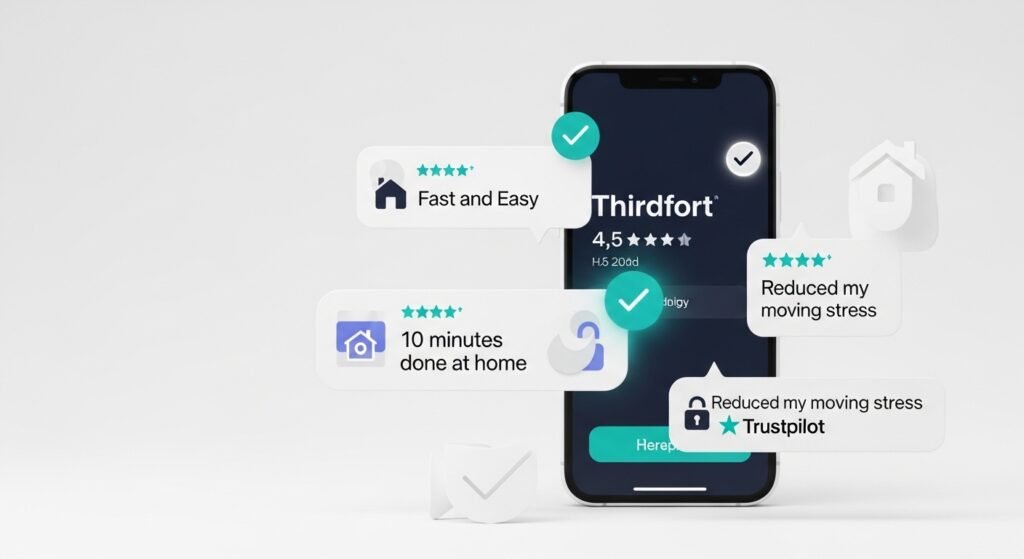
People who used the Thirdfort app share their experiences on Trustpilot. In 2026, it has a good rating of around 4.5 out of 5 stars from thousands of reviews.
Many users like how fast and easy it is. They often say they finished their checks at home in 10 to 15 minutes. Users praise the support team for being helpful with small issues.
Positive reviews talk about clear steps and feeling secure. People say it reduces stress from paperwork when moving house.
Some users mention small challenges. A few feel unsure about linking their bank at first, even though it is safe. Others say smaller banks may need manual uploads. The face check can be tricky with bad light or an older phone.
Helpful tips from users include standing against a plain wall for the selfie and taking off hats or glasses. If the app stops, close it fully and open again.
Most people find the app much better than old paper methods once they try it.
Common Myths About Thirdfort
Some ideas can worry new users. Here are the facts:
- One myth is that Thirdfort can see your bank password. This is not true. You log in on your own bank’s safe page. Thirdfort gets only a limited summary.
- Another myth is that if the app has a problem, your house purchase fails. In reality, if the digital check does not work, your professional can use traditional paper checks.
- Some people think Thirdfort keeps your data forever. The company follows strict GDPR rules. Data is kept only as long as needed and then removed safely.
Knowing the truth helps you feel more comfortable.
Thirdfort Compared to Traditional Methods
The Thirdfort app has clear benefits over old ways.
It is much faster. Old methods took days or weeks. Now it takes minutes.
Security is better. Everything stays protected digitally instead of risking loss in post or email problems.
Convenience is high. You do everything on your phone from home, with no travel or printing.
Accuracy improves with digital tools like NFC and automatic checks, not just a person looking at papers. There may be a small fee, but the app often saves time and mistakes, which can save money overall. Many users say the new way feels less stressful.
Tips for the Best Experience
Prepare a little before you start. Read your solicitor’s instructions and keep your documents together.
If you worry about Open Banking, remember it is a safe system backed by the government. You control what you share.
Contact support if you need help. They are known for quick and kind responses.
After finishing, note any reference number for later talks with your professional.
The Future of Digital Checks in the UK
In 2026, apps like Thirdfort are part of a bigger change to safer and faster digital processes. The UK government supports secure electronic checks. Companies like Thirdfort update their tools to meet new rules and use better technology.
This helps reduce fraud, speeds up house buying, and makes life easier for everyone.
Final Thoughts: Should You Use Thirdfort?
For most people buying a house or doing legal work in the UK, the Thirdfort app is now a normal and helpful step. It is safer and quicker than old document methods. It may feel new at first, especially the face scan or bank link, but most users finish without big problems and like the convenience.
If your professional asks you to use it, get a valid ID, good light, and about 15 minutes of quiet time. This helps protect you from identity risks and moves your deal forward smoothly. Ask your solicitor any questions before you begin. They can explain how it fits your case.
Disclaimer: This article is written only for general information and educational purposes. It is not a promotional or affiliate article, and we do not receive any payment or benefit from Thirdfort. All details are based on publicly available information as of 2026 and may change over time. Images used are for reference only. This guide does not replace professional advice. Please check the official Thirdfort website and speak to your solicitor or advisor for the most accurate and up-to-date information before using the app.
Explore More:
Chat Board App (2026): Ultimate Guide to Features, Safety, Best Alternatives & Hidden Tips
Oticon Companion App (2026): Complete Setup, Features, Troubleshooting & Hidden Tips Guide
Joy On App (2026): Ultimate Guide to Features, Download, Safety & Hidden Benefits Revealed
About the Author