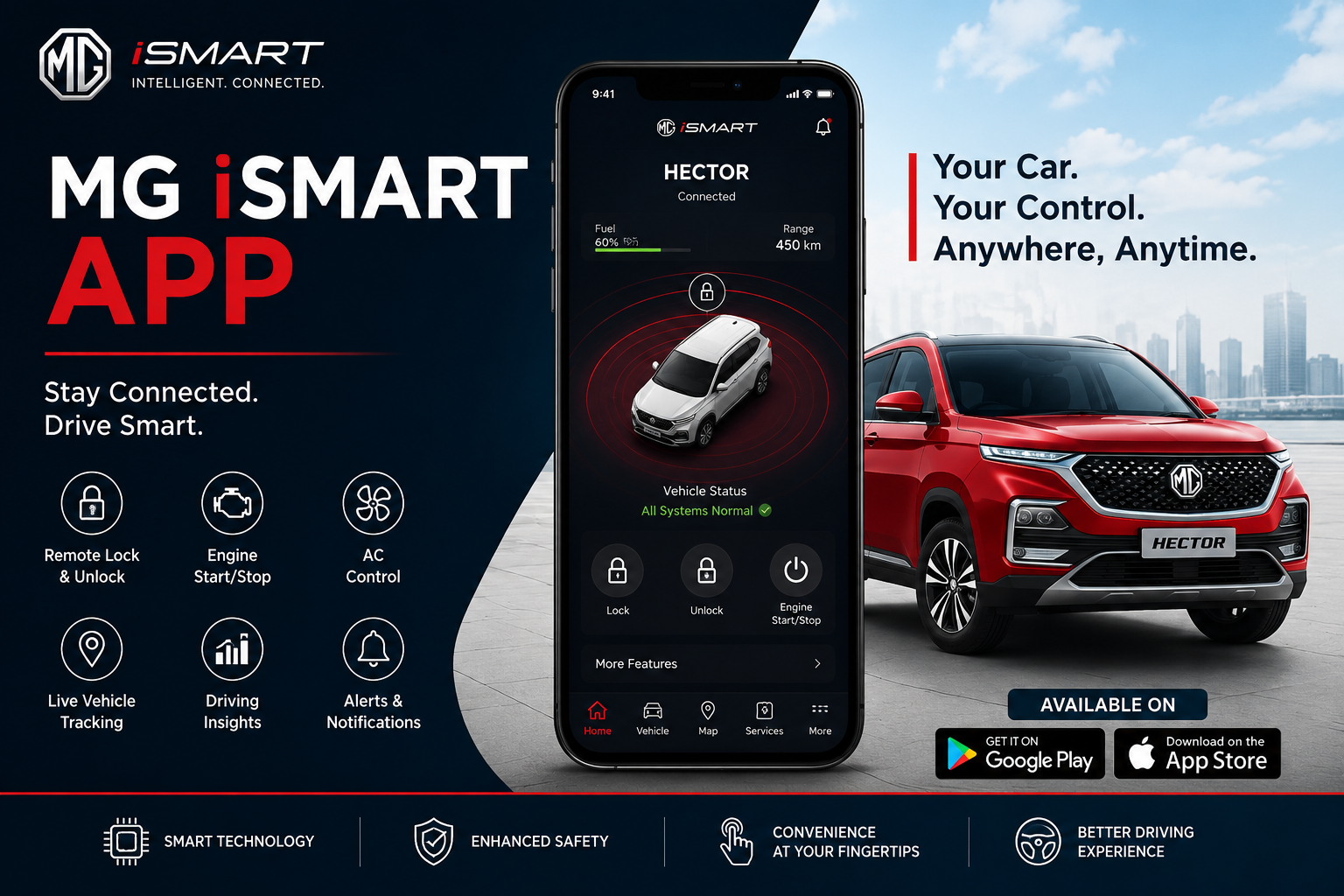
The MG iSMART app makes it easy for car owners to stay connected with their vehicles from anywhere. People love this tool because it brings remote car control right to their phones. In 2026, the app helps drivers feel safer, more comfortable, and in better control of their MG cars. Whether you drive to work every day or take long trips, the app gives simple ways to check on your car and manage important things. This guide explains everything in clear steps so even new users can follow along easily.
Many drivers today want better connectivity with their cars. The MG iSMART app answers this need by letting you see vehicle details and control functions without being near the car. After that, you can plan your day with more peace of mind. For example, you might check if the doors are locked while you are still at home. This means less worry and more time to enjoy your drive. Over time, these features become a natural part of daily life for MG owners.
What Is the MG iSMART App?
The MG iSMART app is a smart phone tool made for MG car owners. It connects your phone to your car using the internet. This way, you get real-time updates and can send simple commands from far away. Many MG models work with it, and the app works on both Apple and Android phones.
Another thing is that the app feels friendly and simple to use. You do not need special skills to start. First, you download it from the app store. Next, you create an account with your details. After that, you connect your car by following on-screen steps inside the vehicle. This process usually takes only a few minutes. Once connected, the app shows your car as if it is right in front of you.
The app uses safe connections to keep your information private. That’s why many people trust it for everyday use. In addition, updates in 2026 make the screens clearer and the controls faster than before.
How to Set Up the MG iSMART App Step by Step
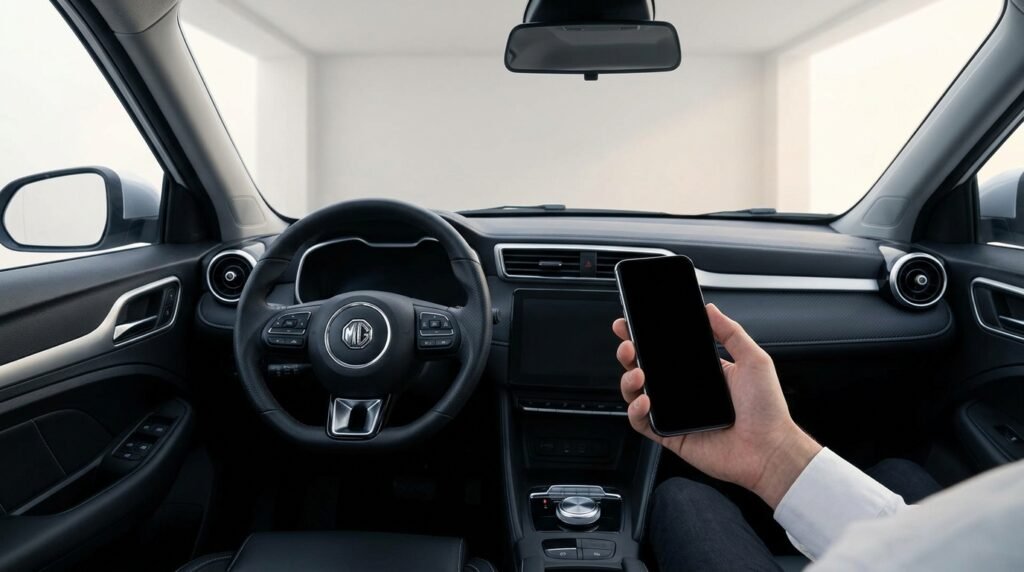
Setting up the app is straightforward and takes little time. Start by opening the app store on your phone. Search for MG iSMART and download the latest version. After the download finishes, open the app and sign up with your email or phone number.
Next, sit inside your MG car and turn on the screen system. Look for the settings menu, often shown as a small gear icon. Find the option to bind or connect the vehicle. The car screen will show a special code or picture. Use your phone to scan it. Then, enter a short security code when the app asks. This code keeps everything safe.
After that, the app and car will talk to each other. You may need to wait a short moment for the first connection. Once done, your car name appears in the app. Test it by checking basic details like door status. If something feels off, make sure both your phone and car have good internet. This simple setup opens the door to all the helpful features.
Many new owners say the guide inside the app makes things even easier. For example, one driver forgot his code but found clear help steps right there. Over time, you can add family members as extra users so they can also check the car safely.
Checking Your Car Status from Anywhere
One of the best parts of the MG iSMART app is seeing your car’s condition at any time. You can check if doors and the back gate are locked. Also, look at tire pressure, battery or fuel level, and engine health. This information appears clearly on your phone screen.
For example, imagine you parked at a big shopping center. Later, you wonder if you locked everything. Open the app, and it shows each door status right away. In addition, you see outside temperature and inside conditions. This means you know exactly what to expect when you return.
The app refreshes the information quickly when you tap a button. That’s why it feels reliable for busy days. Vehicle health reports also come regularly. These reports tell you about important parts like airbags and battery voltage. Seeing these details helps you stay safe without extra effort.
Using Remote Car Control Features
Remote control is a standout part of the MG iSMART app. You can lock or unlock the car from your phone. This works well when you are at home or at work. Another useful feature is turning on the air conditioning before you get in. On a hot day, the car becomes cool and ready when you arrive.
In cold weather, you can warm the seats or the whole inside space. The app lets you set the temperature you like, usually between comfortable numbers. After that, the car prepares itself a few minutes before your trip. Lights may flash gently during this time to show it is working.
You can also honk the horn or flash the lights to find your car in a crowded lot. These small actions save time and reduce stress. For EV owners, the app helps monitor charging and even set schedules. This means your car charges at good times, like when power costs less.
Sunroof or window controls appear in some models too. Always check your specific car for available options because features can differ by model.
Location Tracking and Navigation Help
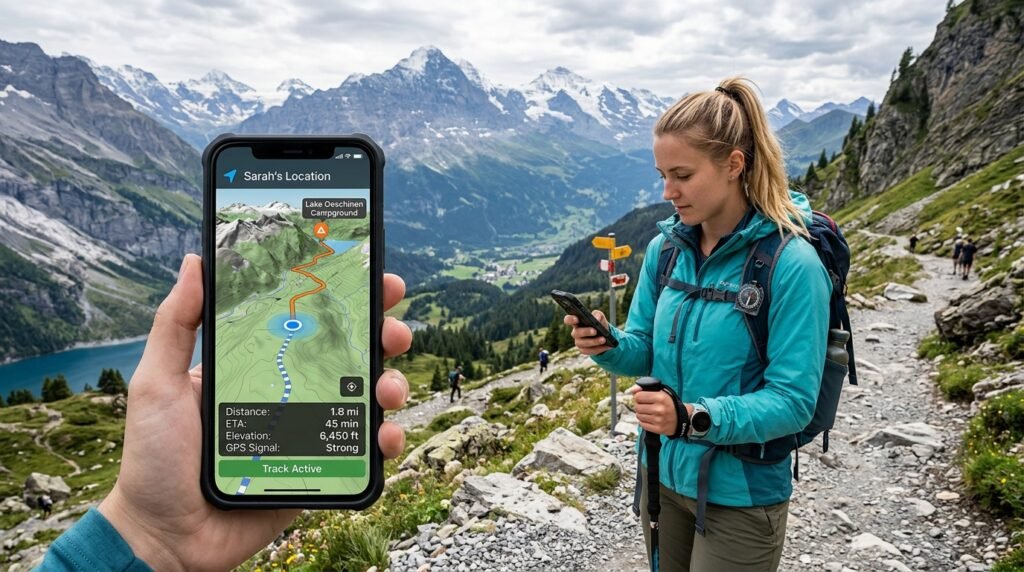
Finding your car becomes simple with the MG iSMART app. The map shows exactly where your vehicle is parked. This feature helps in large parking areas or unfamiliar places. Tap the location, and your phone can guide you straight to it with walking directions.
In addition, the app supports travel planning. You can set reminders or see routes before you start driving. Over time, this helps you avoid traffic or find better paths. Geo-fence alerts tell you if the car moves outside a set area, which adds extra safety for families.
For example, parents might set a boundary around school. If the car leaves that area, a message comes to their phone. Such tools make the app useful for many different people.
Extra Helpful Tools in the App
The MG iSMART app offers more than basic controls. You can see trip information and driving history in simple summaries. Some versions let you share a digital key with trusted family or friends. This digital key works like a safe electronic version of your car key.
Notifications keep you updated about important events. For instance, the app might remind you about low tire pressure or charging progress. Roadside help options are also easy to reach inside the app.
Another nice touch is access to the car’s user manual right from your phone. No need to carry heavy books anymore. Updates to the app in 2026 improved these sections with clearer pictures and steps.
Wi-Fi hotspot features in the car can be managed too, letting passengers enjoy internet on the go. All these tools work together to create a smoother driving experience.
Common Tips for Best Results
To get the most from the MG iSMART app, keep both your phone and car software updated. Good internet connection on both sides helps remote features work smoothly. If a command does not go through, wait a short time and try again. Sometimes the car needs a moment to wake up.
Set a strong but easy-to-remember security code. Share the app only with people you trust. Check permissions carefully when adding new users. Also, learn the difference between features that need the car to be on and those that work anytime.
Many owners avoid mistakes by testing features in a safe place first. For example, practice remote lock and unlock near home before using it far away. This builds confidence over time.
Pay attention to battery life on your phone because the app uses data and location services. Turning off unnecessary notifications can help save power.
Troubleshooting Simple Problems
Sometimes connections may feel slow or stop working. First, check your internet on both devices. Restart the app and the car screen if needed. Make sure the car has enough signal from its built-in connection.
If remote climate control does not start, confirm the car is in a safe parking spot and has enough power or fuel. For login issues, use the forgot password option and follow the steps carefully.
Most problems have simple fixes listed in the app help section. In 2026 versions, the support area gives quick answers to common questions. Contact your MG dealer only if basic steps do not help.
FAQ About the MG iSMART App
How do I download and start using the MG iSMART app?
Download it from your phone’s app store. Create an account, then bind your car using the in-car screen code. The steps are clear and take little time.
Can I control the air conditioning from far away?
Yes, you can turn on climate control and set temperature before you reach the car. This works well for hot or cold days.
Does the app show my car’s exact location?
It does. The map feature helps you find your parked car quickly and gives directions to walk there.
Is the MG iSMART app safe to use?
The app uses security codes and safe connections. Always use strong passwords and share access carefully with family.
Will the app work with my specific MG model?
Most newer MG cars support it, but check your model details. Features may vary slightly between petrol, hybrid, and electric versions.
What happens if I lose my phone?
You can log in from another device. Change your password right away and contact support if needed to protect your car data.
Can multiple people use the app for the same car?
Yes, you can add family members as secondary users. Each person gets their own login for safe access.
Conclusion
The MG iSMART app brings remote car control and connectivity together in one easy place. From checking status to adjusting comfort features, it helps drivers handle daily tasks with less effort. In 2026, the app continues to improve with clearer screens and more useful tools. By learning its simple features, you can enjoy safer and more convenient drives every day.
Think about how technology like this changes small moments, such as stepping into a comfortable car on a busy morning. Take time to explore the app fully and discover what works best for your routine. With steady use, it becomes a trusted helper on every journey.
This article provides general information based on available details about the MG iSMART app in 2026. Features can differ by country, model, and software version. Always refer to your vehicle’s official manual and contact your local MG dealer for the most accurate guidance specific to your car. For the latest updates, check the app itself or official MG sources. This content is for educational purposes only and does not replace professional advice.
Disclaimer: This is an independent informational guide. The author and publisher are not affiliated with MG Motor or any related companies. Information is provided as is, without any guarantees of accuracy or completeness. Use at your own risk. Always verify with official sources before relying on any app features for vehicle operation.
Explore More:
Job Sign Off App: Streamline Job Completion with Real-Time Updates
1 App Updates 2026: New Features, Tips & Troubleshooting
About the Author