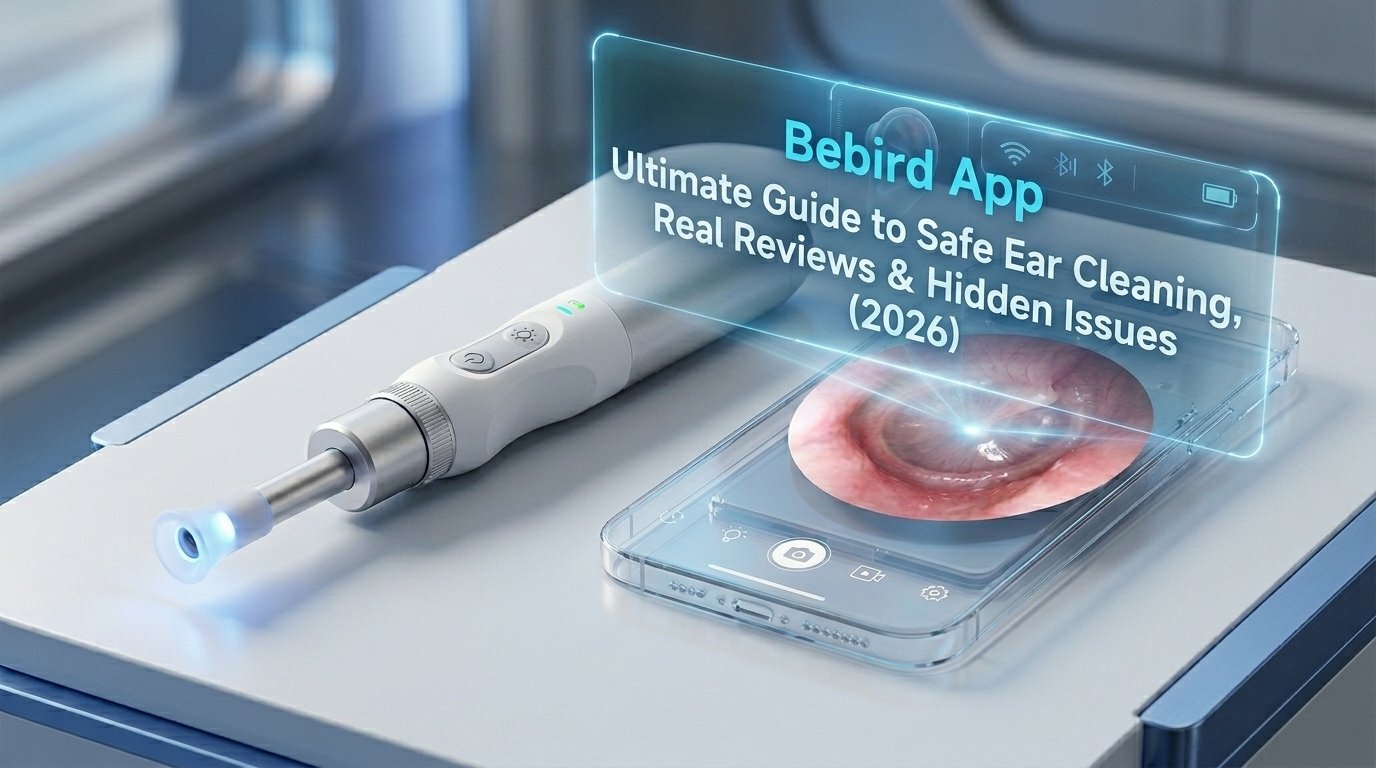
Ear cleaning used to be difficult. People often used cotton swabs and hoped for the best. This sometimes caused problems like pushing wax deeper or hurting the ear. Now, things are different. The Bebird app and its camera tools let you see inside your ear on your phone screen. This guide explains everything in simple words so you can understand it easily. You will learn how the Bebird app works in 2026, its good and bad points, real user reviews, and important safety tips.
What Is the Bebird App?
The Bebird app is a free tool made by Black Bee Intelligent Manufacturing / Heifeng Zhizao (Shenzhen) Technology Co.,Ltd. It works with a special ear cleaning device that has a tiny camera on the end. You connect the device to your phone using Wi-Fi. Then the app shows a clear live video of the inside of your ear.
This means you do not have to guess what is happening. You can watch exactly what you are doing. In 2026, the app and devices have become better. New models like the EarSight Ultra X offer very sharp pictures. Some even support 4K quality. You can also use extra parts to check your nose or throat.
The main goal is simple: make ear cleaning safer and smarter at home.
Main Features of the Bebird App in 2026
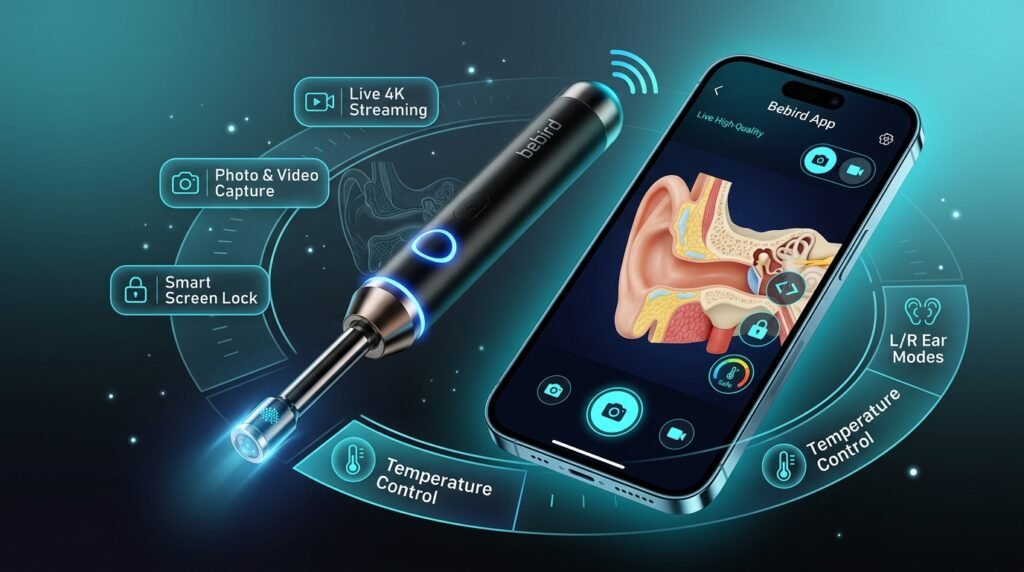
The app is designed to be easy for everyone. Here are the key things it offers:
- Live video streaming with high-quality pictures so you see your ear clearly.
- You can take photos and record videos to save and show a doctor later.
- Screen lock stops you from touching the phone by mistake while the tool is in your ear.
- Left and right ear modes make the view feel natural and easy to control.
- Temperature control keeps the tip from getting too warm for your ear.
These features help you work slowly and carefully. The app feels simple to use once you try it a few times.
Is the Bebird App Safe?
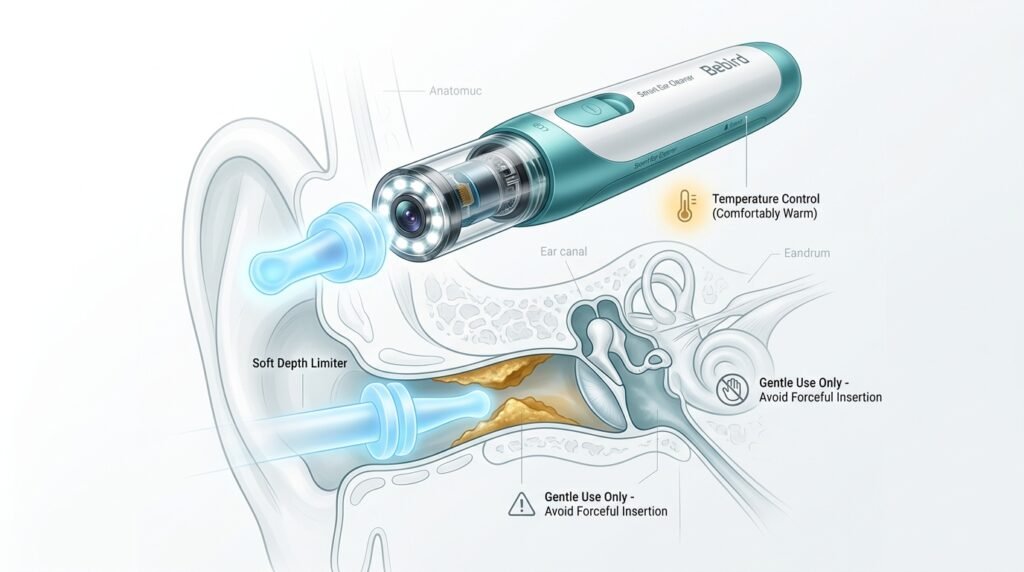
Safety is the most important thing when you put anything in your ear. Doctors always say you should be very careful. The Bebird tool tries to make things safer by letting you see what you are doing.
The good parts:
The camera gives you clear “eyes” inside the ear. Many models have soft silicone tips that reduce the chance of scratches. Temperature control keeps the device at a comfortable level. Depth limiters also stop you from going too deep.
The risks:
Even with a camera, you can still make mistakes. You might push wax deeper or touch a sensitive spot if your hand shakes. The app cannot stop these physical errors. Experts say these tools are best for gentle checking and light cleaning only. Do not try to remove hard or deep wax yourself. If you see pain, blood, fluid, or redness, stop immediately and see a doctor.
Always use the tool gently. Adults should help children. Start slow and never force anything.
What Real Users Say in 2026
Many people like the Bebird app and devices. Users often say the clear picture helps them clean better than before. Parents find it useful to check their children’s ears without going to the clinic every time. The ability to record videos is popular because it gives something clear to show doctors.
However, not everyone is fully happy. Some users report problems with connecting the device. The tool creates its own Wi-Fi network, but many phones try to switch away because there is no internet. This can cause drops and frustration.
Video lag is another common complaint. A small delay can make it harder to control the tool safely. A few people also mention that the app shows ads even after buying the device. Battery life and occasional heat are mentioned, but most devices stay okay during normal use.
Overall, ratings are mixed but many users are satisfied if they learn the setup properly.
Hidden Issues You Should Know
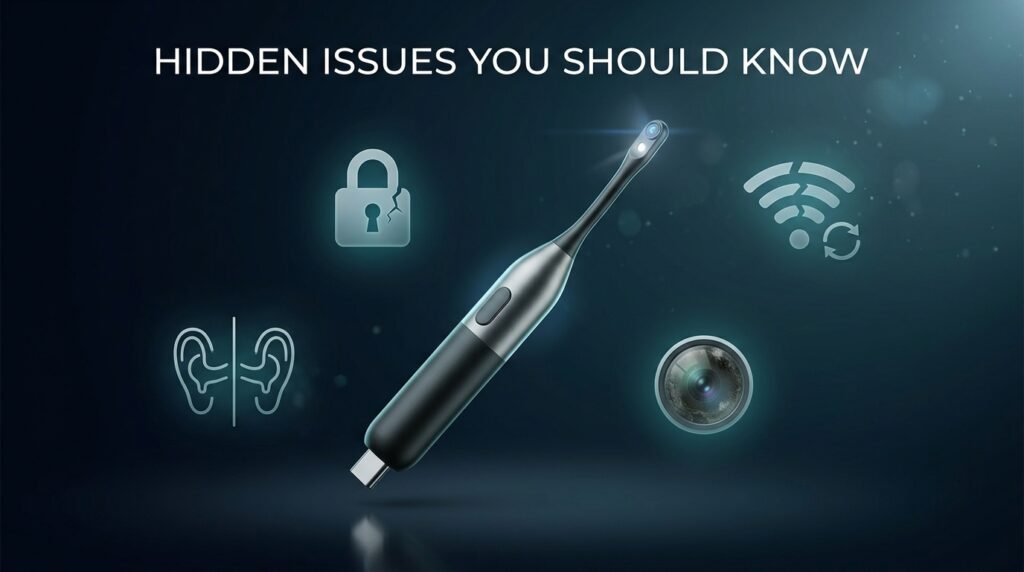
Before you buy, it is good to know the full picture.
Privacy concerns:
The app needs some permissions like device info and sometimes location for Wi-Fi on Android phones. The company says they do not sell your personal data, but some people feel uncomfortable sharing this for an ear cleaning tool. You can check the privacy settings.
Connection problems:
This is the biggest issue for new users. Phones with smart network features often disconnect. Lag or freezing can happen if the signal is weak.
Mirror effect confusion:
The video can feel flipped at the start. This makes left and right movements confusing until you get used to it. Always check the ear direction in the app.
Maintenance:
The small camera lens gets dirty fast. A blurry picture usually means wax is on the lens. You need to clean it gently after each use.
These problems are common with similar tools, but good preparation helps a lot.
How to Set Up and Use the Bebird App Safely (Step by Step)
Follow these easy steps for the best results:
- Download the official Bebird app from the Apple App Store or Google Play Store. Never use files from unknown websites.
- Charge the ear device fully before you start. A low battery in the middle of cleaning is not good.
- Connect the device:
- Turn on the Bebird tool.
- Go to your phone Wi-Fi settings.
- Find the network that starts with “bebird-“.
- Connect to it. If it says “No Internet”, choose to stay connected anyway.
- Open the Bebird app and wait for the live picture.
Helpful tips: Turn off Bluetooth and mobile data during use. This makes the connection more stable. Put your phone on a table or stand so you can see the screen clearly.
- Clean gently. Use small movements and good light. Stop right away if anything feels wrong.
- Clean the lens after use with a soft alcohol wipe. Store the device in a dry and safe place.
Bebird Compared to Other Options
Bebird is popular for home use because it balances good quality and price. Cheaper ear cameras often have lower picture quality and more lag. Professional tools in clinics are better but cost much more and need a doctor.
Bebird works well for regular checks and gentle cleaning. It cannot replace a real doctor when you have pain or serious problems.
When to Use It and When to Stop
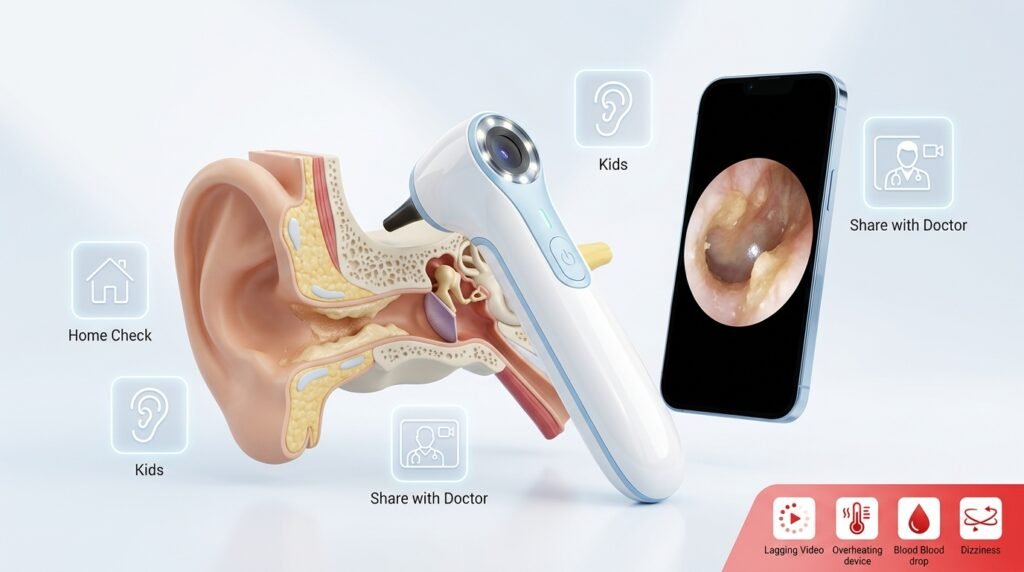
This tool is great for:
- Checking wax buildup at home.
- Helping parents see their child’s ears.
- Sharing clear pictures with doctors during online visits.
Stop using it and see a doctor if:
- The video lags or freezes a lot.
- The device feels too warm.
- You notice blood, dark fluid, or strong pain.
- You feel dizzy.
In these cases, professional help is the safest choice.
Easy Troubleshooting for Common Problems
App will not connect:
This is the top issue. Turn off mobile data, Bluetooth, and any smart Wi-Fi switching on your phone. Restart both the device and phone. Try connecting again. Reinstalling the app can also fix glitches.
Picture is blurry:
Gently clean the camera lens with an alcohol swab. Do not put the whole device in water.
Lag or freezing:
Keep the device close to your phone. Lower screen brightness. Make sure the battery is good.
App crashes after phone update:
Check for a new app version in the store. Clear the app cache or reinstall it.
Most people solve these problems with patience and the right settings.
Final Thoughts: Is Bebird Worth It in 2026?
The Bebird app and devices are a big improvement for people who want to manage ear care at home. The live camera view removes much of the old guesswork. With careful use, many people feel cleaner ears and more confidence.
At the same time, it is not perfect. You still need steady hands, patience, and respect for safety rules. Connection issues and setup steps may not suit everyone. If you follow the instructions, stay gentle, and know when to visit a doctor, Bebird can be a helpful tool in your daily health routine. Remember: good ear care supports your health, but it never replaces expert medical advice when needed.
Take time to read the manual that comes with your device. Practice slowly at first. Listen to your body. With smart and safe habits, tools like Bebird can make ear cleaning much better than the old ways.
Disclaimer: This article is for information and educational purposes only. It is not medical advice, and you should always consult a doctor or qualified healthcare professional before using any ear cleaning device or cleaning your ears. All images used in this article are for reference only and may not show the exact Bebird product or app screen. This is not a promotional or affiliate article. We are not connected with Bebird, Black Bee company, or any related brand, and we do not earn any money or commission from it. The information is based on public data and user experiences available in 2026. Results may vary, and you use the Bebird app and device at your own risk.
Explore More:
Filimin App 2026: Complete Friendship Lamps Setup Guide for Wi-Fi, Colors, Groups, and Remote Touch
Babyglück App: 2026 Ultimate Pregnancy Guide, Features, Reviews & Download
WalkFit App: Ultimate 2026 Guide to Weight Loss, Features, Cost & Real User Reviews
About the Author