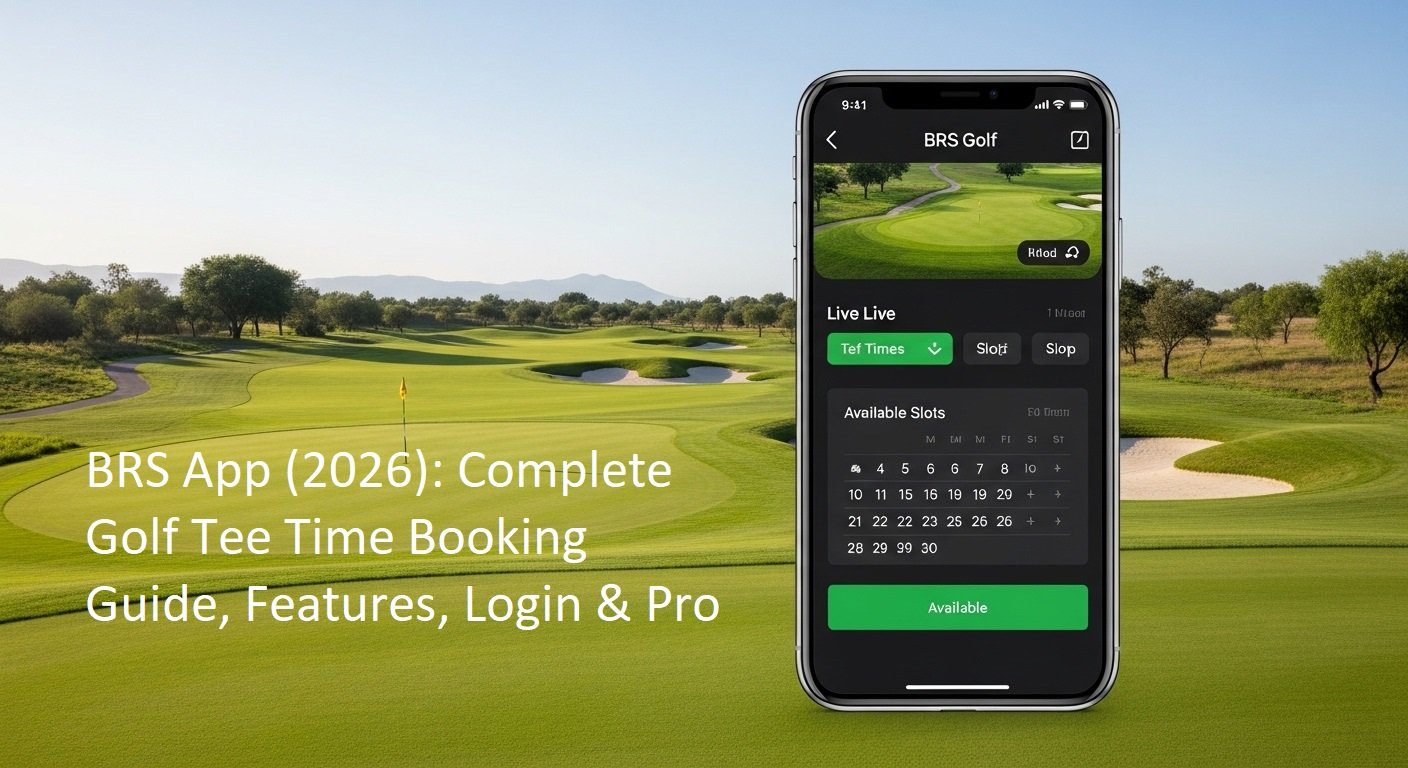
Golf is now much easier for club members. In 2026, you do not need to call the pro shop or wait at the clubhouse to book your game. The BRS Golf app lets you book a tee time quickly from your phone. This simple guide explains everything about the BRS app. It covers what the app does, its best features, how to log in, how to book a round, and helpful tips.
The guide uses very simple wordings. Every step is clear so anyone can understand and follow it. All information is based on the official BRS Golf app details from the Apple App Store, Google Play Store, and BRS Golf help pages in 2026.
What Is the BRS Golf App?
The BRS Golf app is a free mobile app made for members of golf clubs that use the BRS booking system. It connects directly to your club’s booking software. The main job of the app is to help you book tee times fast and manage your golf games.
BRS Golf is very popular in the UK and Ireland. It works with more than 1,500 golf clubs there and thousands of members. The app is developed by GolfNow (part of NBC Sports Next). This means it uses safe and modern technology to protect your information and make bookings accurate.
In 2026, the BRS app is more than just a booking tool. It is like a helpful friend for your golf life. You can see who is playing, book casual rounds or competitions, add friends easily, and even handle scores in many clubs. There is also a separate BRS Golf Live Scoring app that works together with it for entering scores.
The app is available for free on Android phones (Google Play Store) and iPhones (Apple App Store). It has a clean and simple design that feels easy to use.
Main Features of the BRS Golf App in 2026
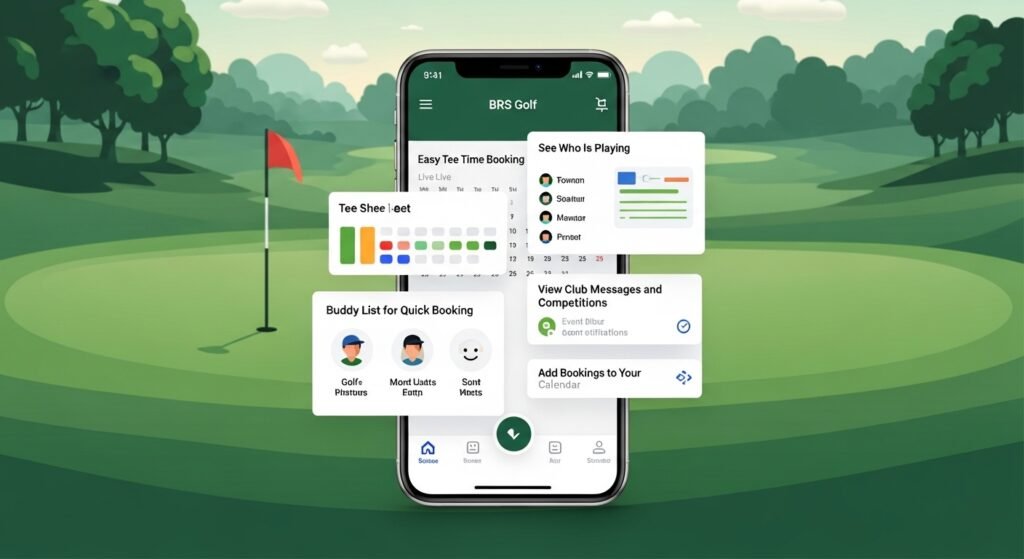
The 2026 version of the app is fast and user-friendly. Here are the features you will use the most:
Easy Tee Time Booking
You can open the app and see a live list of available tee times at your club. The app shows what is free right now. You can book a spot for yourself or for a group of up to four players in just a few taps. It works for both casual play and club competitions.
See Who Is Playing
The app lets you check at a glance who else has booked each tee time. This is great if you want to join a group or see your friends’ plans.
Buddy List for Quick Booking
Do you often play with the same friends? You can create your own list of golf buddies in the app. When you book a time, you can add them quickly without searching their names again and again.
View Club Messages and Competitions
Your club can send important messages through the app. You can also see upcoming competitions, check how many spots are left, and sometimes join a waiting list if it is full.
Add Bookings to Your Calendar
You can swipe or tap to add your confirmed booking straight to your phone’s calendar (Google or Apple). This helps you remember your golf day and avoid clashes with other plans.
Many clubs also connect the app with Golf Genius for digital scoring. This makes it easy to enter scores during or after your round.
How to Download and Get Started with the BRS Golf App
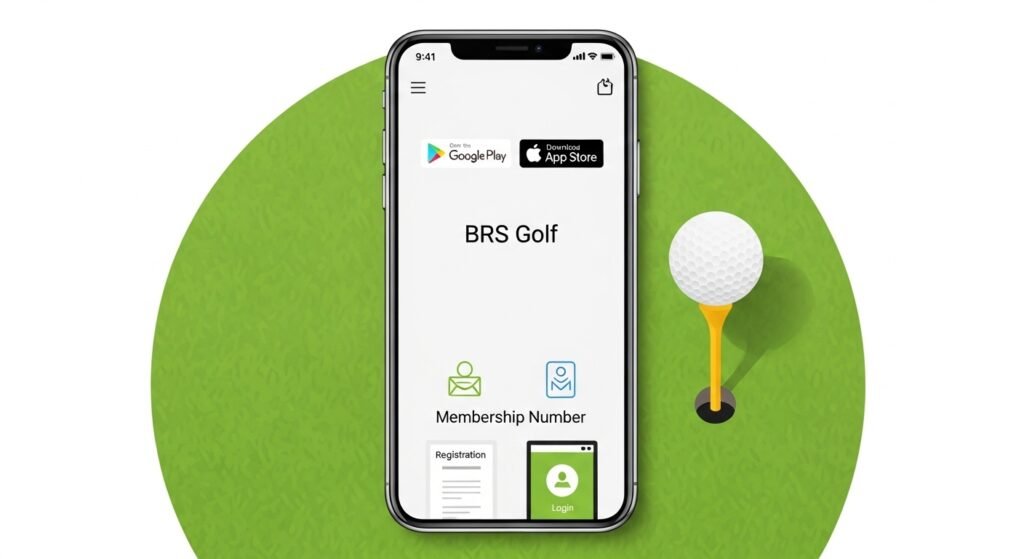
You can only use the app for booking if you are a member of a golf club that uses BRS. It is not for playing at any public course without membership.
Step 1: Download the App
- On an Android phone: Open the Google Play Store and search for “BRS Golf”.
- On an iPhone: Open the Apple App Store and search for “BRS Golf”.
Choose the official app by GolfNow. It is free to download.
Step 2: Register Your Account
If you are using the app for the first time:
- Open the app.
- Search for your golf club name.
- Fill in the registration form. You will usually need your club membership number or GUI/ILGU number.
- Submit the form.
Your club (the secretary or pro shop) must check and approve your details. This can take one or two days. You will get an email when your account is active.
Step 3: Log In to the BRS Golf App
Once approved, logging in is simple:
- Open the app.
- Enter your username (often your email, membership number, or the one your club gave you).
- Enter your password.
- Select your club if you belong to more than one.
Useful tip: In the app settings, turn on Face ID or fingerprint login. This makes it much faster to open the app, especially early in the morning when popular times become available.
If you forget your password, tap the “Forgot Password” link. Check your email (including the spam folder) for the reset message.
Step-by-Step Guide to Booking a Tee Time
Booking a round with the BRS app is quick and straightforward. Follow these easy steps:
- Open the app and tap the main button to book a tee time.
- Use the calendar to pick the date you want to play.
- Look at the list of times. The app shows clearly which slots are free.
- Tap on the time you like.
- Your name will appear as the first player. Tap to add more players from your buddy list or search their names.
- If you are bringing a guest who is not a club member, choose the guest option if your club allows it.
- Check all the details carefully.
- Tap “Confirm” to finish the booking.
You will see a confirmation on the screen right away. Most clubs also send a confirmation email. Keep this email as proof when you arrive at the course.
You can view your upcoming bookings and past history in the app. You can also cancel a booking if your club’s rules allow it.
How to Handle Scores and Your Handicap
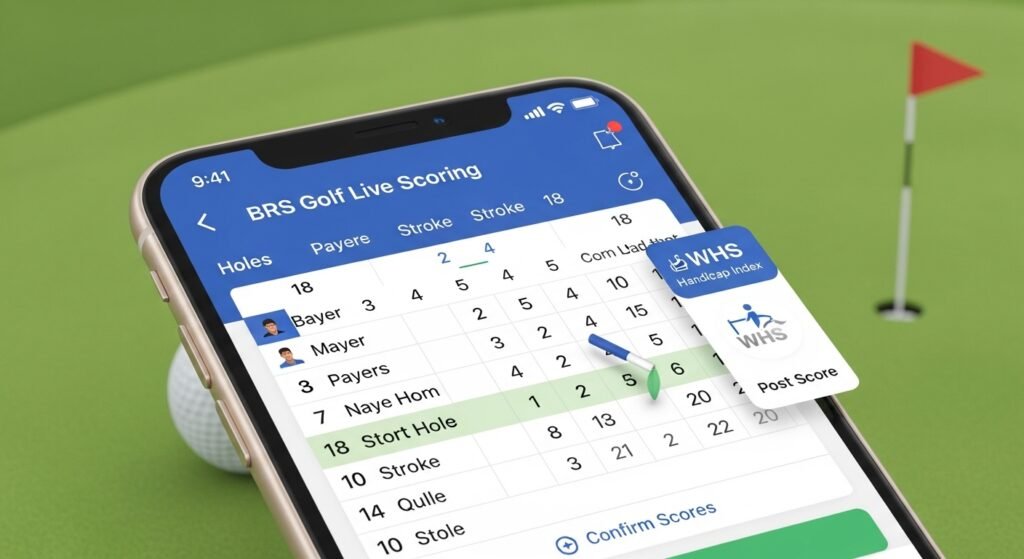
Many clubs use the companion BRS Golf Live Scoring app (also free to download). It works together with the main BRS app.
- Book your tee time in the main app.
- Use the scoring app to enter your scores hole by hole while playing or after you finish.
- Your playing partners can check and confirm the scores digitally.
- The scores connect to the World Handicapping System (WHS) where your club supports it.
In 2026, the scoring app has a helpful widget. It shows your last 20 scores and helps you see which rounds count toward your official handicap index. This makes it easy to track how your game is improving without paper scorecards.
Pro Tips to Get Better Results with the BRS App
Here are some simple and practical tips from regular users:
- Know when new times open: Many clubs release tee times a fixed number of days in advance (for example, 7 or 14 days). Log in a little early on busy days like weekends to get the best slots.
- Use the waiting list: If your favourite time is taken, add yourself to the waiting list for that day or time range. If someone cancels, the app may automatically give you the spot and send a notification.
- Turn on notifications: Allow push notifications so the app can tell you about new openings, cancellations, or club messages.
- Add to calendar: Always use the easy option to send your booking to your phone calendar. This keeps your schedule clear.
- Join groups as a single player: Look at the tee sheet for groups with only two or three players. Many members are happy for one more person to join and make a full group. It is a good way to meet new friends at the club.
- Keep the app updated: Always install the latest version from the app store. New updates fix small problems and make the app work better.
If you are a member of two clubs, you may need separate accounts. The app has improved switching between clubs, but keep your details correct for each one.
Common Problems and Easy Fixes
Sometimes small issues happen. Here is how to solve the most common ones:
- Cannot log in: Double-check your username and password. Use the “Forgot Password” option and look in your spam email folder.
- App does not load or show times: Make sure you have a good internet connection. Try switching from Wi-Fi to mobile data. Close the app completely and open it again. Install the latest update.
- No notifications: Go to your phone settings and allow notifications for the BRS Golf app.
- Booking not working: Contact your club’s pro shop or secretary. They can check your account on their side.
The app has a feedback section inside it. You can use that to report problems directly to the team.
Why Golf Clubs Like the BRS System
Clubs use BRS because it makes managing the course fair and simple. It stops double bookings and gives clear information about busy and quiet times. Staff spend less time on phone calls and more time helping players.
For you as a golfer, the app brings transparency. You can see exactly what is available without guessing or waiting. Everything feels more organised and convenient.
Final Thoughts: Enjoy More Golf with the BRS App
The BRS Golf app in 2026 is a fantastic tool that makes life easier for every club golfer. It saves you time on booking and organising, so you can spend more time enjoying your rounds on the course. Simply download the app today, register and get approved by your club, build your buddy list, and turn on notifications and calendar sync. With just a little practice, you will book tee times quickly and feel confident using all the features. Whether you are new to the app or have been using it for years, these simple tips will help you get the most out of it and enjoy your golf even more.
Now open the app, book your next round, and get out on the golf course. Have a great game and enjoy every moment in 2026!
Disclaimer: This article is for information purposes only. All details about the BRS Golf app and its features are based on the 2026 version and may change over time. Images used are for reference only. This is not a promotional or affiliate article, and we have no connection with BRS Golf, GolfNow, or any golf club. For the most accurate information, please check directly with your golf club or the official BRS Golf app.
Explore More:
Oticon Companion App (2026): Complete Setup, Features, Troubleshooting & Hidden Tips Guide
Joy On App (2026): Ultimate Guide to Features, Download, Safety & Hidden Benefits Revealed
Thirdfort App (2026): Complete Guide to Features, Security Checks, Setup & Real User Insights
About the Author