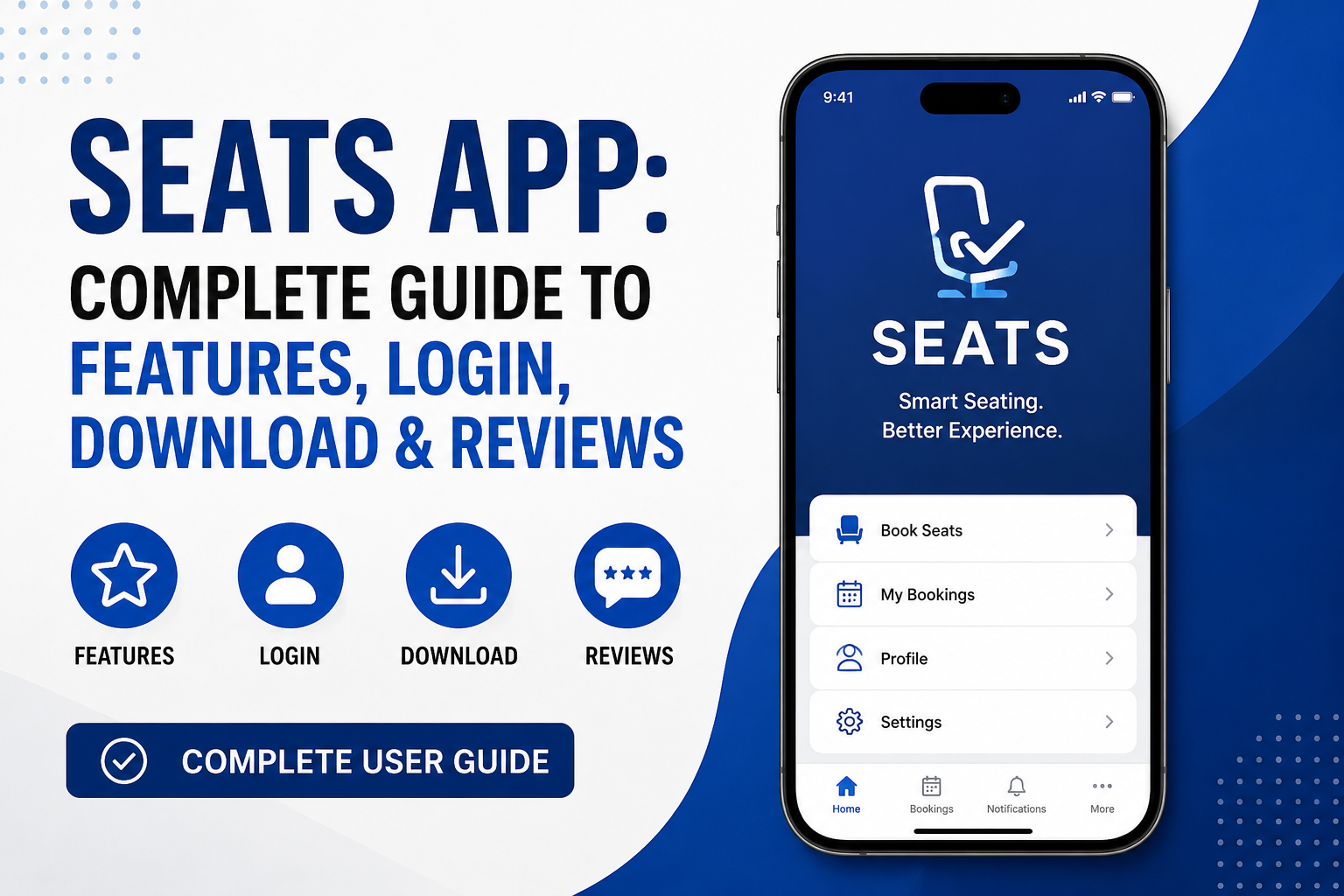
The Seats App helps students stay on track with their classes and school life in a simple way. Many universities now use this tool to make attendance easier and keep everyone informed. In 2026, more schools choose the Seats App because it connects students, teachers, and staff smoothly. This guide explains everything you need to know about it. You will learn how to download it, log in, use its features, and see what people think in reviews.
Whether you are a new student or someone who wants to improve daily school habits, this app can make things less stressful. It works on phones, so you can check your schedule anytime. Over time, using such tools helps students feel more organized and connected to their studies.
What Is the Seats App?

The Seats App is a mobile tool made for students in colleges and universities. Its full name is often SEAtS, which stands for Student Engagement and Attendance Tracking System. Schools use it to record who comes to class and to share important updates quickly.
This app links directly to your school timetable. Because of this connection, you see only the classes you need to attend. For example, if your lecture moves to a new room, the app sends a message right away. Another thing is that it supports both in-person and online learning. This means you can mark attendance even if you join a class through video. In 2026, the app has become popular in many countries because schools want better ways to support student success without making things complicated.
Students like it because it puts control in their hands. Instead of waiting for emails or notices on boards, everything comes to your phone. This saves time and reduces confusion during busy school days.
How to Download the Seats App
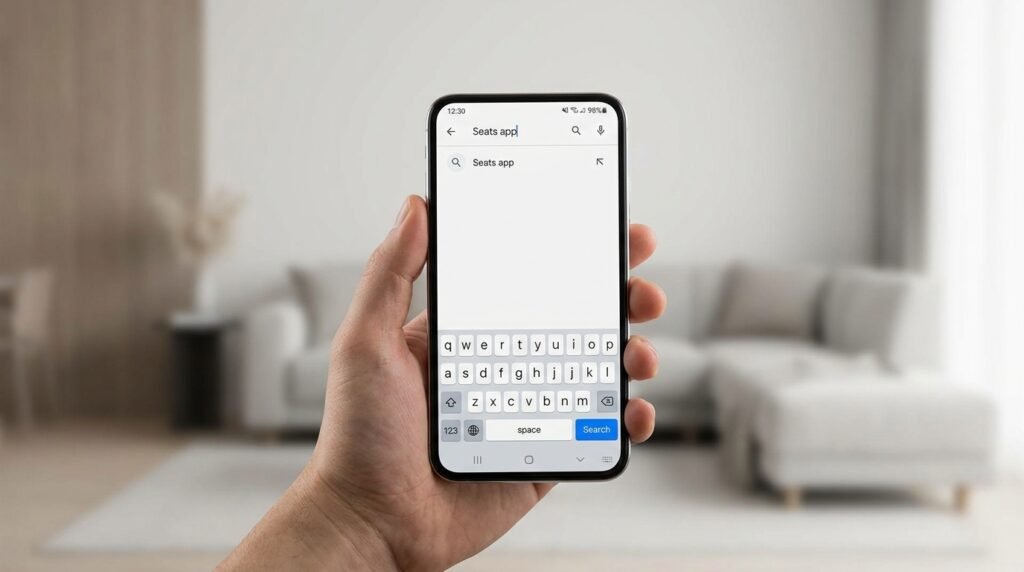
Getting the Seats App on your phone is easy and free. First, open the app store on your device. If you have an iPhone or iPad, go to the Apple App Store. For Android phones, open Google Play Store.
Next, type “SEAtS Mobile” or “Seats App” in the search bar. The correct app will show the school or education logo. Tap the download button and wait a short time for it to install. After that, open the app to begin setup.
Make sure your phone has a good internet connection during download. Also, allow notifications when the app asks. This is important because you will get alerts about class changes or cancellations. In 2026, the app works well on most newer phones. Older devices may need an update first for smooth performance.
Many schools give clear instructions during student orientation. For example, they might send a link or show a video on how to install it. If you cannot find the app, ask your school’s IT help desk for the exact name and link. Downloading early helps you get used to it before classes start.
How to Login to the Seats App
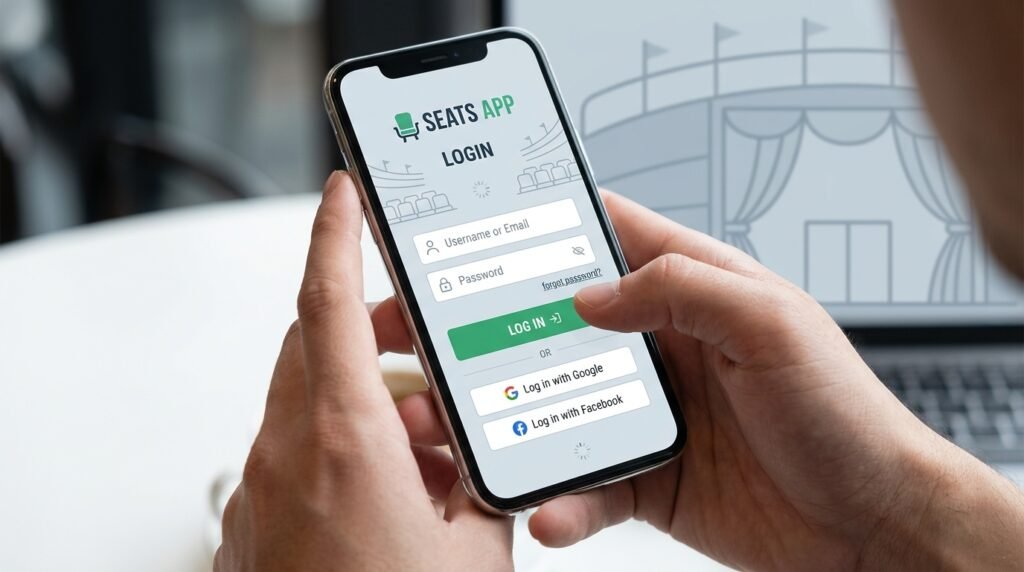
Logging in is straightforward once you have the app. Most schools use your university email and password. Open the app and enter your school email address. After that, type your password carefully.
Some universities add extra safety steps like a code sent to your phone. This two-step check keeps your information secure. If it is your first time, the app may ask you to agree to simple rules about data use.
After successful login, you will see your personal dashboard. It shows your weekly classes and any important notices. If you forget your password, use the “Forgot Password” option. The school’s system will help you reset it quickly.
One helpful tip is to stay logged in on your phone so you do not need to enter details every day. However, always log out if you share your device with someone. In 2026, login has become faster with better security updates.
Main Features of the Seats App

The Seats App has many useful tools that help students every day. One key feature is quick attendance logging. You tap once or scan a code in class to mark that you are present. This saves time compared to paper lists.
Another great part is the class schedule view. You can see all your lectures, tutorials, and labs in one place. The app updates automatically if times or rooms change. For example, if a teacher cancels a session, you get a notification so you do not travel to campus for nothing.
You can also request an absence through the app. Simply choose the date and give a short reason. This process is much easier than sending separate emails. In addition, the app lets you record extra activities like sports or clubs. This helps build a full picture of your school life.
Real-time alerts are very helpful too. You receive messages about important updates, such as room changes or new deadlines. Over time, these small reminders reduce stress because you stay informed without checking many places.
The app also shows engagement insights. Some versions track how actively you join classes or complete tasks. This information can help you see patterns in your studies and improve where needed. Because it is mobile-first, everything feels simple on your phone screen.
Using the Seats App for Better Student Life
Many students find the Seats App improves their daily routine. Imagine you wake up and quickly check your phone. You see today’s classes and any changes. This quick look helps you plan your morning better.
For group projects or lab sessions, the app makes coordination easier. Everyone in the class gets the same updates, so fewer people miss meetings. Another benefit appears during exam periods. You can focus on studying because attendance and schedule worries are handled in the app.
Teachers also use the system to support students. If someone misses too many classes, the school can reach out early to offer help. This early support prevents small problems from growing bigger. In real life, one student shared how the app reminded her about a changed tutorial time, helping her submit work on time.
In 2026, more features connect with other school tools. For instance, some schools link it to library bookings or event calendars. This creates one main place for school information instead of many separate apps.
Common Tips and Mistakes to Avoid
To get the most from the Seats App, turn on notifications but set them wisely. Too many alerts can feel overwhelming, so choose only the important ones like class changes.
Keep your app updated to enjoy new improvements. Developers often add small fixes that make the experience smoother. Another good practice is to check your attendance record regularly. This way you can spot any mistakes early and talk to your teacher if needed.
One mistake to avoid is waiting until the last minute to log attendance. Some classes close the option after a short time. Also, make sure your phone’s location or Bluetooth works if your school uses those for check-in.
If you have no smartphone, many schools offer a web version on computers. You can log in through a browser as a backup plan. Practicing these habits early makes the app a helpful friend rather than a new chore.
What Users Say in Reviews (2026)
Reviews of the Seats App in 2026 show a mix of experiences. Many students praise how simple it is to mark attendance with one tap. They like receiving instant updates because it helps them manage time better. Positive comments often mention the clean design that works well on both Android and iPhone devices.
Some users say the app helped them attend more classes regularly. One review noted that clear notifications reduced confusion on busy campus days. Over time, as schools improve how they set up the system, satisfaction levels have grown.
However, a few students mention occasional technical issues, such as slow loading during peak times. Others wish for more customization options, like changing colors or adding personal notes. Low ratings sometimes come from login troubles at the start of the year when many students try to log in together.
Overall, reviews highlight that the app works best when schools provide good training. Most users agree it is a useful tool once you get used to it. Developers continue to listen to feedback and release updates throughout the year.
FAQ About the Seats App
How much does the Seats App cost?
The app is free for students. Your school usually covers any costs as part of their education system.
Can I use the Seats App on a tablet?
Yes, it works on tablets as well as phones. The screen size makes it even easier to view your full schedule.
What if I lose my phone?
Contact your school IT team immediately. They can help secure your account and guide you on using the web version.
Does the app track my location all the time?
No. It only uses location when you check into class if your school chooses that option. You can usually turn it off in settings.
Is my personal information safe?
Schools follow privacy rules to protect student data. The app uses secure login methods common in 2026 education tools.
Can I request support through the app?
Yes, many versions include a way to send quick messages for help with classes or attendance issues.
What happens if the app shows wrong attendance?
Talk to your teacher or administrator right away. They can check records and fix any errors.
Conclusion
The Seats App serves as a helpful companion for students who want to stay organized and connected with their classes. From easy download and login to useful features like attendance tracking and real-time alerts, it simplifies many parts of school life. In 2026, it continues to grow as schools look for better ways to support learning in both physical and online settings.
By using the app regularly and following simple tips, you can reduce daily stress and focus more on your studies and activities. Remember that tools like this work best when combined with good habits and open communication with your teachers. Give yourself time to learn the app fully, and it can become a reliable part of your successful student journey.
Disclaimer: This article provides general information based on publicly available details about the Seats App (SEAtS) in 2026. It is not affiliated with any specific company, school, or developer. Features, availability, and processes may vary by institution. Always check with your university for the most accurate and up-to-date instructions. This content is for informational purposes only and does not replace official school guidance.
Explore More:
Boiler Size Calculator App 2026: Find the Perfect Boiler Size for Your Home
Technogym App Review 2026: Features, Benefits, Pricing & User Experience
About the Author