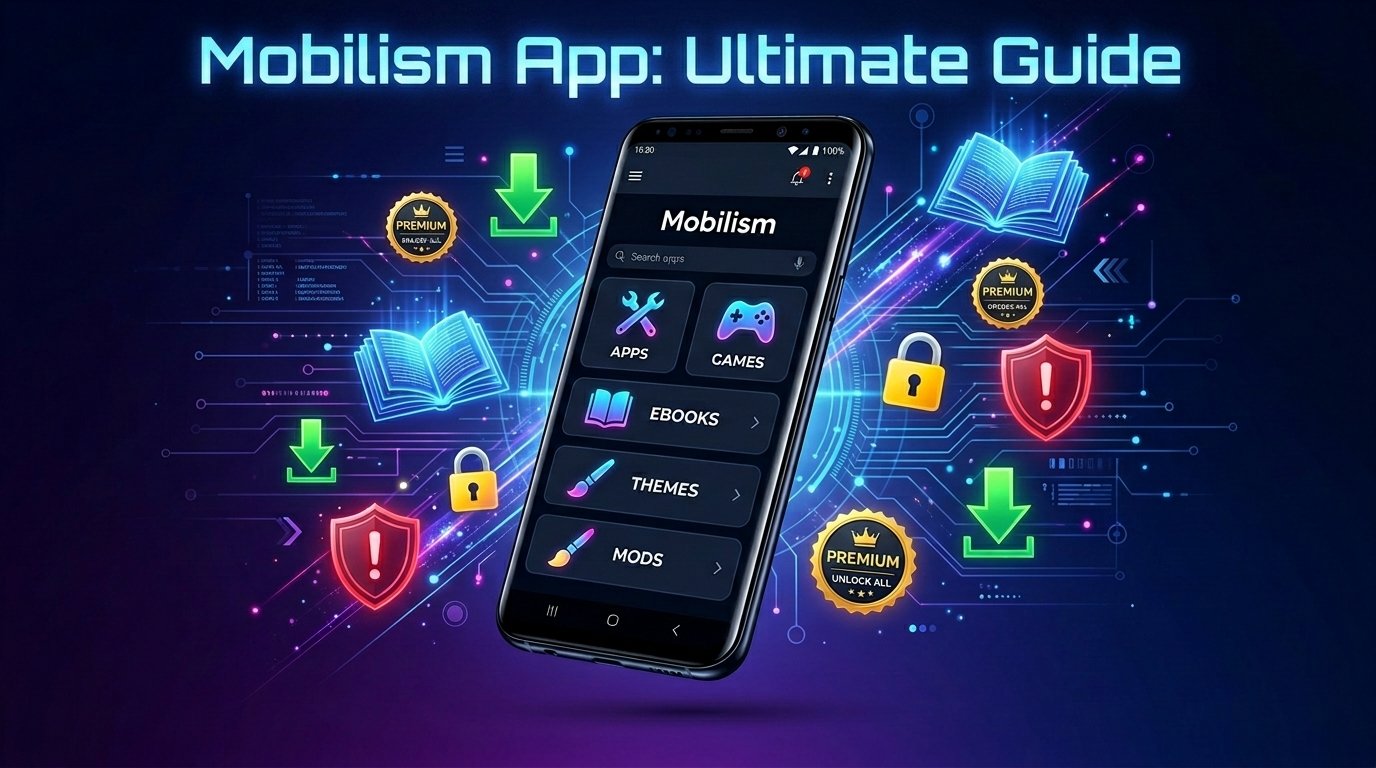
Mobilism is a popular online place where people share Android apps, games, and books. It has been around for 20 years. In 2026, it is still very active and helps millions of people find content that is not easy to get from normal app stores.
This guide uses very simple wordings. It explains everything step by step so that anyone can understand. We checked all facts from the official forum (forum.mobilism.me) and recent user reports as of May 2026. No wrong or made-up information here.
What Is Mobilism?
Mobilism started in 2006 as a simple website, or forum. People go there to talk and share files. Today, it is one of the biggest communities for Android users.
The Mobilism app is like a special helper on your phone. It lets you easily look through the forum, see new items, read what others say, and download files. You will not find this app on the Google Play Store. You must install it yourself from the official forum.
Right now in 2026, the latest app version is v2.1.0.27. It works on most Android phones. The forum has more than 3 million members and millions of posts. Often, over 1,000 people are online at the same time. Mobilism is based in Ukraine and just celebrated its 20-year anniversary with fun contests.
Think of Mobilism as a big library run by normal people. Some upload new apps and books. Others check them and write comments. This makes it different from normal websites.
Main Features of the Mobilism App in 2026
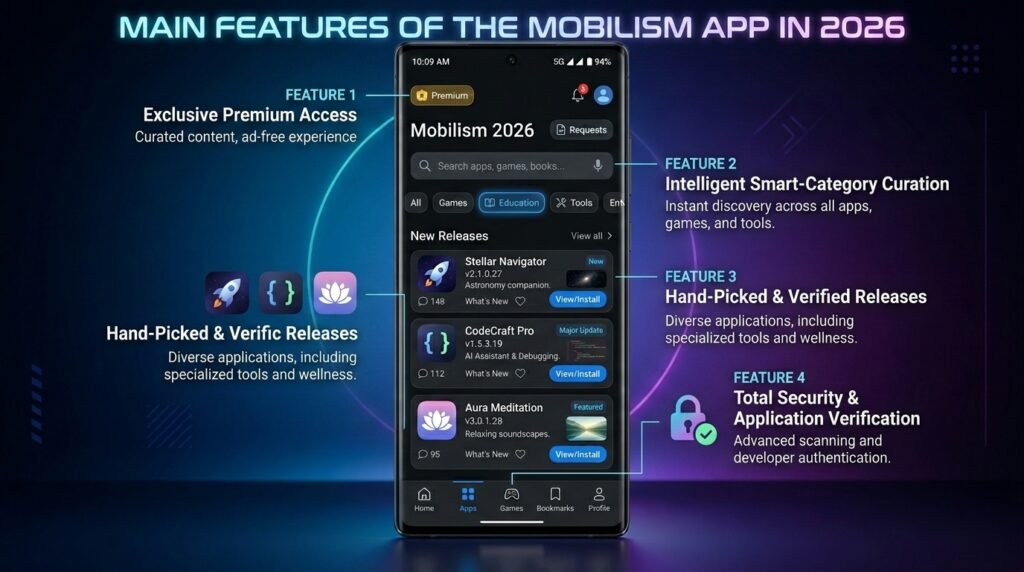
The app is easy to use. Here is what makes it special:
It has a clean search bar. You can type the name of an app, game, or book and find it fast. New items show up at the top. You can also sort by categories like education, tools, or entertainment.
Every shared item follows a clear format. It shows the version number, what is new in this version, pictures, and user comments. This helps you know if the file is good before you download it.
There is a special “Requests” area. If you cannot find something, you write your request. Many helpful members will upload it for you.
The app can send you notifications when a new version of your favorite app comes out. You can also add items to a watch list.
With Premium, you get fast and direct downloads. No long waiting or extra clicks. The app also opens compressed files like 7z directly.
These features make the app feel friendly and well-organized, even for new users.
How to Download and Install the Mobilism App Safely
Follow these easy steps to get the real app:
- Open your phone browser and go to forum.mobilism.me.
- Look for the “App Releases” section.
- Find the official thread for “Mobilism v2.1.0.27 for Android”. It is started by trusted people like Disk4mat.
- Download the APK file only from the links in that official thread.
- On your phone, go to Settings > Security (or Apps & notifications) and turn on “Install unknown apps” or “Unknown sources”.
- Open the downloaded file and tap Install.
- After installation, open the app and make a free account or log in.
Very important tip: Never download the app from Google search results or random websites. Many fake sites try to trick people. Always use the official forum.
After you install it, the home screen shows latest releases, popular items, and easy menus. It feels simple to browse.
Is Mobilism Safe?
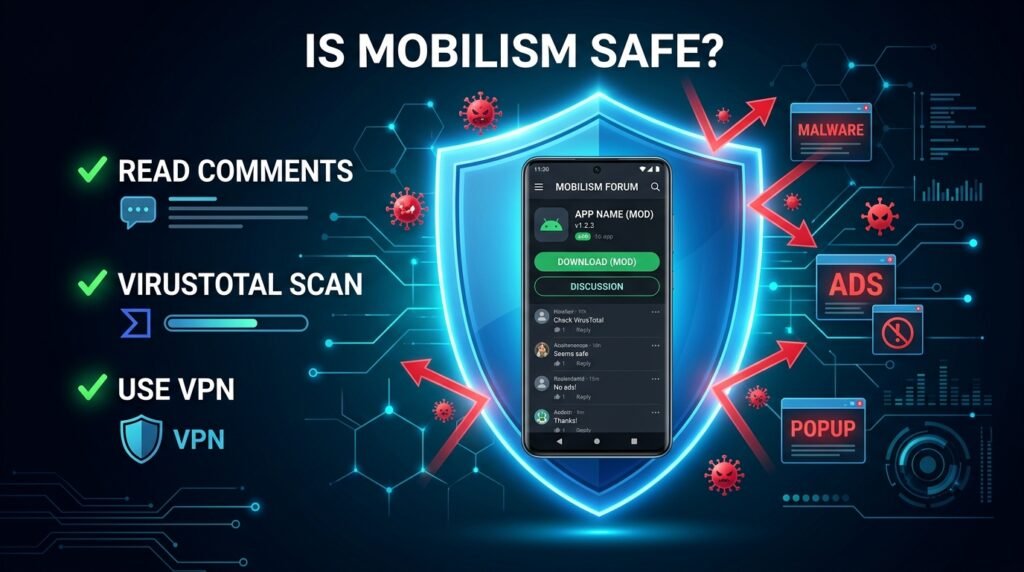
This is a big question. The forum itself is not a scam. It has been running for 20 years and has good trust scores on checker websites. But you must be careful with the files you download.
Good points:
- Many active users read comments and warn others if something is bad.
- Popular items get checked by the community.
- Long history means the site knows how to stay safe.
Risks:
- Some files may have viruses or extra ads inside.
- File hosting sites can show tricky pop-up ads.
- Cracked apps sometimes add trackers.
Simple safety rules for 2026:
- Always read the latest comments before downloading.
- Upload the APK to VirusTotal.com to scan it first.
- Keep a good antivirus app on your phone.
- Use a VPN to hide your internet address.
- Give new apps only the permissions they really need.
- Test new files on an old phone if possible.
If you follow these rules, most long-time users say they have no big problems.
Legal Risks You Should Know About
Many files on Mobilism are cracked or shared without permission. This means they are copies of paid apps and books. In most countries, this is against the law.
What can happen?
- Your internet company may send you a warning letter.
- In some cases, they can slow down your internet.
- Developers and writers lose money when people take their work for free.
The forum tells people to support creators. Many users only test an app first and then buy the real one later. Some look for old “abandonware” – programs that companies stopped selling.
Our honest advice: Use Mobilism carefully. Buy the things you really like when you can. This respects the hard work of the people who made them.
Mobilism Premium – Is It Worth It?
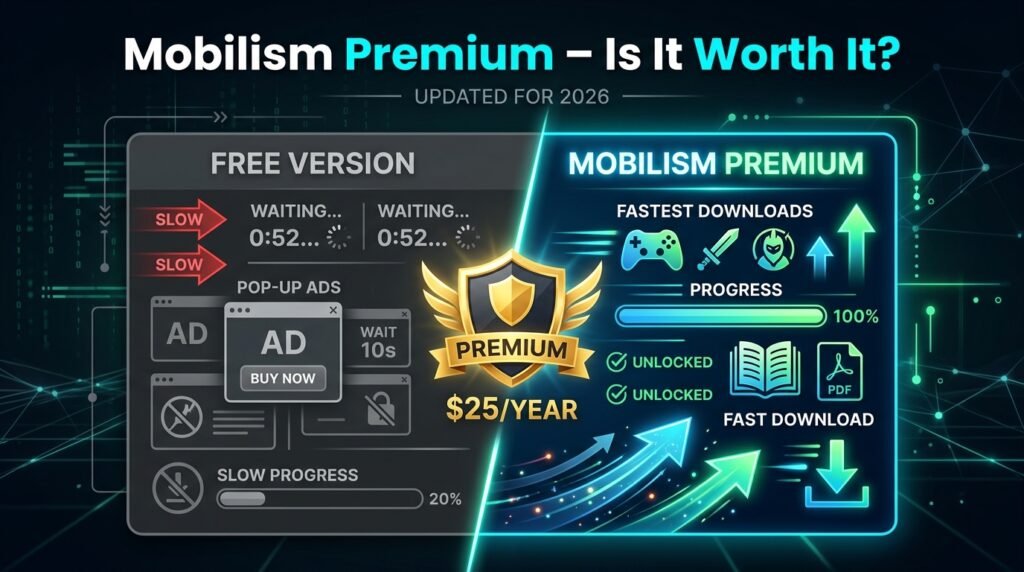
You can use Mobilism for free. But many people buy Premium to make it better.
In 2026, one year of Premium costs about $25. There is also a VIP option for a little more.
What Premium gives you:
- Very fast direct downloads.
- No waiting times and no extra clicks.
- Better speed on big files like games.
- You help pay for the servers so the site stays alive.
If you download many books or big games every month, Premium saves a lot of time. If you use it only sometimes, the free version is okay.
Hidden Benefits of the Mobilism Community
Most people just download and leave. But the forum has many extra good things.
You can learn a lot about phones and apps. There are sections where experts help fix problems. You can read how to change your phone settings or make it faster.
It is a great place to find old apps and games that you cannot buy anymore. These are called abandonware.
You can talk directly to the people who make modified (modded) versions. If something does not work, you tell them and they often fix it quickly.
The request system helps you get rare books or region-locked apps. During anniversaries, they run contests and give away Premium accounts.
All these things turn Mobilism into a helpful learning place, not just a download site.
Good Alternatives If You Want Safer Options
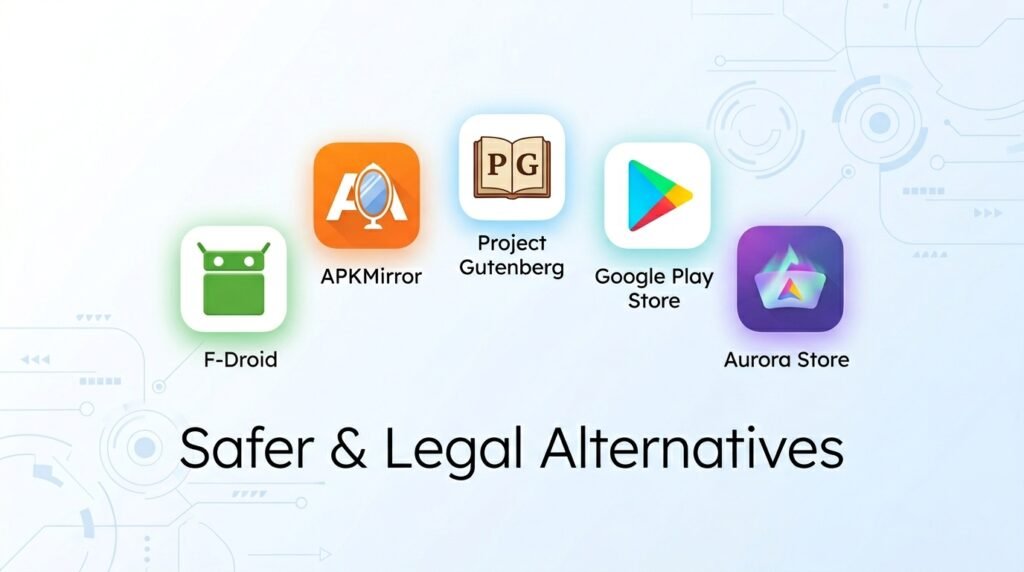
If Mobilism feels risky, try these instead:
- F-Droid: Completely free and safe open-source apps.
- APKMirror: Clean versions of popular apps without cracks.
- Project Gutenberg: Thousands of free legal classic books.
- Official Google Play Store: Safe but you pay for premium content.
- Aurora Store: A private way to see Google Play apps.
These options are safer and fully legal, but they have less content.
Final Thoughts for 2026
Mobilism is still a strong choice for people who want more apps, games, and books because its organized system, active community, and dedicated app keep it popular after 20 years. It offers a huge collection in one place, helpful comments from real users, regular new updates, and you can start using it for free.
On the other hand, you need to be careful with safety, there are some legal risks because of shared files, downloads can be slow without Premium, and you have to install the app yourself. Use it with open eyes. Always scan files, read comments, turn on a VPN, and support creators when you can. For many people, it is a useful tool for finding and testing things. For others, the risks are too much. Stay safe, stay smart, and enjoy your phone and reading responsibly.
Disclaimer: This article is for educational and informational purposes only. We do not promote piracy, illegal downloading, or copyrighted material in any way. This is not a promotional or affiliate article, and we have no connection with Mobilism. We do not earn any money from it. All information is based on public sources as of May 2026. Any images used are for reference only. Using Mobilism or any cracked apps may carry legal and security risks, so always follow your country’s laws, respect copyright, and prefer legal sources. We are not responsible for any problems, loss, or damage you may face after reading this guide. Use it at your own risk and stay safe.
Explore More:
Baritastic App 2026: Ultimate Bariatric Tracker Guide, Features, Reviews & Best Alternatives
About the Author