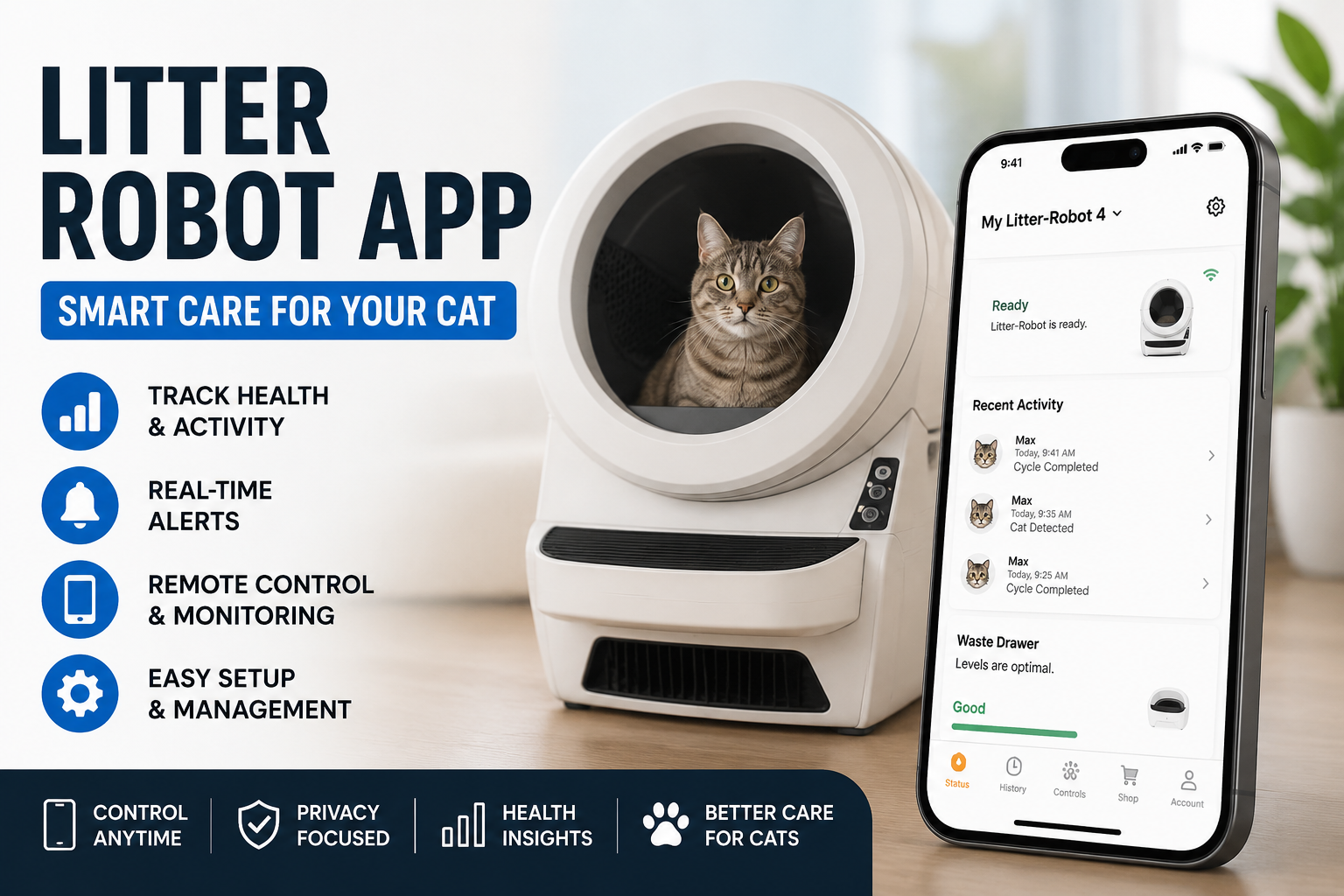
Many cat owners want an easier way to care for their pets every day. The litter robot app makes this possible by connecting to a smart self-cleaning litter box. It lets you check on things from anywhere using your phone. This tool helps you stay connected to your cat’s habits without constant manual work. Because of this, busy families and people who travel often find it very helpful. In this article, we will explore how the litter robot app works in simple steps. You will learn about its main features, how to use it well, and tips for everyday success.
What Is the Litter Robot App?
The litter robot app, known as the Whisker app, is a free tool you can download on your phone. It works with special Wi-Fi enabled litter boxes to give you updates right away. After you set it up, the app shows clear information about your cat’s litter box use. This means you can relax more because you always know what is happening at home.
For example, imagine you are at work or visiting friends. Instead of worrying, you can quickly open the app and see if everything is fine. The app uses simple screens that are easy to read, even for beginners. Over time, it collects helpful details that help you understand your cat better. That is why many people say it changes how they care for their furry friends.
How to Set Up the Litter Robot App
Getting started is straightforward and takes only a few minutes. First, make sure your litter box is plugged in and turned on. Next, download the app from your phone’s store. After that, create an account if you do not have one yet.
Then, put the litter box into pairing mode by pressing a button on it. The lights will change color to show it is ready. Open the app and follow the steps to connect using Bluetooth and your home Wi-Fi. This process links the device safely. Once connected, the app will guide you through testing a clean cycle.
In addition, check that your Wi-Fi uses the right settings, like the common 2.4 GHz band. This helps the connection stay strong. After setup, test the app by watching a cycle. Because the steps are clear, most people finish without any trouble. If something feels confusing, the app often shows helpful pictures or messages.
Smart Monitoring Features That Make Life Easier
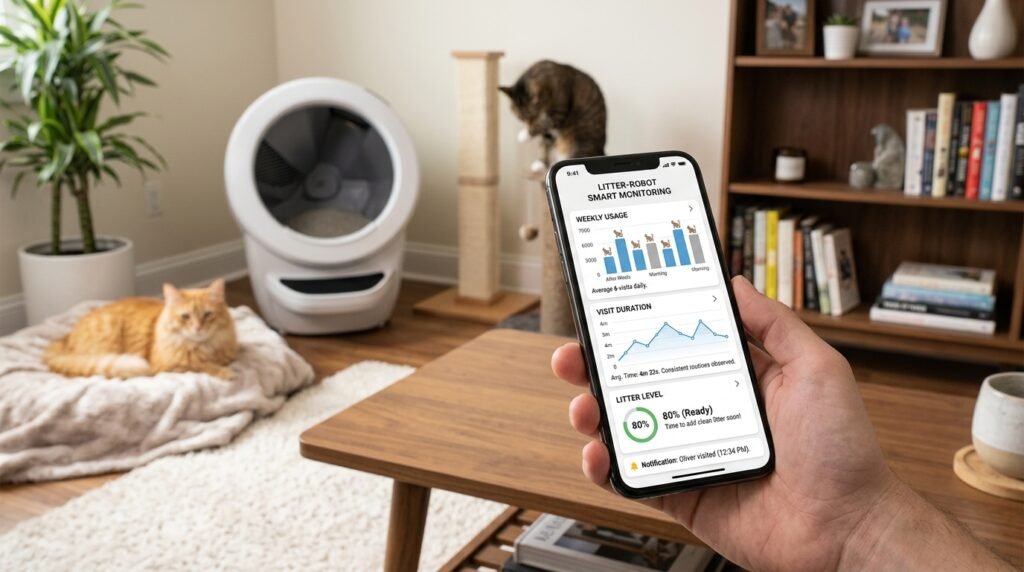
One of the best parts of the litter robot app is its smart monitoring. It tracks how often your cat visits the box and how much time they spend there. This information appears in simple charts that update automatically.
For instance, you might notice your cat uses the box more after meals. This pattern can help you spot normal routines or small changes early. Another thing is the litter level check. The app shows when it is time to add more clean litter. Because of these updates, you avoid guessing and keep the box ready for your pet.
Over time, the monitoring builds a picture of daily habits. This means you can see trends, like more activity on weekends. Such details bring peace of mind, especially in multi-cat homes where each pet might have different ways. The app makes it simple to review this without any hard work.
Real-Time Alerts Keep You Informed
Alerts are a key feature that many owners love. The litter robot app sends messages straight to your phone when something needs attention. For example, it notifies you when a cleaning cycle starts or finishes. It also tells you right away if the waste drawer is getting full.
This is useful because you can empty the drawer before it overflows. Another alert might remind you about low litter or if the box pauses for any reason. That’s why you never have to wonder what is going on while you are away. In addition, you can choose which alerts matter most to you and turn off others.
Real-life example: A family went on a short trip. Thanks to the alerts, they knew exactly when to ask a neighbor to check the drawer. Because the notifications are timely, problems get fixed fast. This feature turns remote care into something reliable and stress-free.
Remote Control Options for Full Convenience
The app goes beyond watching by letting you control the litter box from far away. You can start a clean cycle manually if needed. Also, you can adjust the delay time before cleaning begins. This is great for cats that like extra quiet time after using the box.
Next, you can lock the control panel on the box itself so little hands or curious pets do not change settings by mistake. Another useful option is the night light toggle or sleep mode schedule. These small controls help match the box to your home routine.
For example, during a late-night work shift, you might turn on the light from your phone so your cat feels safe. Because these changes happen instantly, the litter robot app feels like having the box right in your pocket. Over time, you learn which settings work best for your cat’s comfort.
Understanding Usage Insights and Pet Health Clues
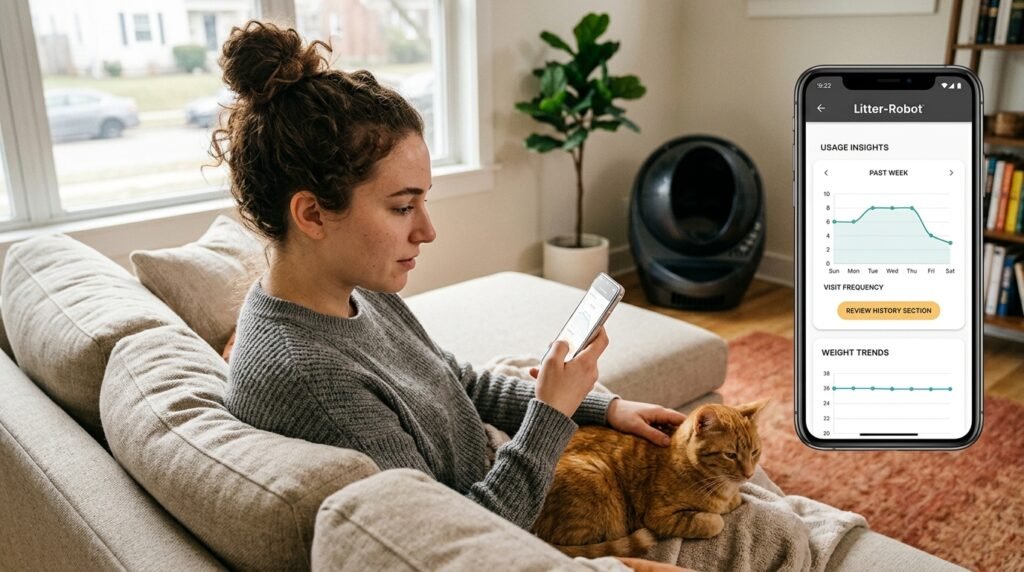
Beyond basic alerts, the litter robot app provides insights into your cat’s behavior. It shows visit frequency and sometimes weight trends when connected properly. These details can point to healthy patterns or times when extra care might help.
For instance, if visits drop suddenly, it could mean your cat feels unwell or the box needs cleaning. That is why reviewing the history section once a week is a good habit. In multi-pet homes, newer versions help tell cats apart with smart features. This gives clearer pictures for each animal.
Another thing is that these insights grow more useful the longer you use the app. You might discover that certain litters or placements lead to happier cats. Such knowledge helps you make small improvements that keep everyone content. The app presents all this in plain, easy-to-read formats.
Common Setup and Connection Tips
Setting up works well for most people, but a few simple tips make it even smoother. Always use a strong Wi-Fi signal near the litter box. Keep the box away from thick walls or metal objects that might block the signal.
After connecting, restart the app and the box once to test everything. If lights blink in certain colors, check the waste drawer or sensors for any blockages. Unplugging for a short time often fixes small glitches. Because patience helps during first tries, take your time and follow the on-screen guide.
In addition, update the app regularly for new improvements. These updates often fix connection issues and add helpful tools. With these steps, most users enjoy steady performance right from the start.
Everyday Tips for Best Results with the Litter Robot App
To get the most from the litter robot app, place the box in a quiet, easy-to-reach spot. Use good clumping litter that the system handles well. Check the waste drawer every few days, even with alerts, as a backup.
Another helpful practice is to watch your cat’s first few uses. Some cats need gentle encouragement at the beginning. Over time, they treat the box like a normal part of their day. Also, clean the outside of the box gently to keep sensors working properly.
For families with children, explain the app in simple words so everyone can help monitor. This teamwork makes pet care a shared joy. Because small daily checks prevent bigger problems, your home stays fresh and your cat stays happy.
Troubleshooting Common Issues
Even with good tools, small issues can appear. If the app loses connection, first check your Wi-Fi and restart the box. Make sure the phone and box are close during initial setup.
If alerts stop coming, look at your phone’s notification settings for the app. For waste level readings that seem off, empty the drawer fully and reset. Sensors sometimes need a quick wipe with a dry cloth.
Another common thing is making sure the globe sits correctly after adding litter. Because these fixes are straightforward, you can solve most problems at home. If something continues, the app or support pages often have clear next steps. Taking action quickly keeps everything running smoothly.
FAQ
How does the litter robot app help with multiple cats?
It tracks overall activity and, in newer models, can help identify different pets. This gives you a better view of each cat’s habits so you can care for them individually.
Can I use the litter robot app when I am traveling?
Yes, as long as you have internet on your phone. Real-time alerts and remote controls work from anywhere, which makes vacations less stressful.
Is the app free to download and use?
The basic version is free with core monitoring and alerts. Some advanced insights might need extra options, but most daily features work well without cost.
What if my Wi-Fi is not very strong?
Try moving the router closer or using a signal booster. The connection prefers 2.4 GHz networks for better reach.
Does the app work with older litter box models?
Some older models need an upgrade kit to connect fully. Check the app for compatibility with your specific box.
How often should I check the app?
Many people look a few times a day at first. After that, alerts handle most updates so you only open it when needed.
Will the app drain my phone battery?
No, it uses very little power because it sends updates only when important things happen.
Conclusion
The litter robot app brings smart monitoring, timely alerts, and easy remote control together in one helpful tool. It takes the guesswork out of litter box care and lets you focus more on enjoying time with your cat. From simple setup to daily insights, each feature works to make pet parenting smoother and more informed.
As technology improves in 2026, these apps continue to offer new ways to understand our pets better. Try using the features step by step, and you will likely find a routine that fits your life perfectly. In the end, a happy cat and a cleaner home are wonderful gifts that this kind of smart helper supports every single day.
Desclaimer: This article is for informational purposes only and is based on general knowledge about smart pet care devices. Always refer to the official product guides and support for the most accurate instructions suited to your specific setup. For any health or behavior concerns with your cat, consult a veterinarian. This content does not replace professional advice and aims to share helpful explanations in a neutral way.
Explore More:
Single Axle Dump Truck: Best Uses, Specs, and Buying Guide
Page Size Checker Spell Mistake Fix – Quick & Easy Guide
About the Author