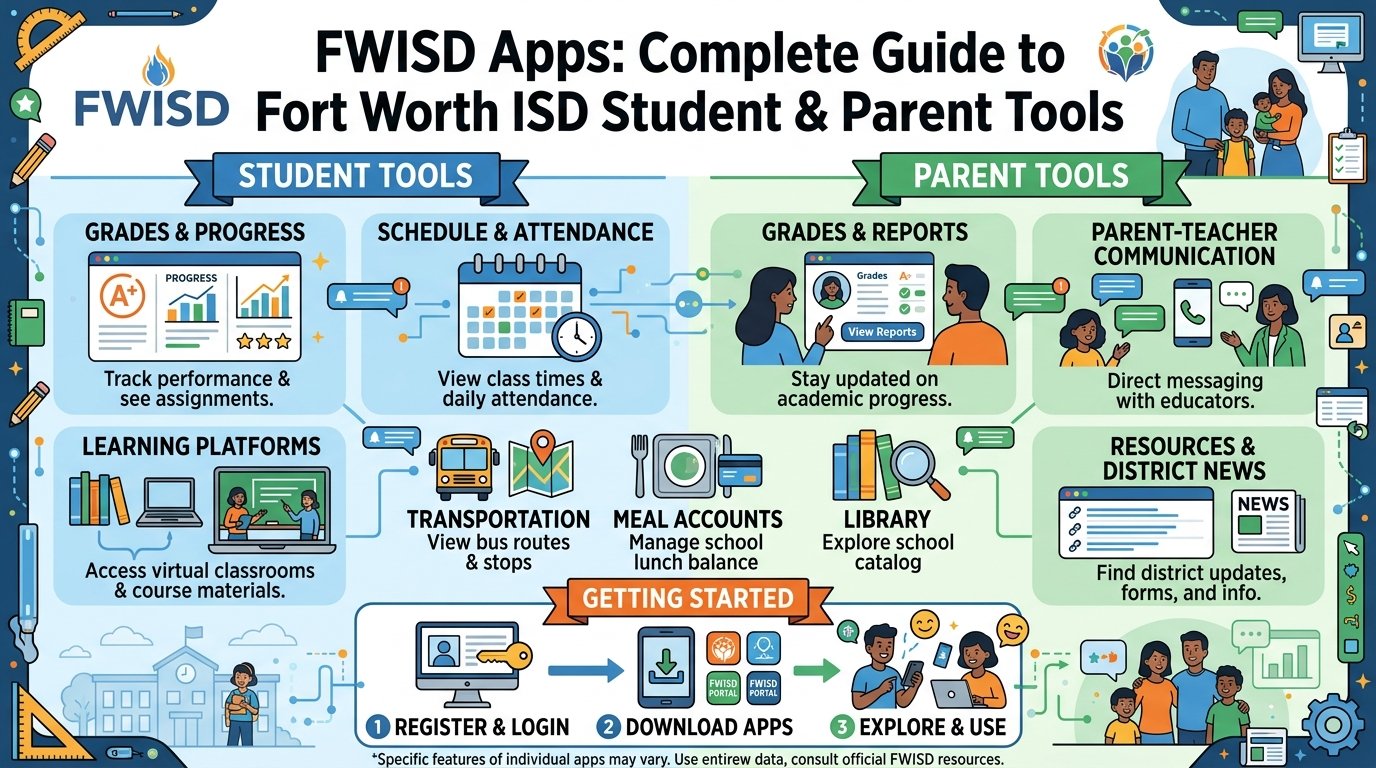
Fort Worth Independent School District, also known as FWISD, works hard to help students and families stay connected to school life. In today’s busy world, FWISD apps make it easier than ever for parents and students to check grades, talk with teachers, track buses, and learn from home. These tools bring school information right to your phone or computer. Families feel more involved, and students get better support because everything is simple and quick to reach. This complete guide explains the main FWISD apps in a clear way so you can use them with confidence.
Many parents want to know what happens at school each day. With the right apps, you can see updates without waiting for a phone call or note. Students also gain freedom to manage their own work. Over time, these digital tools help build stronger home and school partnerships. Next, we will look at the most important ones step by step.
Getting Started with FWISD Parent Tools
The first step for most families is setting up access to the main parent tools. You begin by creating an account on the district website. After that, you can add your child’s information. This process usually takes only a few minutes. Once you finish, you unlock many helpful features.
Parents often feel excited when they see their child’s grades and schedule for the first time. The system keeps everything safe and private. That’s why it is smart to use a strong password and check your account regularly. In addition, the district provides simple guides and videos if you need extra help.
The FWISD Focus Portal App – Your Main Hub for Student Information
One of the most useful FWISD apps is the Focus Portal app. Families and students can download it from the app store on their phones. This app works with the web version of the Parent Portal. After you log in with the same username and password, you see important details right away.
Inside the app, you can view grades, attendance records, class schedules, and report cards. You can also check test scores, including results from important state tests. Another thing is that you can fill out back-to-school forms directly from your phone. This saves time because you no longer need to print papers or visit the school office as often.
For example, imagine it is the start of the school year. You open the Focus app while waiting in line at the store. In just a few taps, you complete all the health forms and emergency contacts. This means you finish important tasks faster and feel less stressed. The app also shows public messages and links, so everyone stays informed even without full login.
Students like this tool too. They can track their own assignments and see what they need to improve. Over time, this habit helps them become more responsible for their learning. The Focus Portal brings real-time updates, which means you know about changes as soon as they happen.
Staying Connected with ParentSquare
Good communication makes school life smoother for everyone. That is why FWISD uses ParentSquare as a main way to send messages. This tool lets schools share news through the app, email, text, or even voice calls. Parents can choose how they want to receive updates.
With ParentSquare, you see posts about school events, photos from class activities, and important calendars. You can also reply to teachers or ask questions in a safe place. For instance, if your child has a special event coming up, the app reminds you with a simple notification. Families on certain campuses use this tool every day, and it helps build a strong community feeling.
Another nice feature is the daily digest option. Instead of getting many messages, you receive one summary each day. This works well for busy parents who do not want constant alerts. In addition, you can view photos and announcements anytime, which makes you feel closer to what happens in the classroom.
Canvas for Learning and Assignments
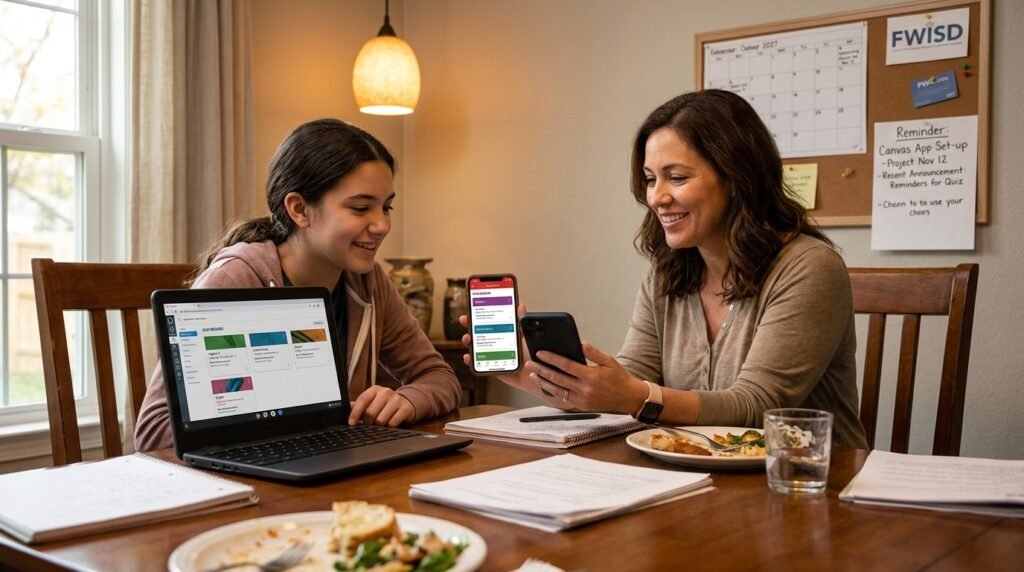
Learning does not stop at the school doors. FWISD uses Canvas to support classroom work. Parents can download the Canvas Parent app to follow along with their child’s courses. After connecting your account, you see assignment details, due dates, and course announcements.
This app helps you support your child at home. You might notice an upcoming project and talk about it together during dinner. Teachers post reminders and resources, so everyone stays on the same page. Students use Canvas on their school devices too. They submit work, join discussions, and review materials. Because the app works on phones, learning becomes flexible and easy to manage.
Many families say the Canvas Parent app reduces surprises about missing work. You can set reminders for important deadlines. This simple step helps students finish assignments on time and feel more successful.
My FWISD ClassLink – The Door to Many Student Apps
Students need access to different learning programs. That is where My FWISD ClassLink comes in. This portal gathers many educational tools in one place. After logging in, students see a dashboard with apps for reading, math, writing, and more.
ClassLink makes it simple because students use one login for everything. They do not have to remember many passwords. Teachers can also share special resources through this system. Parents sometimes look over their child’s shoulder to see what apps they use most. This gives a good picture of daily learning activities.
Over time, students learn to navigate ClassLink on their own. They explore new tools that match their interests, such as creative programs or research sites. This freedom encourages independent learning and prepares them for future school and work.
Stopfinder App for Safe Bus Travel
Getting to and from school safely is a big concern for many families. FWISD offers the Stopfinder app to help with bus tracking. Parents download this free tool and add their child’s route. Then they receive real-time updates when the bus arrives near the stop, when the child boards, and when they reach school.
Imagine a rainy morning. Instead of worrying, you check the app and see the bus is only five minutes away. You can plan your day better and feel peace of mind. The app also sends alerts about delays or changes. This feature is especially helpful during bad weather or special events.
Students who ride the bus learn responsibility too. They know their parents can track the route, so they stay safe and on time. In addition, the app shows expected arrival times based on normal conditions, which helps with daily routines.
Other Helpful Resources and Tips for Success
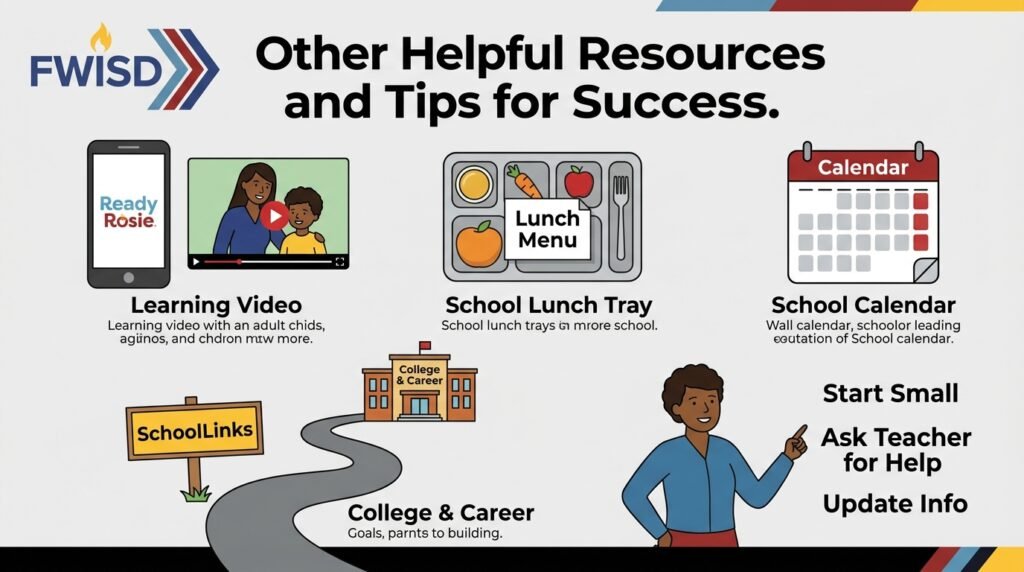
FWISD provides more support beyond the main apps. For younger children, programs like Ready Rosie send fun learning activities straight to your phone. These short videos and ideas help parents teach important skills at home in simple ways.
Lunch menus and school calendars are easy to find on the district site or through linked apps. Some families use these to plan meals or activities around the school schedule. Another useful tool is SchoolLinks, which helps with college and career planning as students grow older.
To get the most from these FWISD apps, start small. Pick one or two tools first and practice using them. Ask your child’s teacher for help if something feels confusing. Many schools hold short training sessions or share video guides. Also, keep your contact information updated in the system so you never miss important messages.
Common mistakes to avoid include using old passwords or forgetting to check notifications. It is also smart to talk with your child about privacy and safe app use. When families and schools work together through these tools, students receive better support and feel more motivated.
Frequently Asked Questions About FWISD Apps
How do I create a Parent Portal account?
Visit the FWISD website and follow the steps to register. You will need your child’s information. The school usually approves the account within a few days.
Can students use the same apps as parents?
Yes, many tools like the Focus Portal work for both students and parents. ClassLink is mainly for students to access learning programs.
What if I forget my login information?
Use the forgot password link on the login page. You can reset it with your email. District guides also explain this process clearly.
Are the apps free to download?
Most FWISD apps are free. You only need a smartphone or computer with internet.
Do I need special training?
No special training is required, but watching short videos helps you learn faster. Schools often share easy instructions.
How do I add more than one child to my account?
After your first child is added, you can link others through the portal settings.
What happens if the app shows wrong information?
Contact your school right away. Small updates sometimes take time to appear.
Wrapping Up Your FWISD Apps Journey
Learning about FWISD apps opens many doors for better school involvement. From checking grades in the Focus Portal to tracking the bus with Stopfinder, these tools make daily life smoother. Parents stay informed, students gain independence, and teachers connect more easily with families.
As you start using these resources, remember that small steps lead to big improvements over time. Stay curious, ask questions when needed, and celebrate the progress you see in your child. Fort Worth ISD continues to update these tools to meet family needs. With patience and regular use, you will feel more confident and connected to your child’s education. Keep exploring, keep learning, and enjoy the journey together.
Disclaimer: This article is for informational purposes only and is based on publicly available information about FWISD resources as of 2026. Always check the official FWISD website or contact your school for the most current details, login instructions, and support. This guide does not replace official district communications.
Explore More:
App Obits: The Complete Guide to Creating, Managing, and Sharing Digital Obituaries
Kodak Pixpro FZ55 Review: Compact Camera for Everyday Photography
About the Author