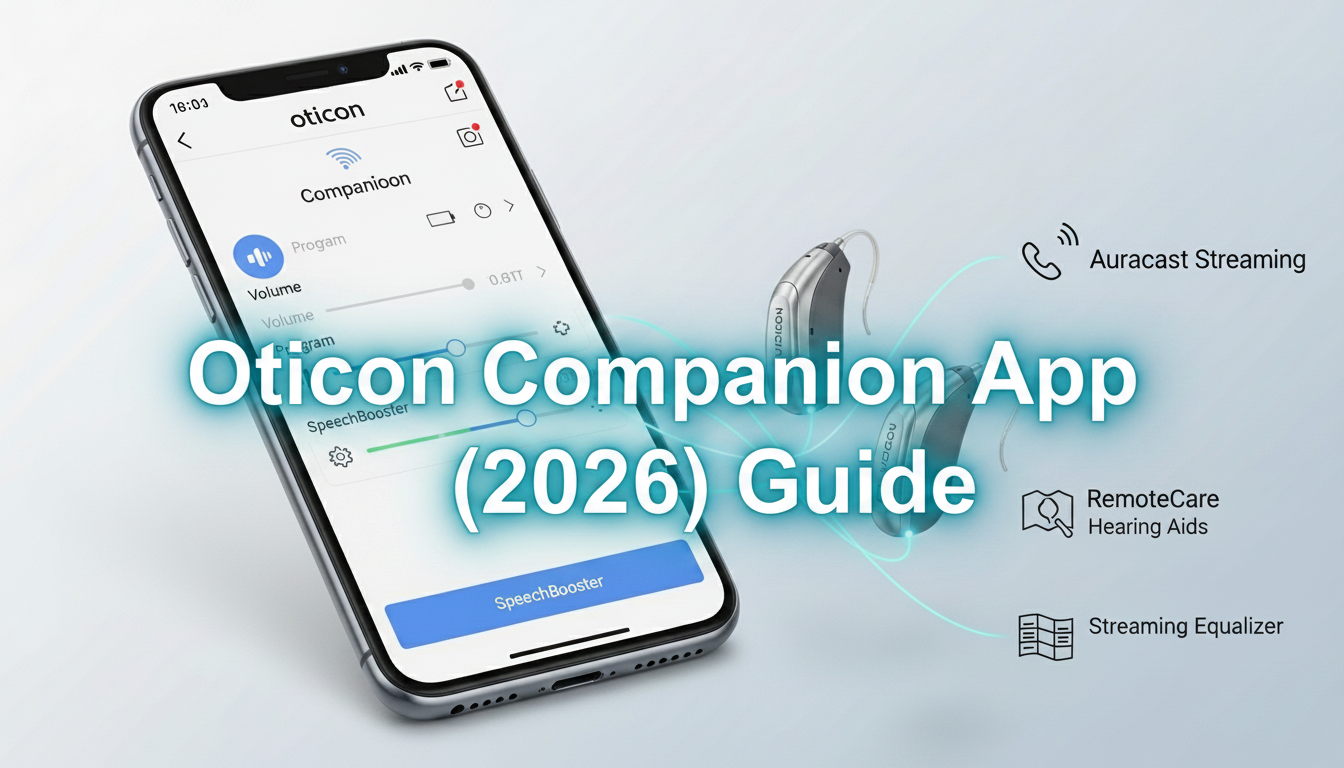
Living with hearing loss can be hard sometimes. But good technology can make life much easier. The Oticon Companion app is like a smart remote control for your Oticon hearing aids. In 2026, this one app does everything you need. It combines simple daily controls with professional help in a single easy place.
Whether you are using Oticon hearing aids for the first time or you used older apps before, this guide will help you. It explains everything in very simple words. You will learn how to download the app and set it up. You will see its useful features. You will find out how to fix common problems. You will also discover smart tips that many people do not know.
What Is the Oticon Companion App?
The Oticon Companion app turns your phone into a helpful controller for your hearing aids. You can change settings without touching the devices in your ears. You can adjust the volume, switch programs, and talk to your hearing doctor from home.
In 2026, the app supports the newest hearing aids, including the Oticon Intent models. It works well with new technology called Auracast™. This lets you connect to public sound systems in airports, theaters, and events without any trouble.
The app has replaced the old separate apps — Oticon ON and RemoteCare. Now everything is together in one simple app. This makes life easier for users and helps hearing professionals give better support.
Many people say the new app feels cleaner and works more smoothly than before. It runs on both iPhone and Android phones. You can also make quick changes from your Apple Watch when you want to stay discreet.
Who Can Use This App?
Anyone with compatible Oticon Bluetooth hearing aids can use the app. It works with most newer models. Very old hearing aids from 2016 to 2018 may need an update from your hearing care professional first. Some special features like SpeechBooster or Auracast only work with certain models.
How to Download the Oticon Companion App
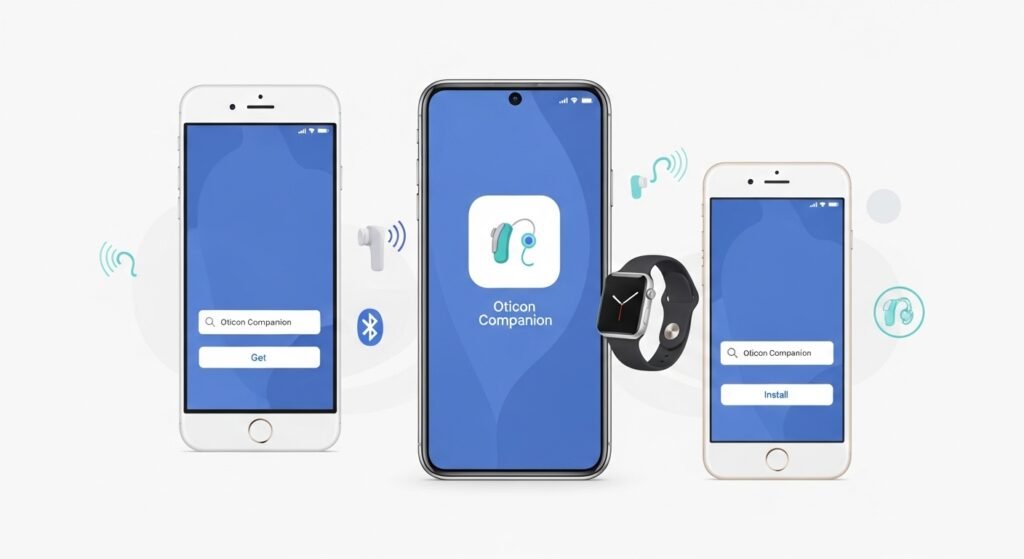
Before you start, make sure your phone can support the app.
For iPhone users:
Your phone needs iOS 15.0 or newer. For better performance, iOS 15.2 or higher is best. The app also works with Apple Watch if it has watchOS 7.4 or later. This lets you control your hearing aids from your wrist.
To download:
Open the Apple App Store.
Search for “Oticon Companion.”
Tap Get to download.
For Android users:
Your phone needs Android 8.0 or newer. Android 10 or higher gives the best experience. Phones that support ASHA or Bluetooth LE Audio give clearer sound and stronger connection.
To download:
Open the Google Play Store.
Search for “Oticon Companion.”
Tap Install.
Always download from the official app store. This keeps your phone safe. The app is free.
For the latest list of supported phones and hearing aids, visit oticon.com/support/compatibility.
Step-by-Step Setup Guide
Setting up the app is quick and easy. Most people finish it in just a few minutes.
Step 1: Prepare your hearing aids
You need to put your hearing aids in pairing mode.
- If they use disposable batteries: Open the battery door and close it again.
- If they are rechargeable: Put them in the charger for a few seconds, then take them out.
This starts pairing mode for about three minutes. You may hear a sound or see lights.
Step 2: Turn on Bluetooth
Go to your phone settings and switch Bluetooth on. Do not pair the hearing aids in the phone’s Bluetooth menu. Let the app do it for you.
Step 3: Pair in the app
Open the Oticon Companion app.
Follow the easy instructions on the screen.
The app will look for your hearing aids. When you see them, tap Pair. You may need to tap once for each ear.
After pairing, the app shows battery levels. Your hearing aids will connect automatically when they are near your phone.
If you have any problem, restart your phone and hearing aids, then try again. Low battery or nearby devices often cause small issues.
Main Features of the Oticon Companion App in 2026
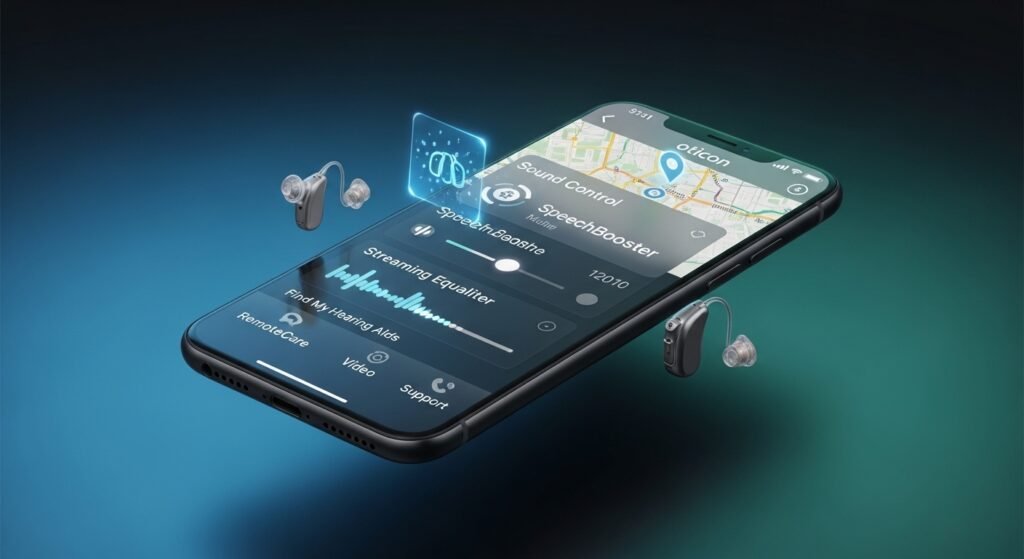
The app is more than just a volume button. Here are the most helpful features.
Simple Sound Control and Programs
On the home screen, you can change volume for both ears together or one ear at a time. You can also switch between different listening programs. Your hearing professional can create programs for home, restaurants, music, and more. You just tap to change.
SpeechBooster for Noisy Places
In loud places like restaurants or parties, turn on SpeechBooster. It helps the hearing aids focus on the person talking to you and reduces background noise. Many users say this makes conversations much easier.
Streaming Equalizer
When you listen to music or watch videos on your phone, the equalizer lets you adjust bass, middle, and high sounds. You can make the sound exactly how you like it.
Find My Hearing Aids
If you lose a hearing aid, the app can help. It shows the last place the aid was connected to your phone. It also has a bar that grows as you get closer. Keep location services on for best results.
RemoteCare – Get Help from Home
This is one of the best features. You can have a video call with your hearing doctor inside the app. The doctor can adjust your hearing aids while you talk. You do not need to visit the clinic. This saves time and makes help faster.
The app also shows exact battery percentage. It works with Apple Watch for quick changes.
How People Use These Features Every Day
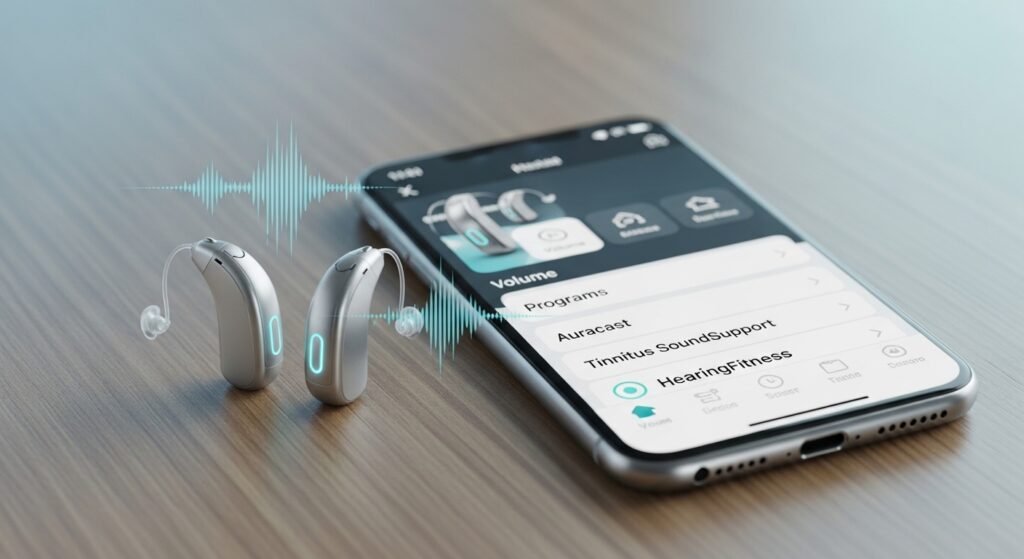
Most people start with volume and program changes. Later they learn more.
During phone calls or video meetings, sound goes straight to both hearing aids. This makes listening clearer. In places with Auracast, you can join public audio from the “More” section in the app. You can enjoy shows and announcements without straining.
If you have tinnitus (ringing in the ears), the Tinnitus SoundSupport plays soft sounds to help you feel better. You can change the volume and patterns to find what relaxes you most.
The app also has a HearingFitness tool. It tracks your hearing aid use and gives gentle tips to build good habits.
Common Problems and How to Fix Them
Sometimes small problems happen. Here are easy ways to solve them.
Hearing aids lose connection
Turn Bluetooth off and on in your phone.
Close the app completely and open it again.
Restart your hearing aids by opening and closing the battery doors or putting them in and out of the charger.
App cannot find the hearing aids
Check that the hearing aids are not connected to another device like a tablet.
Make sure the battery is not too low.
Move away from other Bluetooth devices.
Sound skips or plays in only one ear
Unpair the hearing aids in the app and pair them again.
On Android phones, clear the Bluetooth cache in settings.
Update your phone and the app to the latest version.
If the problem continues, use the troubleshooting section inside the app or start a RemoteCare call with your doctor.
Hidden Tips and Smart Advice for 2026
Here are some useful tips from experienced users.
Check Battery Easily
The app shows exact battery percentage. For Oticon Intent rechargeable models, you can see if they are charging inside the case. This helps you plan your day.
Use Dark Mode
The app has Dark Mode. It is easier on your eyes at night and saves phone battery on OLED screens. Many people turn it on automatically.
Auracast in Public Places
Look for the Auracast sign at airports or theaters. Open the app, go to “More,” and join the broadcast for clearer sound.
Better Tinnitus Relief
You can now choose different sound patterns for tinnitus relief. Try them to see which one helps you feel most relaxed.
Always Update
Keep your phone and the Companion app updated. Updates fix problems and add new features. Many connection issues disappear after an update.
Save Phone Battery
You can turn on “Find My Hearing Aids” only when you need it to save phone battery.
Why This App Makes a Big Difference
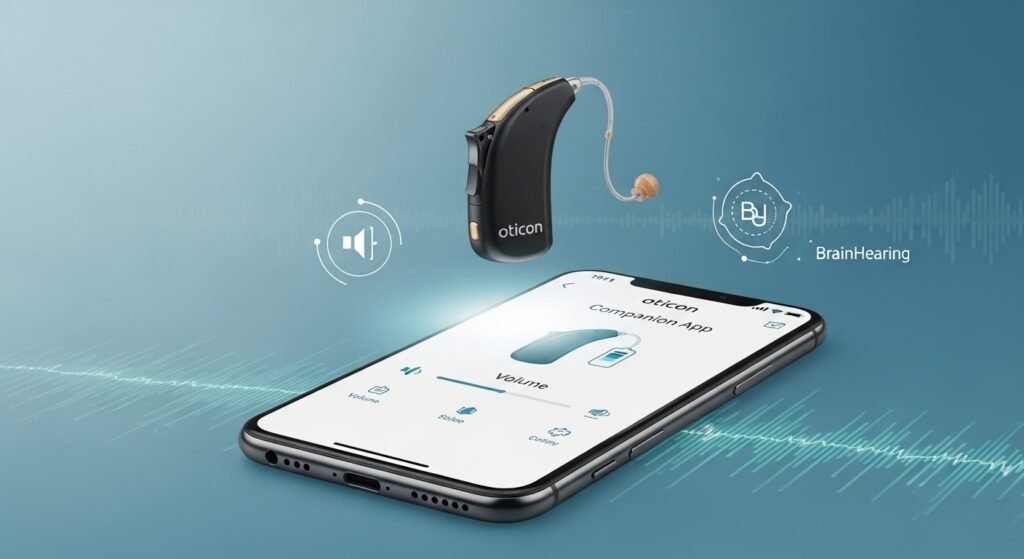
Oticon hearing aids already use smart BrainHearing technology to help your brain understand sound naturally. The Companion app adds easy control and quick professional help. This makes your hearing aids work even better.
Many users feel more confident when talking with others. They enjoy music and TV again. They worry less about losing their hearing aids. Getting help through RemoteCare from home saves time and reduces stress.
The app is made for real people. The screens are simple. The instructions are clear. Whether you need a quick volume change at dinner or full adjustments from your doctor, everything is easy to reach on your phone.
Final Thoughts and Best Advice
The Oticon Companion app puts you in full control of your hearing. It brings daily convenience and powerful features together in one friendly app. For the best experience, always keep your phone and the app updated to the latest version. Practice the main controls until they feel easy and natural to use. Contact your hearing professional through RemoteCare whenever you need help. If you follow the setup steps carefully and try the features slowly, you will soon enjoy clearer and more comfortable hearing every day. Your hearing journey is personal, and the Oticon Companion app is there to support you at every step. Many users say their hearing aids now feel like a natural part of them instead of just a device. If you still have trouble after trying the fixes, remember that professional help is just a video call away inside the app. Start using the Oticon Companion app today — clearer hearing and greater independence are easier than you think.
Disclaimer: This article is for general information only and is not a promotional or affiliate article. I do not earn any money or commission from Oticon or any other company. The information is based on official sources available in 2026, but hearing aid apps and technology can change. Images used are for reference only. This is not medical advice. For personalized help with your hearing aids or the Oticon Companion app, please contact your hearing care professional.
Explore More:
Airmid App (2026): Complete Guide to Features, Login, Benefits & Hidden Tips You Must Know
StreamEast App (2026): Is It Safe, Working & Best Alternatives Revealed
Chat Board App (2026): Ultimate Guide to Features, Safety, Best Alternatives & Hidden Tips
About the Author