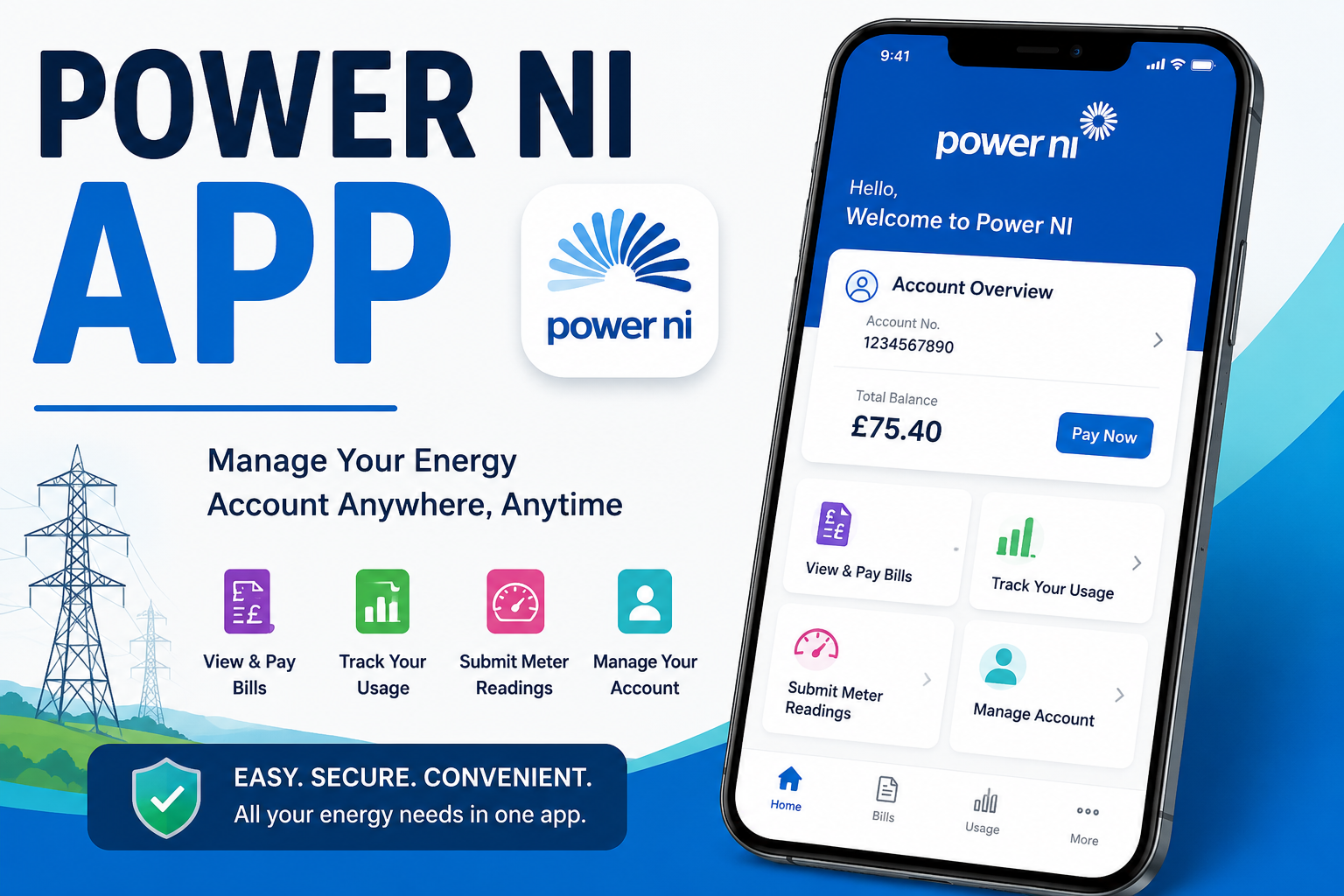
Many people in Northern Ireland use electricity every day to light their homes, cook food, and keep warm. Because of this, it helps a lot when you can manage your electricity account easily from your phone. The Power NI app makes this possible. This helpful tool lets you handle your electricity needs quickly and safely. In this complete guide, you will learn everything about the Power NI app in simple steps. We will cover how to download it, how to log in, its best features, and ways to fix common problems. By the end, you will feel confident using the app to save time and stay in control of your energy use.
Why the Power NI App Is Useful for Everyday Life
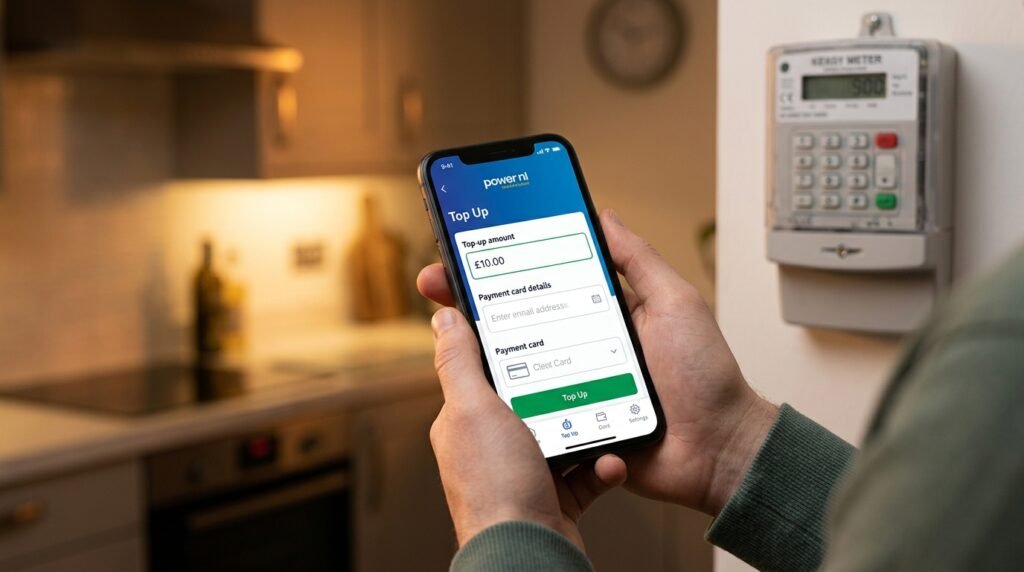
Life can get busy with work, family, and other responsibilities. Standing in line at a shop or waiting on the phone to pay your bill takes valuable time. The Power NI app changes that. It puts everything you need right in your pocket. You can top up your keypad meter, pay bills, or check your usage anytime, day or night.
This is especially good for people who have a keypad meter because they can add credit without leaving home. Over time, many users say the app helps them feel more organized. Another thing is that it works on both Android and iOS phones. This means almost everyone with a smartphone can use it. Next, let us see how to get started with the app.
How to Download the Power NI App on Your Phone
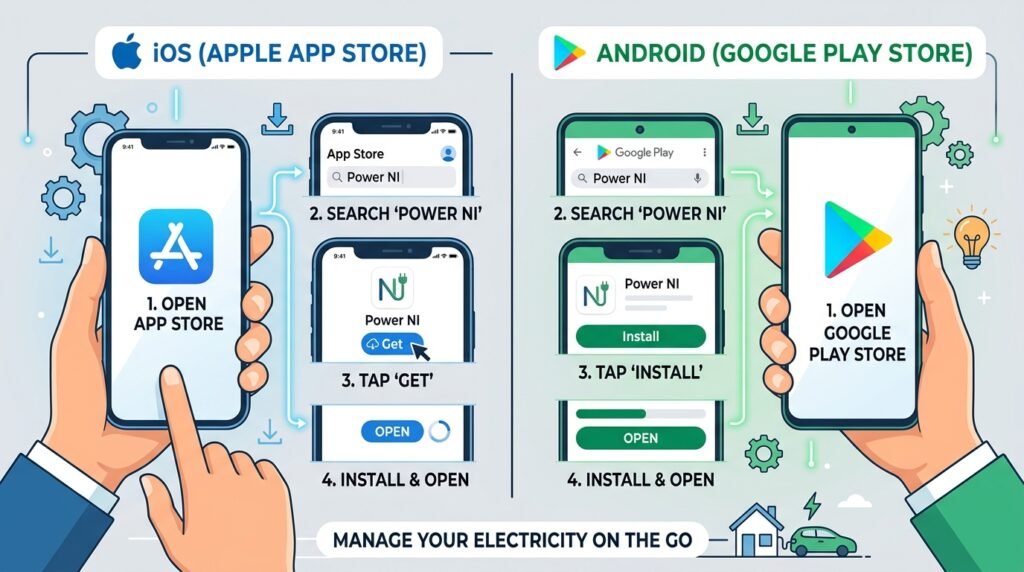
Getting the Power NI app is the first simple step. You do not need to pay anything because the app is free. After that, you can begin managing your account right away.
For Android users, open the Google Play Store on your phone. Type “Power NI” in the search bar. Look for the official app made by Power NI. Tap the download button and wait for it to finish. This usually takes only a minute or two if you have a good internet connection.
For iPhone users, open the App Store. Search for “Power NI Energy Online.” Choose the right app and tap Get to download it. Your phone may ask for your Apple ID password. After that, the app will install automatically.
Once the download finishes, you will see the Power NI app icon on your home screen. Tap it to open the app for the first time. This process is straightforward because the stores guide you step by step. Many people feel happy after they finish this part because they know they can now handle things from home.
How to Create an Account and Log In Safely
After you download the app, you need to set up your account. This step keeps your information safe and personal. First, open the app and look for the option to register or create a new account. You will need your personal details, such as your name, address, and account number from your electricity bill.
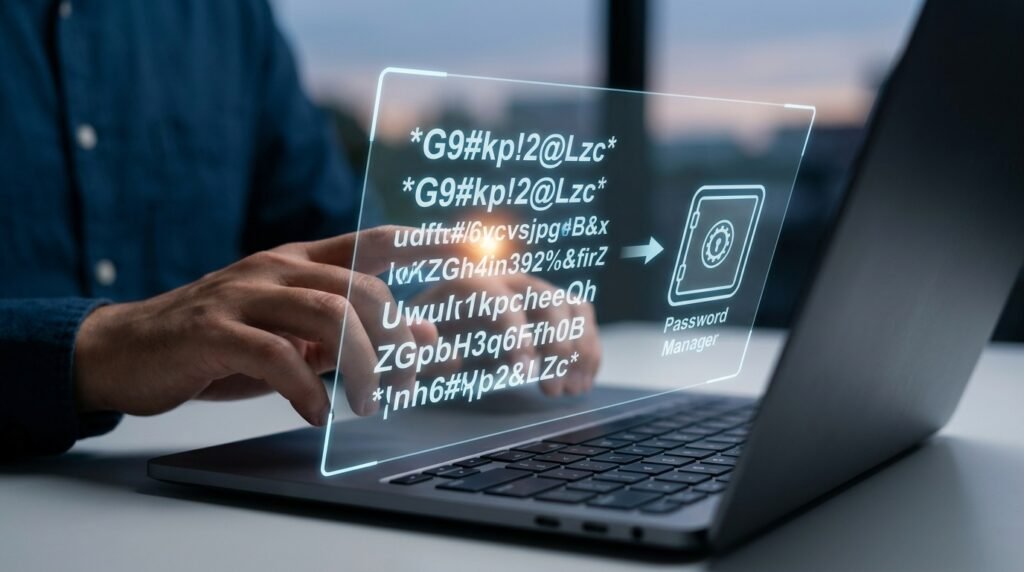
Type the information carefully. The app will ask you to make a strong password. Choose something you can remember but that is not too easy for others to guess. After that, the app may send a code to your email or phone to check that it is really you. Enter the code to finish registration.
Logging in is easy after you create your account. Open the app and type your username and password. Some people like to use the fingerprint or face ID option if their phone supports it. This makes login faster and safer. That’s why many users turn this feature on right away.
If you already have an online account with Power NI, you can use the same details to log in to the app. This connection between the website and app makes everything smoother. For example, if you paid a bill on the website yesterday, you can see it in the app today.
Main Features of the Power NI App That Make Life Easier
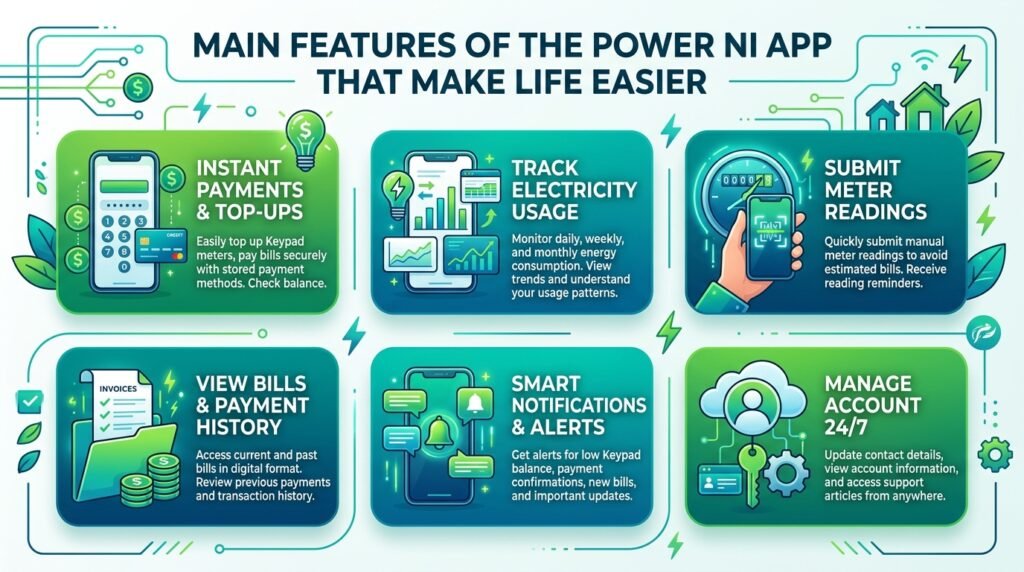
The Power NI app has many helpful tools built in. One popular feature is topping up your keypad meter. You can choose how much credit you want to add and pay with your saved card. After that, the app gives you a top-up code. It even reads the code out loud so you can enter it into your meter without mistakes. This is very useful when you are in a hurry.
Another great thing is paying your bills directly in the app. You can see your latest bill, check the amount, and pay it safely. The app lets you store your card details in a secure way so future payments go faster. Many people save time because they no longer need to find their bank card every month.
You can also view your previous top-up codes if you need them again. This means you do not have to worry if you lose a paper receipt. In addition, the app shows your electricity usage over time. You can see how much energy you used each week or month. For example, you might notice you use more electricity in winter because of heating. This knowledge helps you make small changes to save money.
The app also lets you submit meter readings. This keeps your bills accurate. Another useful part is viewing letters and messages from Power NI. You can read important updates without waiting for post to arrive. Over time, these features help you stay informed and avoid surprises on your bill.
Some users enjoy the rewards section too. You may find special offers or chances to get free electricity credit with certain top-ups. Because the app works on Wi-Fi or mobile data, you can use it almost anywhere. This flexibility is one reason why so many people like it in 2026.
Step-by-Step Guide to Top Up Your Keypad Using the App
Topping up is one of the most common reasons people use the Power NI app. Here is how it works in easy steps. First, log in to your account. Next, find the top-up section and choose the amount you want to add. You can pick from suggested amounts or type your own.
After that, check your payment details. If you saved your card before, it will appear quickly. Confirm the payment and wait for the top-up code. The app will show the code clearly on the screen. It also sends the code to your email so you have a backup. Finally, enter the code into your keypad meter at home. Your electricity will turn on right away if you need it.
This whole process usually takes less than two minutes. Many families use this method when they realize their credit is running low late at night. Because the app is available 24 hours, it gives peace of mind.
How to Check Usage, Submit Readings, and Manage Your Account
Keeping track of your energy use is important. The Power NI app makes this simple. Go to the usage or consumption section after you log in. You will see clear charts that show your daily or monthly use. This visual helps you understand your habits better.
For instance, if you see high usage on weekends, you might decide to turn off lights more often. The app also lets you submit your meter reading with just a few taps. Take a photo of your meter or type the numbers. After that, send it through the app. This step helps Power NI give you correct bills.
You can update your personal information in the account settings too. If you move house, you can tell them easily. Another thing is that the app has a help section with useful tips. This means you can solve small questions without calling anyone.
Common Troubleshooting Tips for the Power NI App
Sometimes things do not work perfectly, and that is okay. Many people face small problems with apps. Here are some easy ways to fix them. If the app will not open, try closing it completely and opening it again. This often solves the issue.
If you cannot log in, check that you are using the correct password. You can also try the “forgot password” option to reset it. Another common problem is slow loading. This usually happens because of weak internet. Switch to a stronger Wi-Fi connection or try mobile data. After that, the app should work better.
Some users see error messages when they try to pay. In this case, check your card details or try a different payment method. Make sure your app is updated to the latest version from the store. Updates often fix bugs and add new features.
If the top-up code does not work on your meter, double-check that you entered it correctly. The app can read it out loud to help you. For bigger problems, the app has a support contact option. You can send an email with details about what went wrong. This helps the team understand and fix your issue faster.
Always keep your phone’s software up to date too. Old phone systems can cause problems with new apps. Over time, taking these small steps prevents most troubles.
Mistakes to Avoid When Using the Power NI App
It is good to learn from common mistakes so you do not make them. One mistake is using weak passwords. Always choose a mix of letters and numbers. Another mistake is forgetting to log out on shared phones. This keeps your information private.
Some people wait until their credit is zero before topping up. It is smarter to add a little extra early so you never run out at an inconvenient time. Also, do not ignore the usage charts. They give helpful clues about saving energy.
Avoid using public Wi-Fi for payments because it can be less secure. Instead, use your home Wi-Fi or mobile data. These small habits make your experience safer and smoother.
FAQ About the Power NI App
How much does the Power NI app cost?
The app is completely free to download and use. You only pay for the electricity you use.
Can I use the app without creating an account?
Yes, you can make some payments as a guest. However, creating an account gives you more features like saving payment details and viewing history.
Is the app safe to use for payments?
The app uses strong security to protect your information. Many people use it confidently every day.
What should I do if I forget my login details?
Use the forgot password or username option in the app. It will guide you to reset them safely.
Does the app work for business accounts too?
The main features are for home customers, but some business users may find helpful tools as well. Check the app for details.
Why is my top-up not showing on the meter?
Wait a few minutes and try entering the code again. If it still does not work, contact support with your details.
Can I view old bills in the app?
Yes, you can see past bills and letters once you log in to your account.
Final Thoughts on Using the Power NI App in 2026
The Power NI app continues to grow with new updates that make it even more helpful. From easy top-ups to clear usage tracking, it puts control in your hands. By learning these steps, you can save time, avoid stress, and manage your electricity better. Remember to update the app regularly and reach out for help when needed. With a little practice, the app becomes a natural part of your daily routine. Stay organized, use energy wisely, and enjoy the convenience that modern tools like this provide.
Disclaimer: This article is for general information purposes only and is based on publicly available details about the Power NI app as of 2026. Features, steps, and troubleshooting advice may change over time. Always check the official Power NI sources or app store for the most current information. This guide does not replace official customer support. For personal account issues, contact Power NI directly.
Explore More:
Seats App: Complete Guide to Features, Login, Download & Reviews (2026)
Boiler Size Calculator App 2026: Find the Perfect Boiler Size for Your Home
About the Author