Taking care of your health should feel easy and stress-free. Many people in the UK find it hard to call their GP surgery, wait on the phone, or remember every detail from doctor visits. In 2026, the Airmid app makes these tasks much simpler for patients.
The Airmid app is created by TPP, the same company that makes SystmOne. SystmOne is a computer system used by thousands of GP practices, hospitals, and community health services in the UK. The app acts as a safe digital helper that connects you straight to your healthcare team.
From this Guide, You will learn what is the Airmid app, how to do Airmid app login, if is Airmid app free, what people say in Airmid app review, and if you can use Airmid app for PC. All details come from official TPP sources, the app stores, and real GP practice websites to make sure the information is correct and helpful.
What Is the Airmid App?
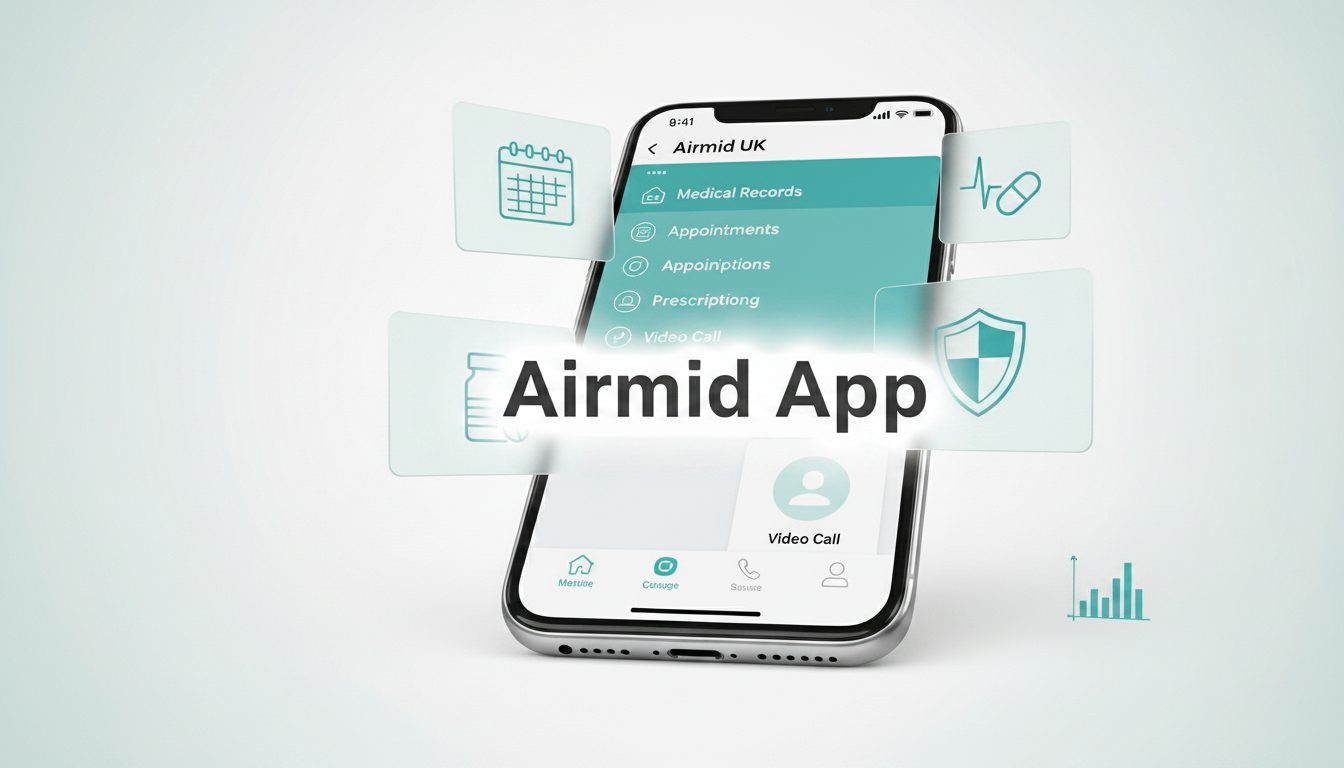
The Airmid app is a free mobile app for patients. It helps you manage your health records and connect with services from GP practices and other NHS organisations that use the SystmOne system. It brings you closer to your doctors and nurses. You can handle many everyday health tasks from your phone without always needing to call or visit the surgery.
The main NHS App is good for general NHS services. However, Airmid often works better with practices that use SystmOne. It gives a strong and direct link to your care. You can download the app for free. Search for “Airmid UK” in the Apple App Store on your iPhone or iPad. On Android phones and tablets, find it in the Google Play Store. Once you have it, the app puts useful health tools right in your pocket.
Many people like Airmid because it supports a “digital first” way of healthcare. This means you can get help online first when it is safe and suitable.
Key Features of the Airmid App in 2026
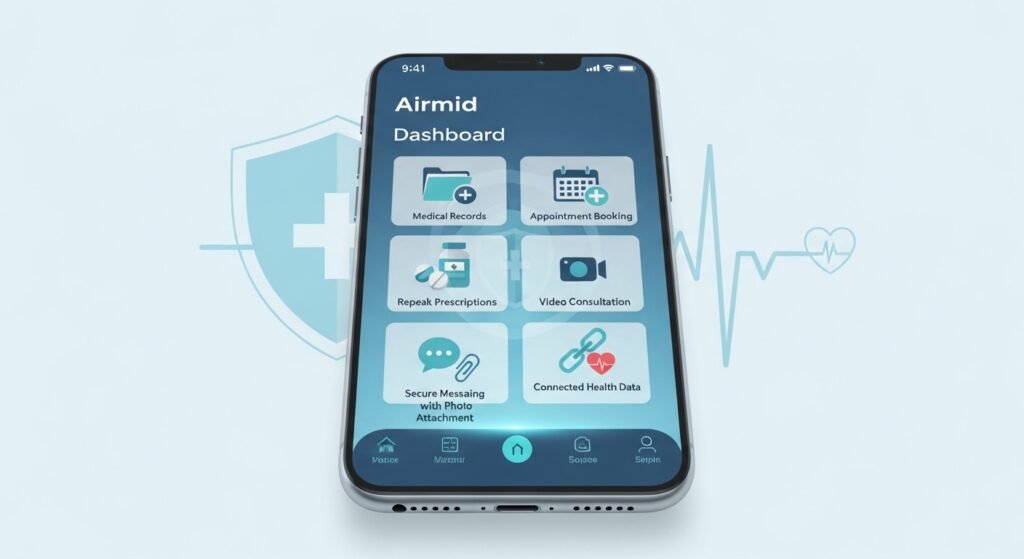
The Airmid app has grown into a powerful tool that helps patients every day. Here are the main things you can do with it.
You can view parts of your medical record. This includes past appointments, test results, allergies, medicines, and vaccination history. In many cases, you can also see notes written by doctors during your visits. The exact details depend on what your GP surgery has allowed.
Booking appointments is simple. You can book new ones, change them, or cancel them inside the app. You will get push notifications on your phone to remind you about upcoming visits.
Requesting repeat prescriptions takes only a few taps. The app shows your regular medicines. You can order what you need, choose your pharmacy, and track when the request is approved.
Video consultations let you talk face to face with a doctor or nurse. This is useful when you do not need a physical check-up. The calls are secure and happen directly in the app. This saves you time and travel.
Secure messaging is another helpful feature. You can send non-urgent questions to your practice team. You can also attach clear photos of skin rashes, wounds, or other visible problems. The messages and photos are saved safely in your record. This often helps the doctor give advice faster without an in-person visit.
You can add your own health information, such as daily readings or symptoms. The app connects with Apple Health on iPhone or Google Fit on Android. This lets data like steps, heart rate, or sleep patterns flow safely into your record if your doctor needs it.
You may also receive personalised messages and updates from your practice straight to the app. This is often quicker than waiting for letters in the post.
These features work together to give you more control over your health. They reduce unnecessary phone calls and visits while keeping everything safe and private.
Airmid App Login: Simple and Secure Steps
Many people search for easy instructions on Airmid app login. The process is designed to keep your private health information safe.
There are two main ways to sign in. The easiest way in 2026 is using NHS Login. If you already have an account for the NHS App, you can use the same email and password. New users can create an NHS Login directly inside the Airmid app by following the simple steps on the screen.
The second way is for people who already have a username and password for SystmOnline, the web version. You can use those same details to log into Airmid.
After your first successful login, you can turn on biometric login. This means you can open the app quickly with your fingerprint (Touch ID) or face recognition (Face ID). It is faster and more convenient than typing a password every time.
To start, download the app and tap “Continue with NHS Login”. Follow the clear instructions that appear. If you need help creating an NHS Login, there are official videos on YouTube and guidance on the NHS website.
The login uses secure checks to protect your data. Once you are inside, you can explore the app slowly at your own pace.
Is Airmid App Free?
Yes, the Airmid app is completely free. There is no cost to download it. There are no monthly fees and no hidden charges for any features.
TPP provides the app as part of the healthcare system for organisations that use SystmOne. This means the costs are covered by the NHS or the health service, not by patients like you. You can enjoy every part of the app without paying anything. This makes Airmid available to everyone who wants easier access to their health information and services.
Airmid App for PC: Can You Use It on a Computer?
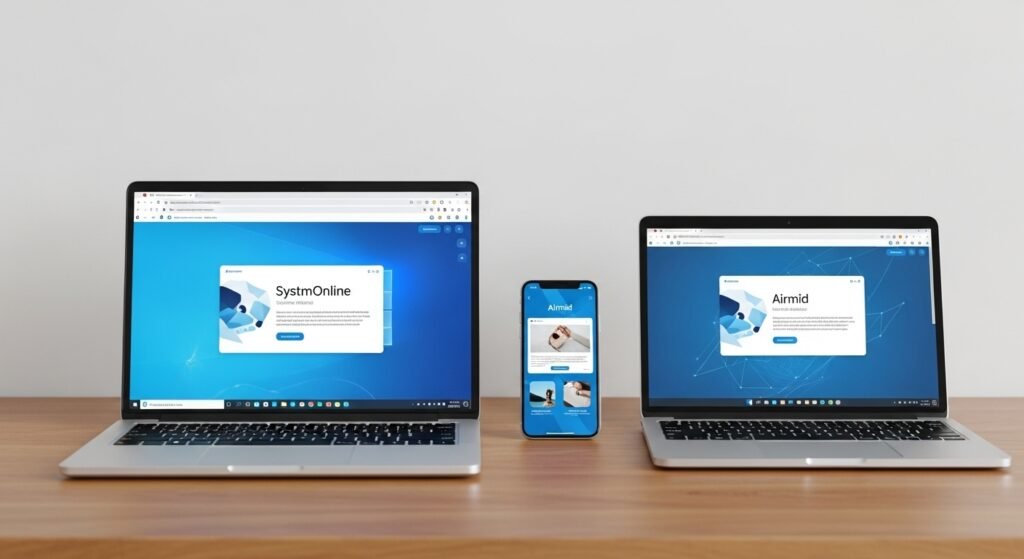
People often ask about Airmid app for PC. The main app is built for mobile phones and tablets, so there is no separate desktop program for Windows computers.
You still have good options on a computer. You can open the SystmOnline website in any web browser on a Windows PC or Mac laptop. Many important functions, such as requesting prescriptions and managing appointments, are available there. If you have a newer Mac computer with an Apple Silicon chip (M1, M2, M3 or later), you can download the iPad version of Airmid from the Mac App Store and use it on your Mac.
Most users find it convenient to use the phone app for quick daily tasks. They switch to the SystmOnline website when they want a bigger screen at home or work.
The Major Benefits of Using Airmid
Using the Airmid app brings several clear advantages over old ways of contacting your doctor. You can access services 24 hours a day, every day of the week. You can request a prescription or send a message at any time, even late at night or on weekends. There is no need to wait for the surgery to open.
Seeing information from your own medical records helps you understand your health better. You can check details and notice if something looks incorrect, such as a wrong allergy note. You can then ask your doctor to review it.
Proxy access is very useful for families. With proper permission, parents can manage records for their children. Carers can also help look after the records of elderly relatives from their own account. The secure messaging feature reduces time spent waiting on the telephone. You can send a non-urgent question and often get a reply without long hold times. When you travel or see a private specialist, you can more easily share or export parts of your record.
Overall, Airmid helps you take a more active role in your healthcare. Many users say it saves them several hours every month by making routine tasks quicker and simpler.
Airmid App Review: What Do Real Users Think in 2026?
Airmid app review feedback in 2026 is generally positive, especially from people whose GP practices have fully set up the app. Users often praise the depth of information they can see in their records. They like being able to read notes from past visits, set reminders for medicines, and upload photos during consultations. The video call quality is usually described as clear and stable. Many people say the ability to attach photos helps them get faster advice for skin or injury problems.
Some users mention that the app design looks practical and clinical rather than colourful like social media apps. A few people report occasional technical issues, such as slow loading or problems with notifications. Another common comment is that the full benefits appear only when the GP surgery has enabled all the features. Not every practice offers the same level of access yet.
Many reviews describe Airmid as a strong and useful companion to the main NHS App, particularly for patients linked to SystmOne practices. Users with good experiences often say they now wonder how they managed without it.
Hidden Tips to Get the Most Out of Airmid
Once you start using the app, these simple tips can help you get even more value from it.
Use the secure messaging or conversations area to ask questions and attach photos when needed. This can speed up help for visible health issues and reduce the need for in-person visits.
Look for the option to set your own medication reminders inside the app settings. These gentle notifications can help you remember to take tablets at the correct times every day.
Explore any tools that help you find nearby pharmacies or clinics using your current location.
When you need a summary of your records for another doctor or for travel, check if there is an easy way to share or export the information you need.
Always keep the app updated through your phone’s app store. New versions often bring small improvements and fixes that make the app work more smoothly.
These small habits can turn Airmid into a reliable daily helper for your health needs.
Security and Privacy: Is Your Data Safe?

Security is very important for any app that handles health information. Airmid uses strong encryption to keep your data safe. Your information stays inside the secure SystmOne network and is never sold to advertisers or shared with outside companies for marketing.You stay in control of your own data. The app follows NHS Digital standards for identity checks and data protection. If you ever notice anything that worries you, contact your GP surgery immediately or change your login details.
Troubleshooting Common Problems
If you have any trouble with the app, try these simple steps first.
- Make sure you are using the latest version of the app. Go to the App Store or Google Play and check for updates.
- Ask your GP surgery to confirm that they have enabled Airmid access for your account. Some practices need to turn this on manually.
- If the app feels slow, try clearing the temporary cache in your phone settings.
- Restart your phone and try logging in again. For login issues, double-check that you are using the correct NHS Login or SystmOnline details.
- Most everyday problems are solved quickly with an update or a quick call to the surgery for support.
How Airmid Compares with the NHS App
Many people use both the Airmid app and the NHS App at the same time. The NHS App offers wide services across the whole NHS. Airmid often provides deeper links and more detailed record access for practices that run on the SystmOne system.
If your GP surgery uses SystmOne and recommends Airmid, it can be a very good addition. You can use the same NHS Login for both apps, so moving between them is easy.
Final Thoughts
The Airmid app in 2026 is much more than a simple booking tool. It is a complete health management companion that gives you clearer information, faster access to services, and more control over your own wellbeing.
By learning the easy Airmid app login, exploring its helpful features, and using the practical tips in this guide, you can make your daily health tasks less stressful and more convenient. Whether you need to order repeat medicine, speak with a clinician through video, send a question with a photo, or simply understand your medical history better, Airmid puts useful tools directly into your hands.
If your GP practice uses SystmOne, search for “Airmid UK” in your phone’s app store and download it today. Start with the NHS Login and take your time to explore. Many users find that after using the app for a few weeks, they feel much more confident managing their health information.
Take this positive step for your health in 2026. The Airmid app makes staying connected with your doctor simpler, safer, and far more convenient than before.
Disclaimer: This article is for general information only and is not promotional or affiliate content. We do not receive any payment from TPP, NHS, or any other company. The details about the Airmid app are based on available sources in 2026, but features may vary by GP practice. This is not medical advice. Always check with your own GP surgery and speak to your doctor for personal health matters. We are not responsible for any changes or differences in how the app works for you.
Explore More:
StreamEast App (2026): Is It Safe, Working & Best Alternatives Revealed
About the Author