In 2026, Instagram is still one of the most popular places to share photos. Millions of people post pictures every day. If you want your photos to get more likes, comments, and followers, good editing is very important. You do not need a fancy camera. A simple phone photo can look amazing with the right apps.
This guide is written in very easy wordings. It is for beginners, small business owners, and anyone who wants a beautiful Instagram feed. We will talk about the best Instagram picture editing apps in 2026. All information comes from real user reviews and trusted sources like PCMag, Wirecutter, and photography experts. No fake promises – only what really works.
Why Good Photo Editing Is So Important in 2026
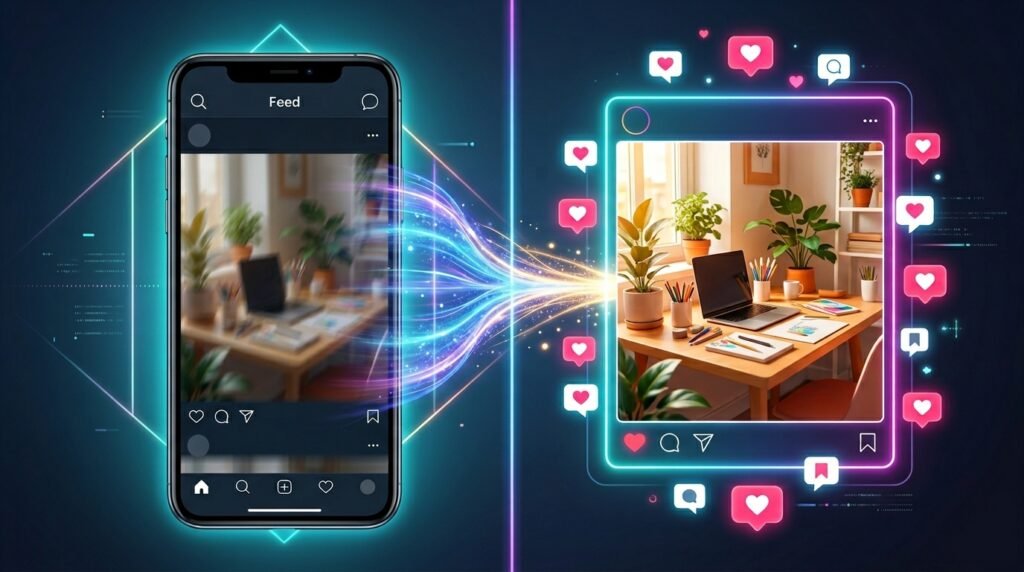
Instagram shows you many photos every time you open the app. The algorithm notices when people stop and look at your post. If your picture is dark, blurry, or messy, people will scroll past it fast.
Good editing makes your photos:
- Bright and clear
- Nice to look at for a long time
- Matching your personal style
It also helps remove small problems like trash in the background or bad shadows on your face. In 2026, AI tools make this job quick and easy. You can fix a photo in just a few minutes.
Top Instagram Picture Editing Apps You Should Try in 2026
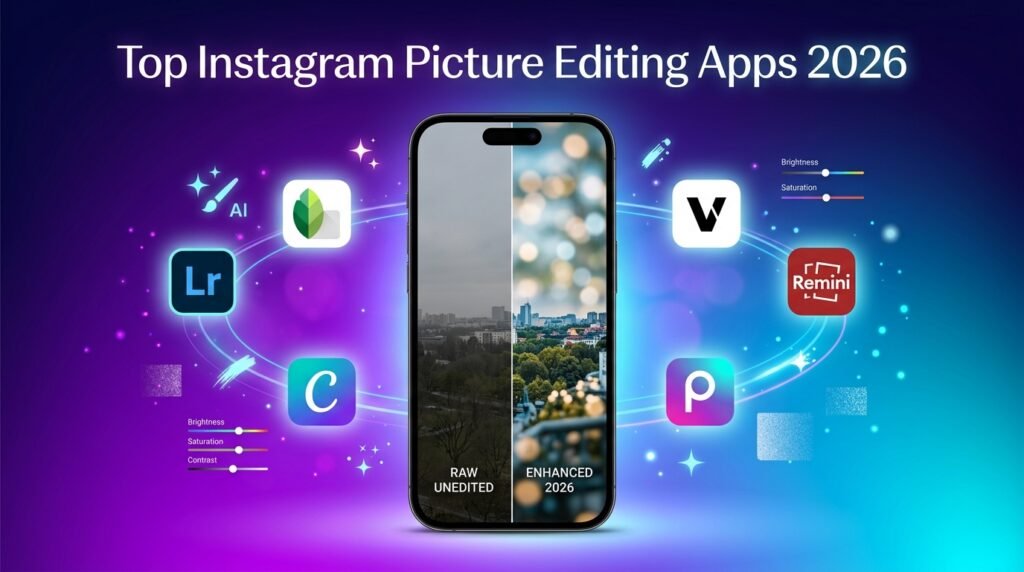
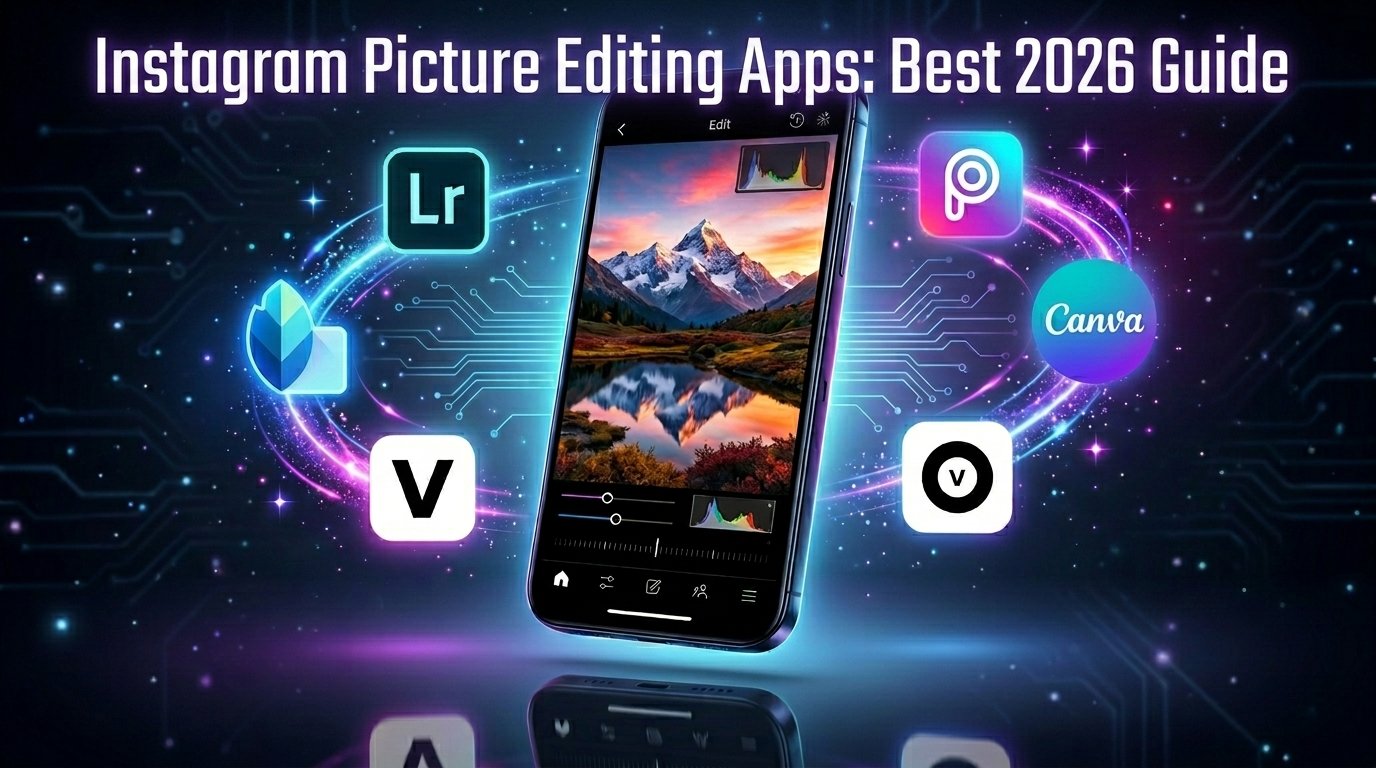
Here are the best apps that real people and experts like this year. Each one is good for different needs.
Adobe Lightroom Mobile: Best for Full Control
Adobe Lightroom is one of the strongest apps for serious editing. It works great on phones and gives you many tools.
What makes it special in 2026?
It has smart AI features. You can remove unwanted objects easily, and the app fills the empty space naturally. There is also Lens Blur to make the background soft and pretty. You can save your favorite settings as presets and use them on many photos quickly. It works well with RAW photos from your phone, which keep more details for better editing.
Who should use it?
People who want professional-looking results. There is a free version with good tools. For full power, you pay a small monthly fee.
Snapseed: Best Completely Free App
Snapseed from Google is still a favorite for many people. It is totally free with no ads and no hidden payments.
What makes it special?
The Selective tool is very useful. You tap on one part of the photo, like a face, and change only that area’s brightness or color. The Healing tool removes small unwanted things. New updates added film-style looks and better masking tools. The app is easy to learn but powerful enough for experts.
Who should use it?
Beginners and anyone who does not want to spend money. It is simple but gives great results.
Canva: Best for Adding Text and Designs
Canva is more than a photo editor. It helps you make complete posts with pictures, words, and nice layouts.
What makes it special in 2026?
Magic Studio uses AI to expand photos, remove backgrounds, or create new parts. You can change a square photo into a tall story size easily. Save your brand colors and fonts so all your posts look the same. It is perfect for business accounts.
Who should use it?
Small businesses, influencers, or anyone who adds text to photos. The free version is strong, and paid plans give more AI options.
VSCO: Best for Pretty Film Looks
If you like soft, artistic photos that feel like old films, VSCO is a great choice.
What makes it special?
It has Film X presets that copy real film cameras like Kodak and Fujifilm. These add gentle colors and soft grain that look natural and beautiful. Many creators use it for a calm, stylish feed.
Who should use it?
People who want an artistic or vintage style. Basic tools are free, and you can buy extra presets.
Picsart: Best for Creative Fun
Picsart is like a playground for turning normal photos into art.
What makes it special?
AI tools let you add new things to photos by typing words. You can remove backgrounds, add stickers, or create cool effects. It is fast and made for social media.
Who should use it?
Creative people who like to experiment. Free with paid options for more features.
Remini: Best for Fixing Blurry or Old Photos
Remini uses strong AI to make bad photos look sharp and new.
What makes it special?
It fixes blurry faces, adds details, and makes old pictures clear. You can also create nice profile pictures from a few selfies.
Who should use it?
Anyone with low-quality or old photos. It has free trials and paid plans.
Other Helpful Apps
PhotoRoom is excellent for product photos. It removes backgrounds quickly and makes clean studio-style pictures. Great for selling things on Instagram.
How to Pick the Right App for You
Think about what you need:
- Just starting and want free? → Try Snapseed first.
- Need pro results? → Use Lightroom.
- Make posts with text and designs? → Choose Canva.
- Want beautiful artistic looks? → Go with VSCO.
- Fix old or blurry photos? → Use Remini.
- Be very creative? → Pick Picsart.
Most people use two apps together. Fix lighting and colors in Snapseed or Lightroom. Then add final touches in Canva or VSCO.
Popular Trends in Instagram Editing Right Now
In 2026, these styles are very popular:
- Natural “no-edit” look: Photos that seem real and not too changed. Clean up small problems but keep the natural feeling.
- Soft grain and textures: A little film grain makes pictures feel warm and real. VSCO is perfect for this.
- AI background changes: Change a plain wall to a nice beach or office without leaving home.
- Consistent style: All your photos use similar colors so your profile looks like one nice story.
These trends help your posts feel fresh and get more attention.
Simple Tips to Make Your Photos Better
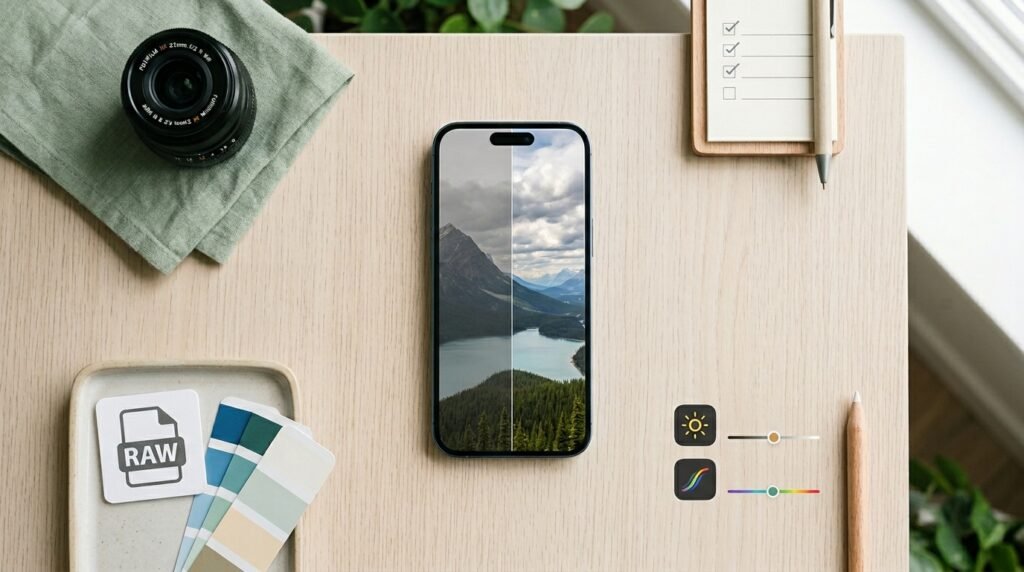
Here are easy ways to improve your editing:
- Take photos in good light when possible. Use your phone’s Pro or RAW mode for more editing power.
- Use Vibrance instead of Saturation. This makes colors nice without making skin look strange.
- Edit many photos at once with batch tools in Lightroom.
- Always keep the original photo safe.
- Look at your edited picture on different phones before you post.
- Do not add too many changes. Natural skin and light look best this year.
Practice a little every day. You will get faster and better quickly.
Common Mistakes and How to Avoid Them
Many beginners make colors too strong or add heavy filters. This can make photos look cheap. Instead, make small gentle changes.
Do not forget to match the style with your audience. Food photos need different editing than travel or fashion pictures.
Test your photo by zooming in. Fix any weird spots before posting.
Easy Step-by-Step Editing Workflow
Follow this simple order for great results:
- Open your photo in Lightroom or Snapseed. Fix light, colors, and crop it nicely.
- If the photo is blurry, use Remini to make it sharp.
- Move to Canva to add text, stickers, or change the size.
- Add a final soft film look in VSCO if you want.
- Save the picture in the right size for Instagram (usually 1080 pixels wide).
- Post and see the good response!
This whole process takes only a few minutes after you practice.
How to Build a Strong Instagram Feed
A good feed looks like one beautiful story. Choose 2-3 colors that go well together. Use the same style for all photos. This makes people remember your account and want to follow you.
Post regularly. Good editing helps each photo perform better, so your account grows faster.
Final Words
You do not need expensive tools to make stunning Instagram posts in 2026. These apps are easy to use and many are free or low cost. Start with one app today – maybe Snapseed if you want something free and powerful, or Lightroom for more control.
Experiment and find your own style. The most important thing is to enjoy the process and create pictures that feel like you. With a little practice, your phone photos can look professional. Your followers will notice the difference, and your Instagram will grow.
Happy editing! Go open one of these apps and try it now. Your next beautiful post is waiting.
Disclaimer: This article is written only to share helpful and honest information. All details about the apps and features are based on publicly available information in 2026. The images used are only for reference and illustration purposes. This is not a promotional or affiliate article. The author does not earn any money or commission if you download or purchase any of these apps. App features, prices, and tools can change anytime, so please check the latest updates in your app store and make your own decisions.
Explore More:
Mobilism App 2026: Ultimate Guide to Features, Downloads, Safety, Legal Risks & Hidden Benefits
Woodforest Bank App 2026: The Ultimate Login, Mobile Banking, Features & Troubleshooting Guide
About the Author