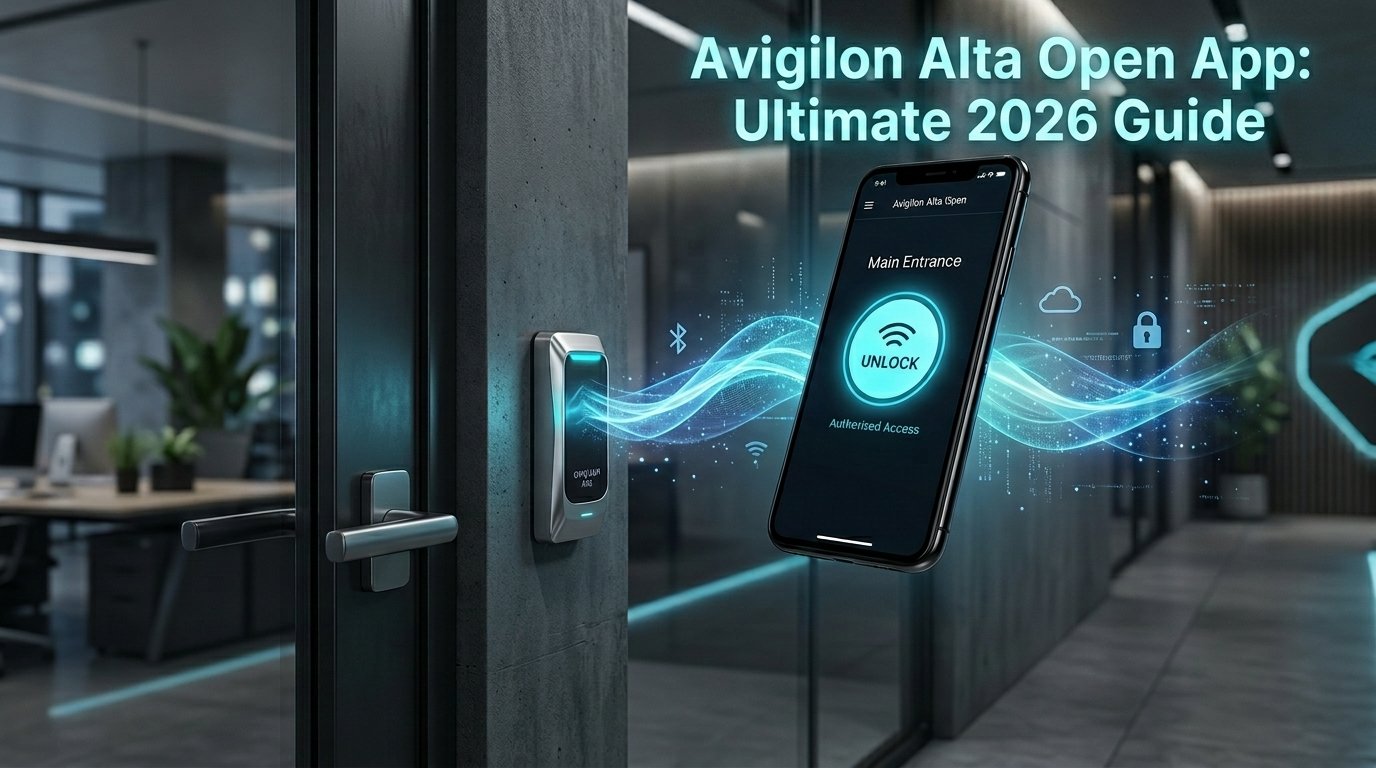
In 2026, many people no longer need physical keys or plastic cards to enter buildings. They just use their smartphones. One of the best tools for this is the Avigilon Alta Open app. It was known as Openpath before, but it is the same helpful technology.
This guide is written in very simple words. It explains everything step by step so you can understand and use the app easily. You will learn how to download it, set it up, use its main features, and see why it is safe. By the end, you will feel ready to try it yourself.
What Is the Avigilon Alta Open App?
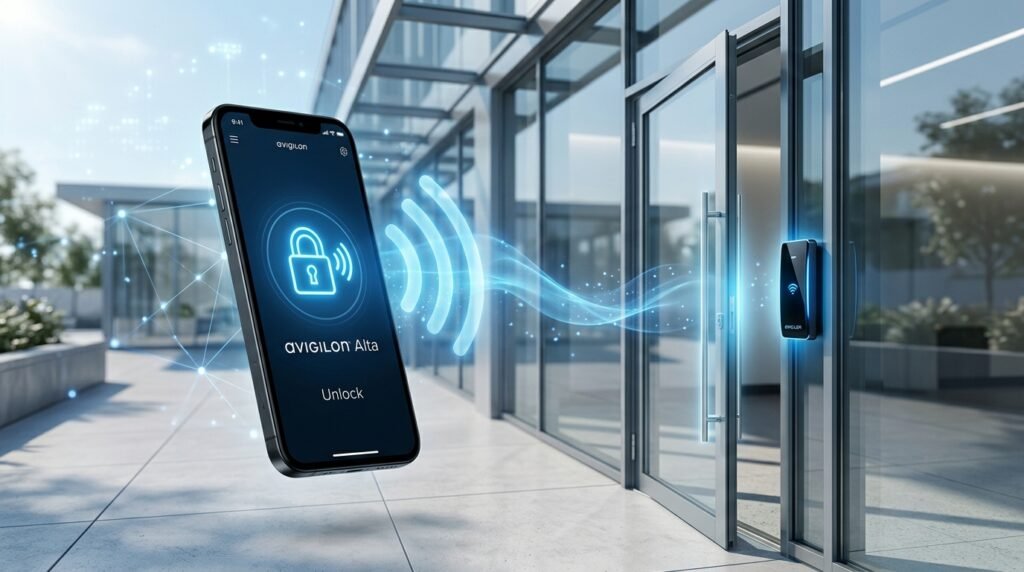
The Avigilon Alta Open app lets you open doors with your phone. It works with a special system called Avigilon Alta Access Control. This system is cloud-based, which means it uses the internet to manage who can enter a building.
The app turns your phone into a smart digital key. You do not need to carry extra things anymore. It is used in offices, apartment buildings, gyms, schools, and many other places.
Avigilon is a trusted company that helps with building security. They changed the name from Openpath to Avigilon Alta, but everything works the same way. If you see the old name on a door or paper, it is still the same good system.
The app is free to download. It only works in buildings that have Avigilon Alta door readers installed. It makes daily life easier by letting you enter quickly and safely.
Why This App Is Popular in 2026
Old keys and badges have problems. You can lose them, forget them, or someone else can use them. The Avigilon Alta Open app solves these issues. It is fast, simple, and gives building managers better control.
People like it because they can walk up to a door and open it without taking their phone out of their pocket. This is great when your hands are full with bags, coffee, or children.
Building owners like it because they can see who enters and when. They can change access rights quickly if someone leaves the company. This makes security stronger and management easier.
Many real users say it saves time every day. No more waiting for someone to open the door for guests. No more replacing lost badges.
Main Features of the Avigilon Alta Open App
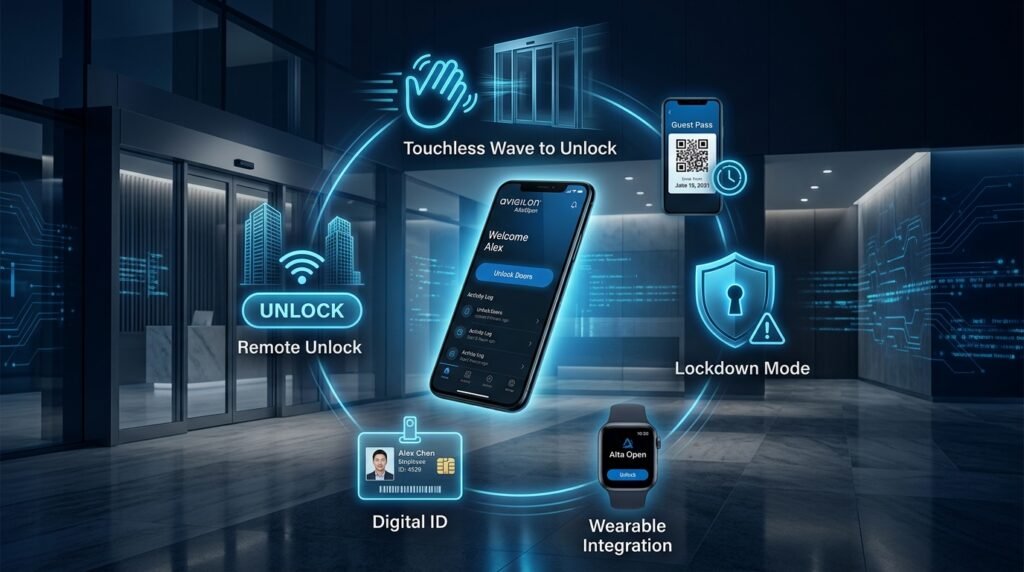
The app does more than just open doors. Here are the most useful things it offers in 2026.
Touchless Wave to Unlock
This is the favorite feature for most people. Keep the app running in the background with Bluetooth turned on. When you get close to the door, simply wave your hand near the reader. The door opens automatically. You do not even need to touch your phone. It feels like magic but works with safe Bluetooth technology.
Guest Passes
Do you have a visitor coming? You can send them a digital guest pass from the app. The pass can work only for a few hours or one day. Your guest gets a link on their phone and can enter easily. You do not need to go down and open the door for them.
Remote Unlock
Sometimes you are not near the building but need to let someone in. If you have permission, you can open a door from anywhere using the app. This is helpful for delivery people, repair workers, or family members.
Digital Mobile Badge
Many places need you to show an ID card. The app can show your name, photo, and details on your phone screen. It replaces the plastic badge you used to wear around your neck.
Lockdown Mode
In an emergency, people in charge can lock all doors quickly through the app. This helps keep everyone safe inside the building.
Activity Records
Every time a door opens, the system saves a record. It shows who opened it and at what time. This helps security teams if they need to check something later.
Apple Watch Support
If you have an Apple Watch, the app works on it too. You can tap your watch to open doors. It is very convenient.
These features make the app useful for normal workers, residents, visitors, and managers.
How to Download the Avigilon Alta Open App
Downloading the app is easy. First, check if your phone can run it.
For iPhone users:
Open the Apple App Store.
Search for “Avigilon Alta Open”.
Your phone needs iOS 15.1 or newer.
Tap the Get button to download.
For Android users:
Open the Google Play Store.
Search for “Avigilon Alta Open”.
Your phone needs Android 10.0 or newer.
Tap Install.
The app does not take up too much space. Keep it updated so you get new improvements and fixes.
If you have an Apple Watch (Series 1 or newer with watchOS 4.2 or later), the app can connect to it. You set it up from your iPhone, and it works on your wrist too.
Step-by-Step Guide to Login and Setup
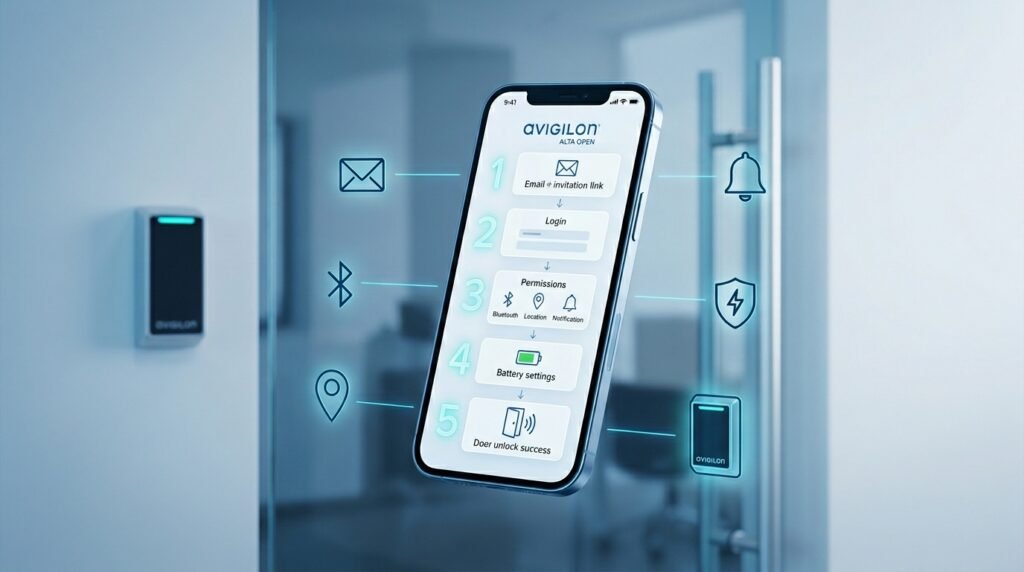
You cannot start opening doors right after downloading the app. Your office or building manager must first invite you.
Step 1: Get the Email Invitation
Your administrator sends you an email with a special setup link. Click that link. Keep the email until everything is working.
Step 2: Open the App and Sign In
Launch the app. Enter the email address your company or building uses. Follow the simple steps to create a password or confirm who you are.
Step 3: Give the App Necessary Permissions
The app needs a few permissions to work well:
- Bluetooth: This lets your phone talk to the door reader.
- Location: Set it to “Allow All the Time”. The app only uses this near the doors. It does not follow you everywhere.
- Notifications: This tells you if there is a problem or message.
These permissions are important for the touchless wave feature.
Step 4: Fix Battery Settings
Some phones try to save battery by stopping apps in the background. Go to your phone settings and turn off battery saving for this app. This keeps Wave to Unlock ready all the time.
Step 5: Test the App
Walk to a door and try waving your hand. If it opens, you are ready. If not, check the troubleshooting part later in this guide.
The full setup usually takes only a few minutes.
How to Use the App Every Day
Once set up, the app becomes very easy to live with. Keep Bluetooth on and let the app stay in the background. Most people forget it is even there until they need it.
You can see a list of doors you can open. Some buildings let you mark favorite doors for quick access.
For doors with intercoms, you can talk to visitors directly from your phone through the app.
The system works even if you have poor internet because it uses Bluetooth when you are close to the door.
Is the Avigilon Alta Open App Safe to Use?
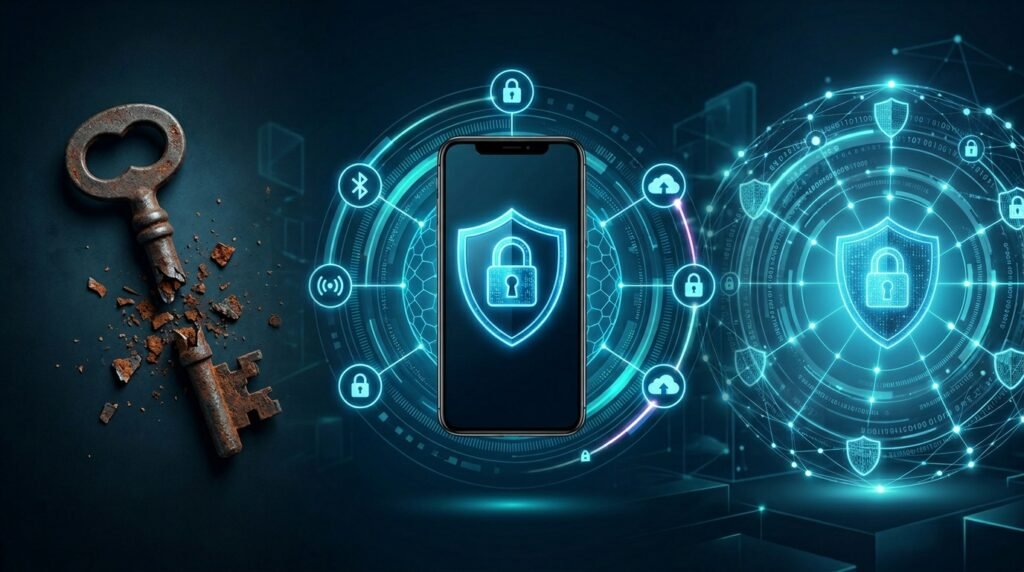
This is a common question. Many people wonder if a phone app is safer than a real key.
The answer is yes, it is often safer.
If you lose a metal key, anyone can use it. If you lose your phone, it is protected by your face ID, fingerprint, or passcode. The building manager can turn off your digital key right away from the cloud.
The app uses strong encryption with Bluetooth Low Energy. This makes it hard for bad people to steal your information.
Every action is recorded. Security teams can check logs easily. This helps stop unwanted entry.
You can also remove access instantly when someone no longer needs it. This is much better than collecting old keys or badges.
Of course, you should always protect your phone with a strong passcode and keep the app updated. No system is 100% perfect, but experts say this one is very secure for normal use in 2026.
Common Problems and How to Fix Them
Sometimes the door does not open right away. Try these simple fixes:
- Make sure Bluetooth is turned on.
- Turn Bluetooth off for 10-30 seconds, then turn it back on.
- Check that the app is not closed completely. It should run in the background.
- Confirm location permission is set to “Always”.
- Update the app to the newest version.
- Stand close enough to the door reader (usually within a few feet).
On Android phones, battery settings are often the main reason for problems. On iPhones, make sure Low Power Mode is off when you test.
If the wave feature still does not work, ask your building administrator for help. You can also contact support at support@openpath.com.
Most problems come from phone settings, not the app itself. Taking time to set permissions correctly saves a lot of trouble later.
Who Benefits Most from This App?
Office workers – Enter easily even when carrying things.
Apartment residents – Send guest passes to friends or delivery drivers without leaving home.
Building managers – Control everything from their phone and see clear records.
Visitors – Get simple links and enter without waiting.
This app works well for small places and big organizations.
What the Future Looks Like
In 2026, more and more buildings are moving to phone-based access. The Avigilon Alta system gets updates automatically. New features come without changing door hardware.
The company keeps improving the app with better performance and new tools. This is the direction security is going – smarter, faster, and more convenient.
Final Thoughts
The Avigilon Alta Open app offers a great mix of easy use and strong security. Wave to unlock, guest passes, remote control, and digital badges make daily life simpler. Follow the download and setup steps carefully. Pay extra attention to permissions and battery settings. Once everything is ready, you will enjoy keyless living.
If your building uses this system, ask the manager to add you today. You will quickly see how much better it is than old keys and badges. Modern door access has arrived. It is safe, simple, and ready for you to use. Try the Avigilon Alta Open app and enjoy the freedom of using only your phone.
Disclaimer: This article is written only to provide helpful and easy information about the Avigilon Alta Open app. All details are based on publicly available information as of 2026. Images and screenshots used in this article are for reference only and may look different on your phone. This is not a promotional or affiliate article. We do not earn any money or receive any benefit if you download or use the app. Always verify the latest details directly from the app or your building administrator, as features and settings can change. Use this guide at your own risk. We are not responsible for any issues you may face while using the app.
Explore More:
Mobilism App 2026: Ultimate Guide to Features, Downloads, Safety, Legal Risks & Hidden Benefits
Woodforest Bank App 2026: The Ultimate Login, Mobile Banking, Features & Troubleshooting Guide
About the Author